

Here's the cool thing about for forscan.This is my concern. I have an 2023 XLT Hybrid and want to make sure this will work before I change it.
If it doesn't work, you change it back.
Sponsored
Here's the cool thing about for forscan.This is my concern. I have an 2023 XLT Hybrid and want to make sure this will work before I change it.
Let me know if you can help me out. I tried changing the TSR in easy mode and got the same issue as you with it disabling the adaptive cruise. I thought I backed up that page, but it looks like it didn't save. How did you get adaptive cruise back on?I got this to work relatively easily.. and trust me, I am not proficient at anything computer related. Initially, I tried to avoid easy mode as recommended but the first digit I changed (per the first page of this thread) disabled adaptive cruise. I restored that from the backup but was spooked. Soo..
Here is what I did:
1. Easy mode - change TSR to enabled, SLIF, camera only
2. Change the as built codes provided by nick:
720-03-02 -- xx4x xxxx xx
720-09-01 -- xxxx xxxx 8x
Took me 5 mins.
Let me know if this works for you.
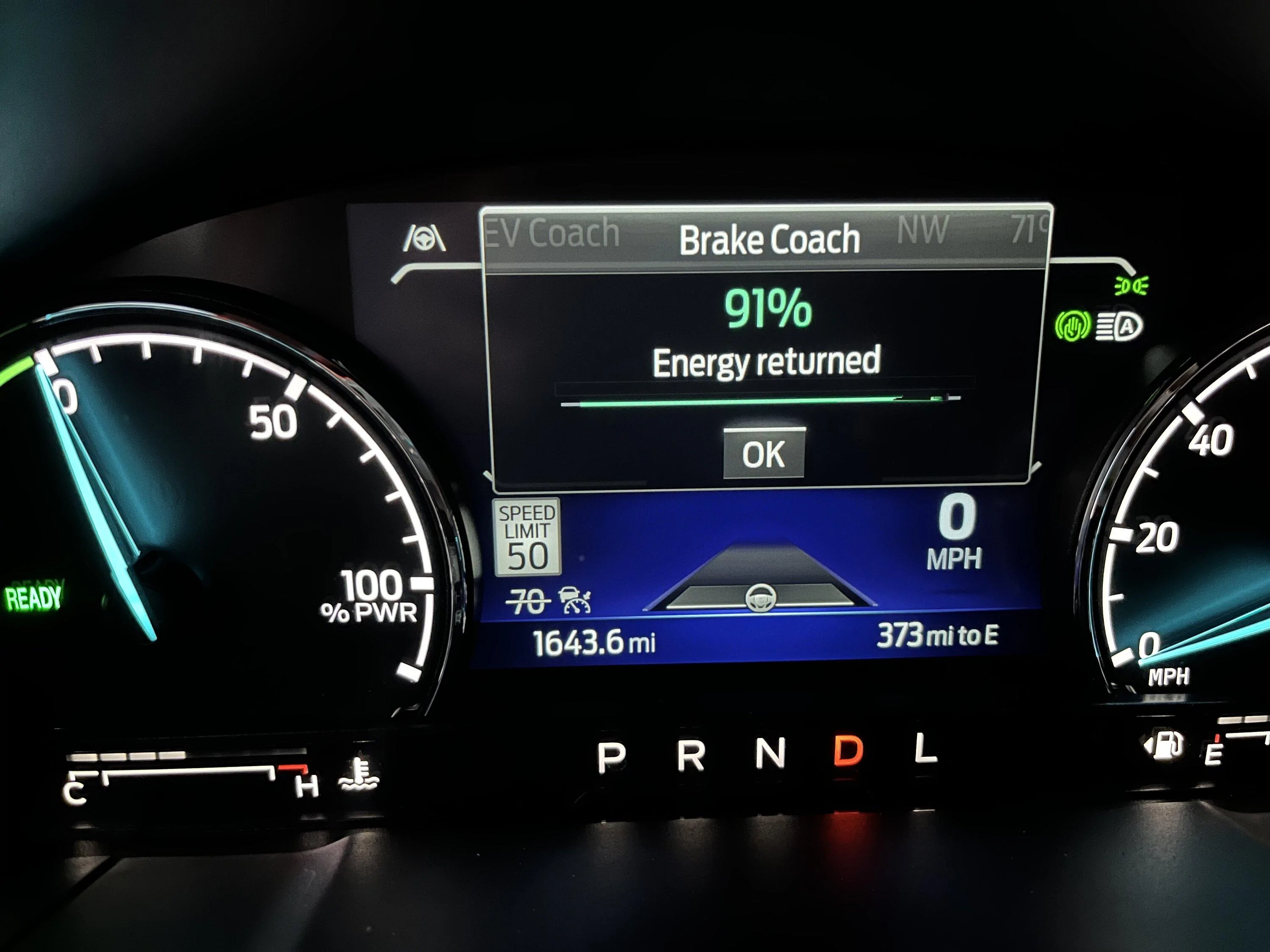

You might want to consider downloading your As-Built codes and comparing them to the factory codes. This is precisely why I avoided using this method, as there are numerous potential issues if you input the wrong code. It's not that it can't be done, but rather that it's not as straightforward as the method I used and detailed. Plus, it relies on the assumption that your vehicle's codes are identical to those of other vehicles. I believe there are many variables at play, so a code that worked for one user may not work for another, depending on the vehicle's model, trim, and more. The method I outlined below has proven effective for me and several others, only requiring the change from "Disable" to "Enable." I suggest checking these settings to see whether Adaptive Cruise is enabled or disabled.Let me know if you can help me out. I tried changing the TSR in easy mode and got the same issue as you with it disabling the adaptive cruise. I thought I backed up that page, but it looks like it didn't save. How did you get adaptive cruise back on?
Awesome, thank you. I was able to restore back to the factory defaults with that and everything seems to be back in working order. I will try your method and see if it works, if not, I might give up. I have a 2023 Hybrid Lariat with Co-pilot 360 and 360 Assist.You might want to consider downloading your As-Built codes and comparing them to the factory codes. This is precisely why I avoided using this method, as there are numerous potential issues if you input the wrong code. It's not that it can't be done, but rather that it's not as straightforward as the method I used and detailed. Plus, it relies on the assumption that your vehicle's codes are identical to those of other vehicles. I believe there are many variables at play, so a code that worked for one user may not work for another, depending on the vehicle's model, trim, and more. The method I outlined below has proven effective for me and several others, only requiring the change from "Disable" to "Enable." I suggest checking these settings to see whether Adaptive Cruise is enabled or disabled.
Going forward, I would be very careful and AVOID changing anything related to Power Train, modes, etc. I see other's adding modes that were not originally available, and while they appear after enabling them, Sand mode on an EcoBoost AWD may not be be supported on an EcoBoost FWD even though it appears and can be selected. Same with a Hybrid. Mechanical changes like this I would NEVER alter. I did read a post on another site about someone who claims the Dealer is denying the warranty because they made changes to the Tire Size, Modes, and other engine "tunes". The owner has since found a coolant leak in the block, and somehow erased their VIN and the Dealer apparently told them they are out of luck and are wanting them to pay out of pocket. So this is a warning that altering items could also VOID a warranty if they determine changes were made that caused damage.
This information is provided as-is for informational purposes only. Please use it at your own risk.
In any case, this is what I did to enable TSR.
https://www.mavericktruckclub.com/f...3-xlt-hybrid-w-luxury-diy-instructions.38227/
Your As-Built codes can be found here by entering your VIN. Download and save these for future reference.
https://www.motorcraftservice.com/AsBuilt
Glad you got it fixed. If enabling TSR works using my method, please update that post. Thanks!Awesome, thank you. I was able to restore back to the factory defaults with that and everything seems to be back in working order. I will try your method and see if it works, if not, I might give up. I have a 2023 Hybrid Lariat with Co-pilot 360 and 360 Assist.
I have an Ecoboost Lariat.Let me know if you can help me out. I tried changing the TSR in easy mode and got the same issue as you with it disabling the adaptive cruise. I thought I backed up that page, but it looks like it didn't save. How did you get adaptive cruise back on?
I have a 23 base lariat hybrid that i cannot figure out how to get square signs instead of the round, any ideas? thanksThis has been tested and will work on all models that do not have a Ford Navigation system installed. It should work on models with a Ford Navigation system but will require different settings and may also require some APIM module changes to fully integrate the Navigation sign information into the display cluster.
Tools need
Forscan software and a programming cable
Tutorial assumes you already know how to program using forscan.
Method 1 - No Ford Navigation system installed
This applies to 4 inch and 6 inch clusters, this will show the traffic speed signs as round in the 6inch clusters.
First we need to enable TSR camera function in the Image Processing Module
IPMA
706-01-01
xxxx-xxD2-xxxxx
This enables TSR in camera only mode and the sign mode being SLOIF
SLOIF = speed limit and overpass signs
Next we need to activate it in the instrument cluster
IPC
720-03-02
xxCx-xxxx-xxxx
This activates the TSR menu
Next optionally is for the speed warning menu. If you leave it default you'll get 2 tolerance options for below and above 35 MPH. If you set this it will display it as a single tolerance option.
IPC
720-10-01
xCxx xxxx xxxx
This will display it as a single option. The tolerance will flash the speed limit sign in the cluster if you are traveling that many miles or more above the posted speed limit.
Finally if you want an audible warning to going along with the tolerance setting this value will enable chimes.
IPC
720-04-01
xxxx-xx4x-xxxx
This will give an option to enable chimes in the speed warning section of the menu
Method 2 - No Ford Navigation system installed recommended for 6inch cluster screens.
Thanks to @nickn066 for pointing this out originally
This also applies to 4inch cluster screens.
This method enables Speed Sign Recognition which is a subset of TSR. It is a different menu and only applies to speed limit signs. If you have a 6 inch cluster and want the speed limit signs to be displayed as squares like in the 4inch cluster screen then use this method instead.
First we need to enable TSR camera function in the Image Processing Module there are 2 settings that will work
IPMA setting 1
706-01-01
xxxx-xxD2-xxxxx
This enables TSR in camera only mode and the sign mode being SLOIF
SLOIF = speed limit and overpass signs
IPMA setting 2
706-01-01
xxxx-xxD3-xxxxx
This enables TSR in camera only mode and the sign mode being SLIF
SLIF = speed limit signs only
It is recommended to use setting 2 here since the SSR menu in the IPC cluster only operates in SLIF mode.
Next and finally we just need to enable the Speed Sign Recognition menu in the cluster. By default it is disabled.
IPC
720-09-01
xxxx-xxxx-8xxx
This enables the Speed Sign Recognition menu.
Method 3 - Ford Navigation system installed.
writeup to follow
That is it and if you did everything correctly TSR which is undocumented on the Maverick thus far will be enabled and working correctly in the instrument cluster with no conflicts with other safety features.
Have you try theses changes?I have a 23 base lariat hybrid that i cannot figure out how to get square signs instead of the round, any ideas? thanks
FYI I think both of these options are in EASY mode now for IPC, I did it without as-built codes to change to square signs. What I don't have is the color inversion after some time. The signs stay for a while, then disappear, no inverted colors.For those that have the larger display and want square signs.
Try the following asbuilt codes.
720-03-02 -- xx4x xxxx xx
720-09-01 -- xxxx xxxx 8x
The first actually disables the TSR options in the IPC and the second enables SLIF, sounds contradictory, but it has worked on a few FX4's, lariats, and my XL with a IPC swap
He's looking at the as built values of a vehicle that has the feature.FYI I think both of these options are in EASY mode now for IPC, I did it without as-built codes to change to square signs. What I don't have is the color inversion after some time. The signs stay for a while, then disappear, no inverted colors.
Note: Disabling TSR in IPC means a little bit more than square vs round signs I believe. You lose the recognition of signs other than speed signs with this change. The only other signs it recognized for me before making this change was passing zone signs, which for me wasn't so useful anyways and didn't seem reliable. I am not sure, if there are any other signs others have noticed it recognizes with TSR enabled?
@nickn066 - Do you mind sharing how you came up with these codes? I'm curious to learn how people are discovering these codes. What's interesting for me is when I used EASY mode to enable SLIF in the IPC module, it actually set 720-09-01 to xxxx xxxx 9x, 9 instead of 8. For those that understand binary, I think that's because each hexadecimal value actually represents up to 4 different settings (aka bits):
Hex value 8 represents 4 binary bits: 1-0-0-0.
Hex value 9 represents 4 binary bits: 1-0-0-1.
What this tells me, is it is probably only the first bit being turned on that actually enables SLIF. But... I guess this also means that if I would have entered "8" into as-built, I might've been unknowingly turning something else off (whatever that 4th bit set to 1 represents).
Is the "as-built hacker" tool what the gurus here are using to compare as-build values of different vehicles? I think I get the idea a bit, Ideally identify two different vehicles, from the same platform that use the same modules... that have very similar feature sets EXCEPT the feature you are looking for is present on one and not the other (Corsair vs Maverick, perhaps). Maybe compare even more configs if you can't get them so close, to correlate different sets of as-built data with different differences. Perhaps you can deduct some of the differences as already known values... resulting in a smaller set of candidates that could be the setting for the feature you are looking for. I guess at that point, it's a bit of trial and error? To the Forscan geeks out there... do I have that all about right? Are there any other guides and/or tools for this kind of more advanced analysis/hacking/discovery?He's looking at the as built values of a vehicle that has the feature.
No clue which vehicle, trim or option package.

Mostly was trial and error. F150 forum has a lot of good information and the IPC they use is similar enough to ours that I was able to work out what most of the coding is meant for.FYI I think both of these options are in EASY mode now for IPC, I did it without as-built codes to change to square signs. What I don't have is the color inversion after some time. The signs stay for a while, then disappear, no inverted colors.
Note: Disabling TSR in IPC means a little bit more than square vs round signs I believe. You lose the recognition of signs other than speed signs with this change. The only other signs it recognized for me before making this change was passing zone signs, which for me wasn't so useful anyways and didn't seem reliable. I am not sure, if there are any other signs others have noticed it recognizes with TSR enabled?
@nickn066 - Do you mind sharing how you came up with these codes? I'm curious to learn how people are discovering these codes. What's interesting for me is when I used EASY mode to enable SLIF in the IPC module, it actually set 720-09-01 to xxxx xxxx 9x, 9 instead of 8. For those that understand binary, I think that's because each hexadecimal value actually represents up to 4 different settings (aka bits):
Hex value 8 represents 4 binary bits: 1-0-0-0.
Hex value 9 represents 4 binary bits: 1-0-0-1.
What this tells me, is it is probably only the first bit being turned on that actually enables SLIF. But... I guess this also means that if I would have entered "8" into as-built, I might've been unknowingly turning something else off (whatever that 4th bit set to 1 represents).
Can you elaborate on the 'easy' mode? Was there something you just enabled through FORscan? And, do your traffic signs show up as squares instead of circles?FYI I think both of these options are in EASY mode now for IPC, I did it without as-built codes to change to square signs. What I don't have is the color inversion after some time. The signs stay for a while, then disappear, no inverted colors.
It's just one of two interfaces within Forscan. Instead of changing her bits, you just click "on" and "off" for certain features that the developers have pre-programmed. The back-end changes the required bits for you.Can you elaborate on the 'easy' mode? Was there something you just enabled through FORscan? And, do your traffic signs show up as squares instead of circles?
Yup exactly. The settings were named almost exactly as Nick described the two changes. In IPC module (not “As-Built”, the one that does not say “As-Built” is the easy mode one), I found “Traffic Sign Recognition” and set it to disabled, and I found Speed Limit Information Function (SLIF) and enabled it.It's just one of two interfaces within Forscan. Instead of changing her bits, you just click "on" and "off" for certain features that the developers have pre-programmed. The back-end changes the required bits for you.





