
- First Name
- Chad
- Joined
- Dec 29, 2021
- Threads
- 9
- Messages
- 41
- Reaction score
- 107
- Location
- Greenwood, Arkansas
- Vehicle(s)
- 2011 Tundra
- Engine
- 2.0L EcoBoost
Nice! If I buy the MA1 today I will have it by Friday. I'll print the file tomorrow morning. Thanks for the link!I have the Motorola MA1 wireless adapter. Currently having my local library 3d print a holder to tuck it out of the way. I could use velcro to stick it on underside of front dash but want to try this just because.
https://www.thingiverse.com/thing:6496858
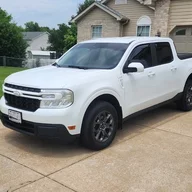
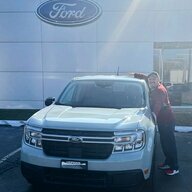
I agree, the Motorola is great. Works every time. It costs more. If you buy quality you only cry once.I have the Motorola MA1 wireless adapter. Currently having my local library 3d print a holder to tuck it out of the way. I could use velcro to stick it on underside of front dash but want to try this just because.
https://www.thingiverse.com/thing:6496858
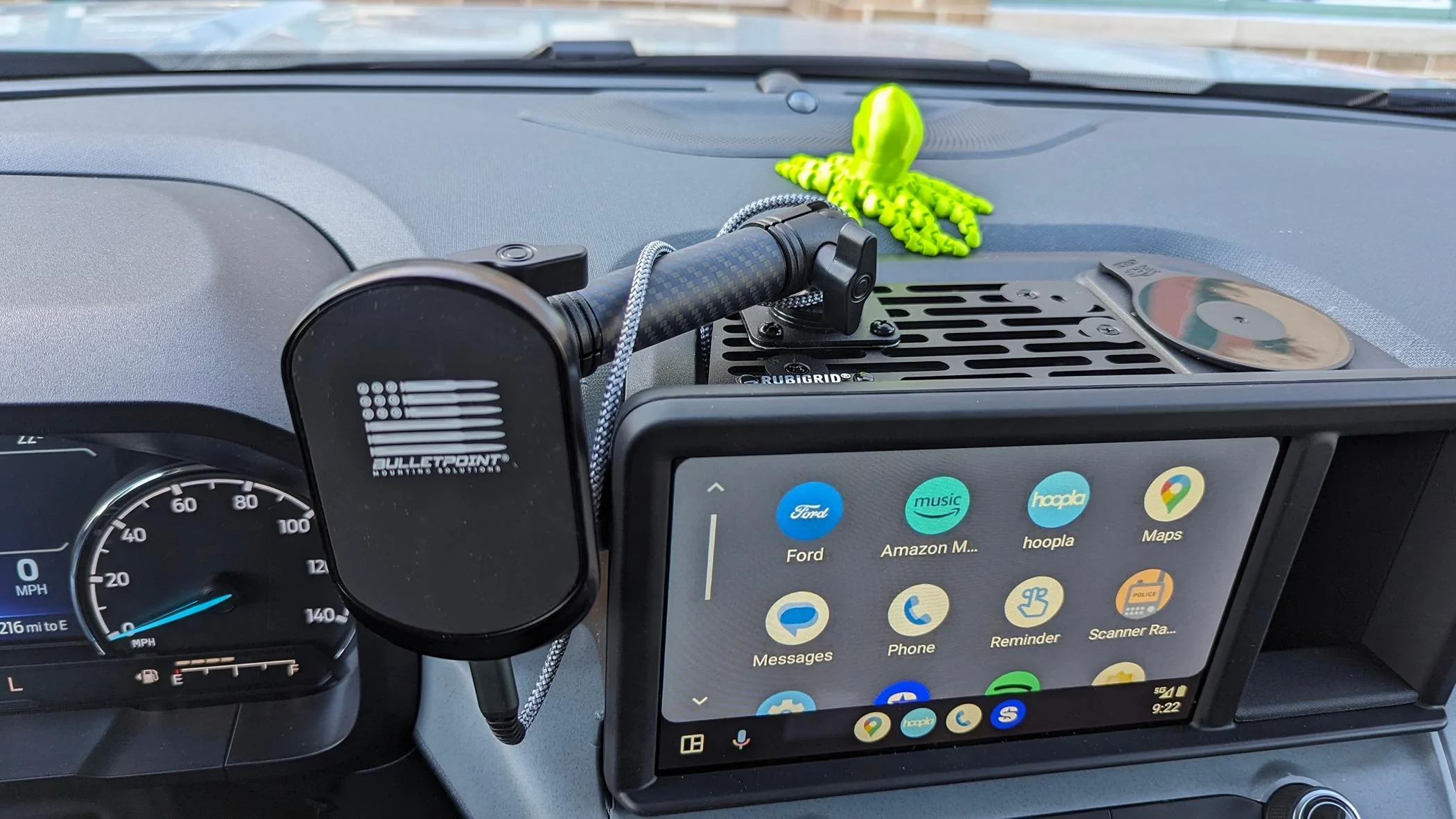
This is exactly me too, except under front dash where the usb a and c ports are. So that's why I'm trying the 3d print now. I will post some thoughts and a pic once it's printed at library.Another vote for the MA1 Motorola wireless adapter. I also bought one of these right-angle extensions to make the connector stick out a little less (https://www.amazon.com/dp/B0CDM7G5WH). I then used a bit of adhesive/velcro to tuck it up out of sight within the 'cubby' or whatever. Unfortunately, now that it's warmer the adhesive failed so I need to figure out another way to hold it up.
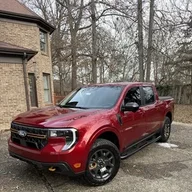
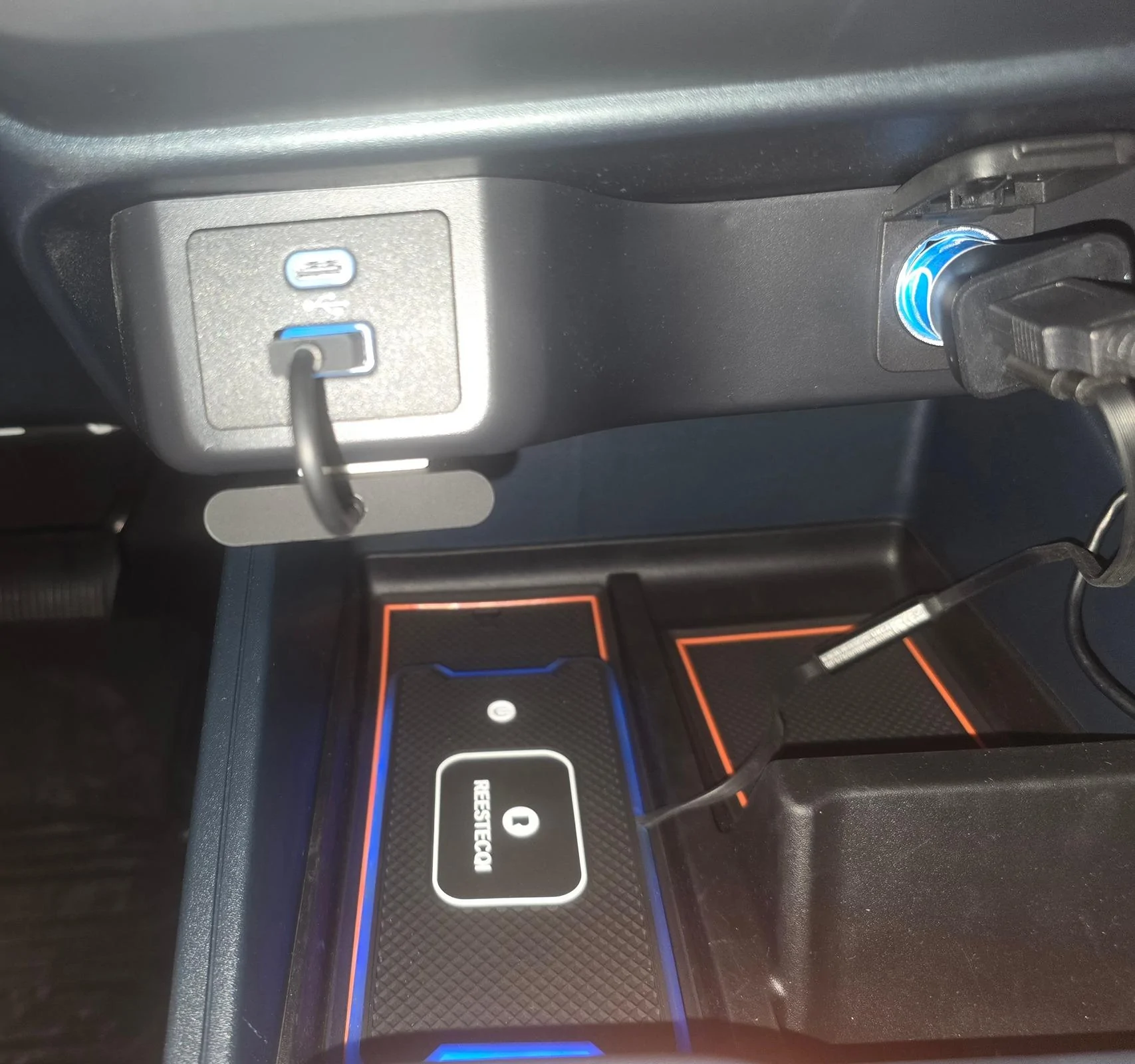
For what it's worth I had a wireless dongle but returned it because it got a little glitchy. I have come up with a better (imo) setup.Hey all, just got my Maverick Monday. I'd rather not have a cable for AA and am about to pull the trigger on the popular adapter on Amazon. Does this require line of sight or can it be tucked up behind the console? TIA