
- Thread starter
- #1
Quick aside: There is a lot of confusion on what a DRL is. A DRL is "daytime running light." It doesn't have to be its own light (think lariat), a DRL can be a signal, a low beam, a high beam at 50% (like some vehicles, but I hate that - so blinding haha). In Canada, we do not have the DRL menu in the dash, and our DRLS happen to be the lowbeam and signal lamps at 50%. Forscan/Ford refers to DRL both ways, an actual light, and something being used as a DRL. We don’t have lariats, so no need to change anything actual light related.
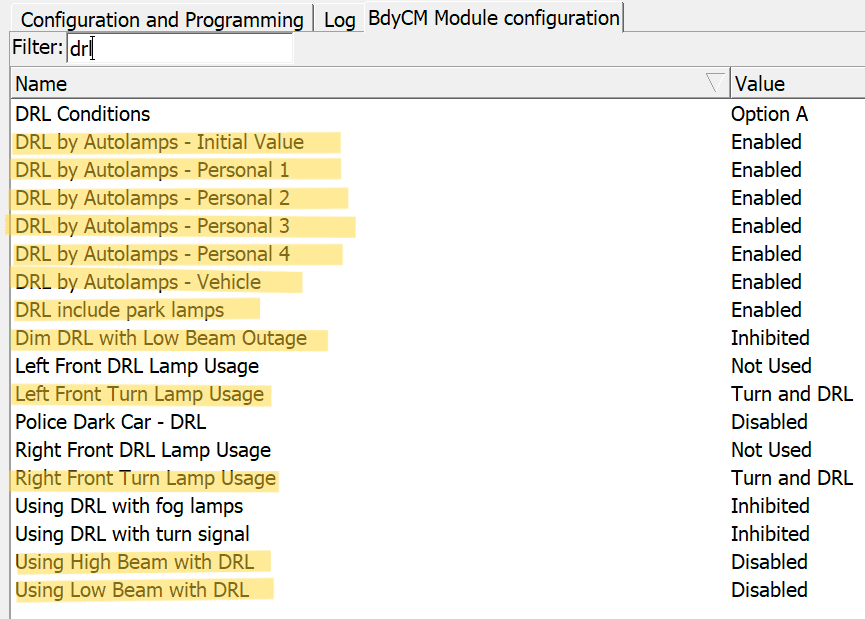
Outcome: Turn signals to be at 100% brightness for DRL.
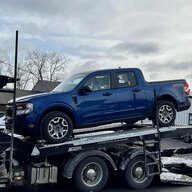
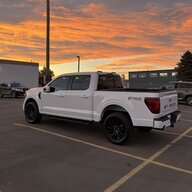
My Vehicle: 22 XLT Hybrid Mav, Canadian Spec, latest software from dealer as of Feb 2024 as it has so many darn recalls, I feel like a letter comes a month.
I made a new thread because the old thread is 2 years old and it is derailed by arguing about LED lifespan and warranty. Thanks to everyone in that thread that contributed, I went through everyone's posts over the past year and decided tonight I was finally going to crack it. I spent hours going back and forth on settings.
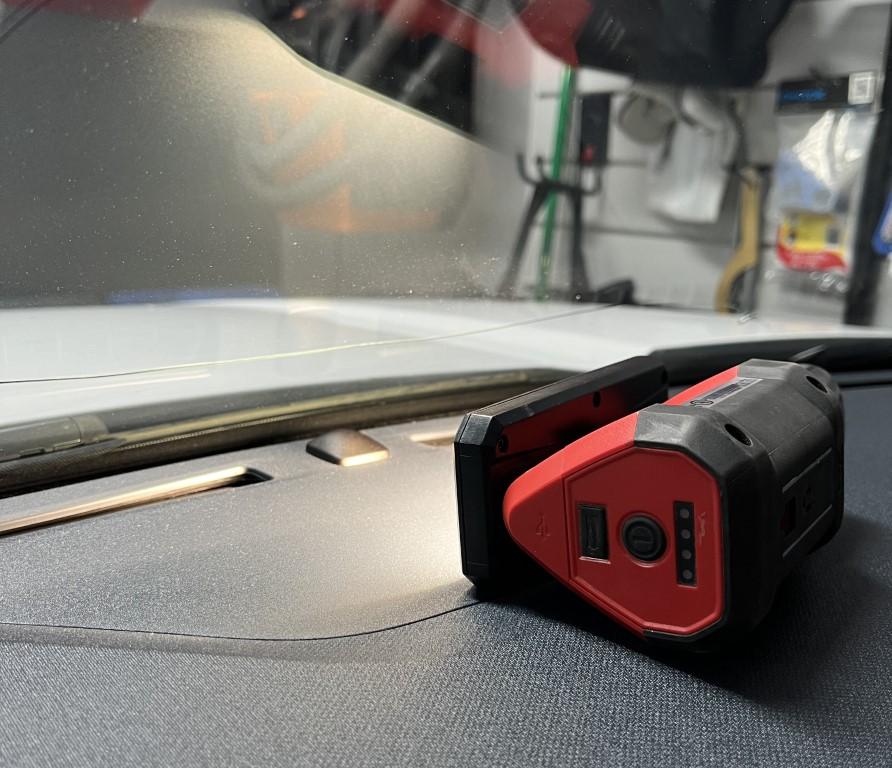
If you want to do this in your garage, the ambient light sensor is the black nub on your dashboard. I used a flashlight to force it into day mode, and then covered with my hands for 10-20 seconds (depends on what you have your mav set to) to make it go to night mode. You can test your results without having to go in and out of your garage or test at nightime etc.
Forscan:
I had a lot of weird anomolies with my truck, causing it do weird things, so go through every setting carefully. What I found to cause mine not to work was the high beam said not used for one side, and "power supply" for the right side? This was really weird. I also had all my "DRL by autolamps" disabled as well.
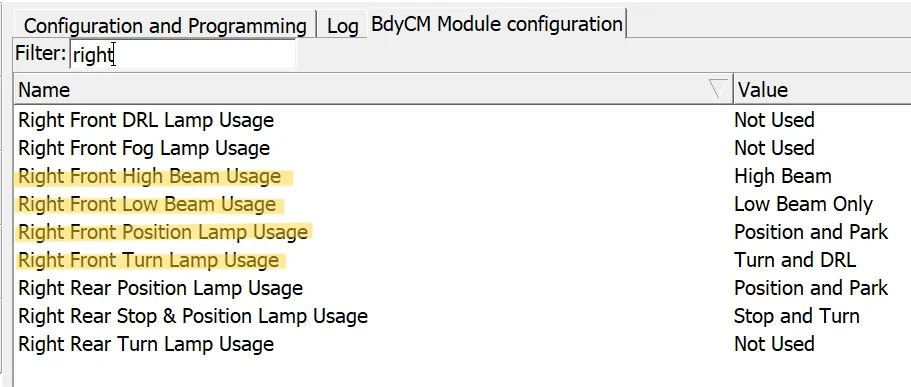
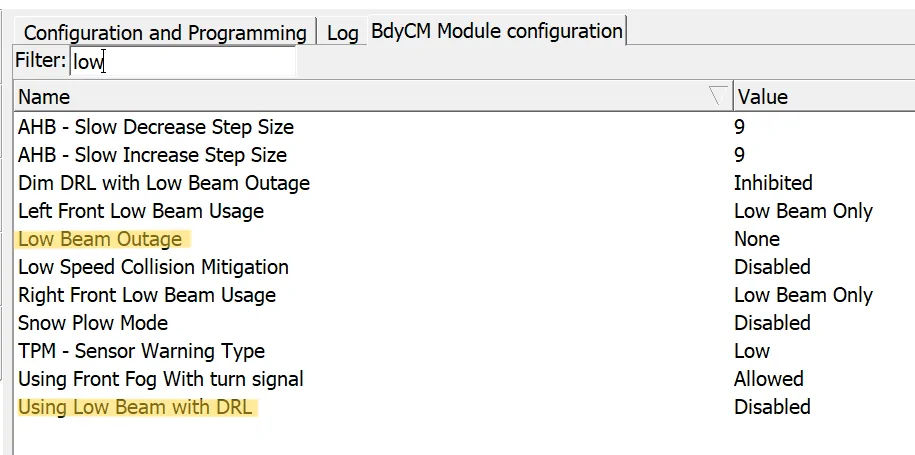
Below are my settings to get this to finally work, and I checked after a bunch of cycles:
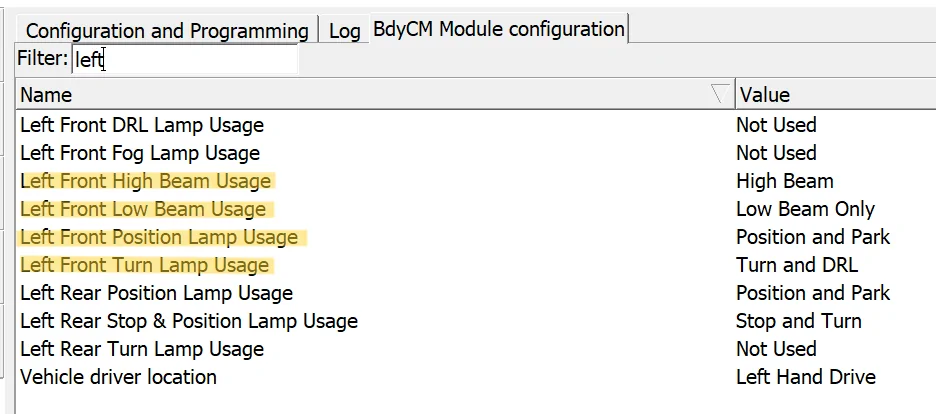
To get signals to be 100% brightness you have to change Left Front Turn Lamp Usage and Right Front Turn Lamp Usage. - Turn and DRL
LEFT
RIGHT
LOW
DRL
Pics:
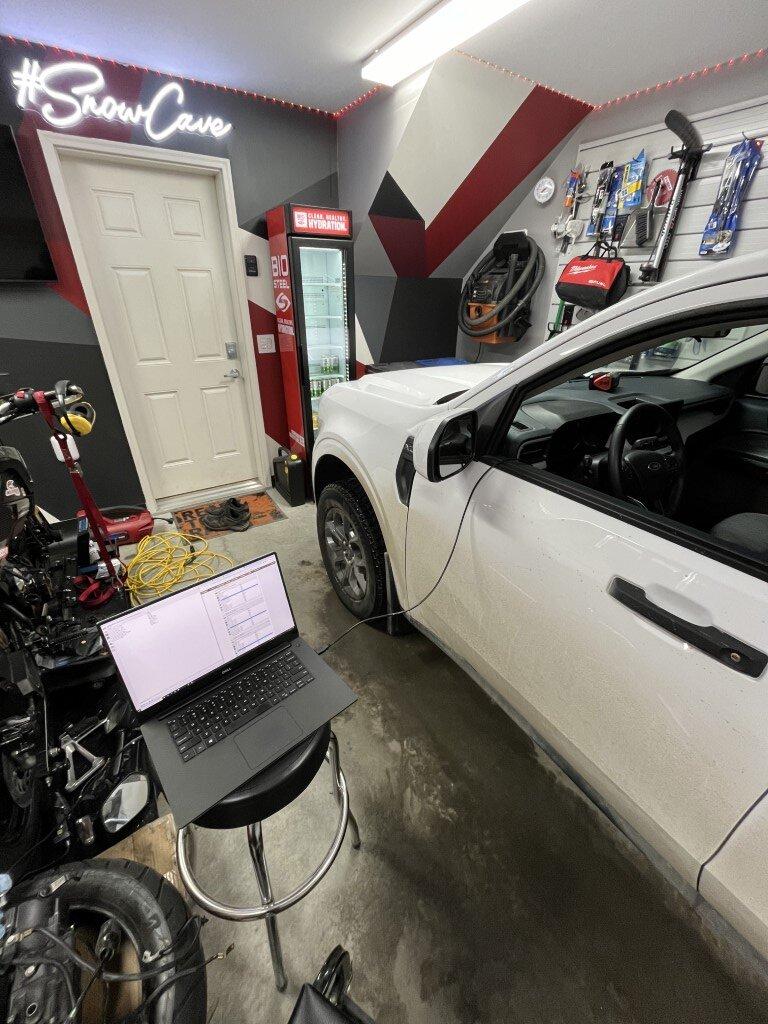
Auto Lights, Sensor Covered, vehicle in Drive, No Parking Brake.
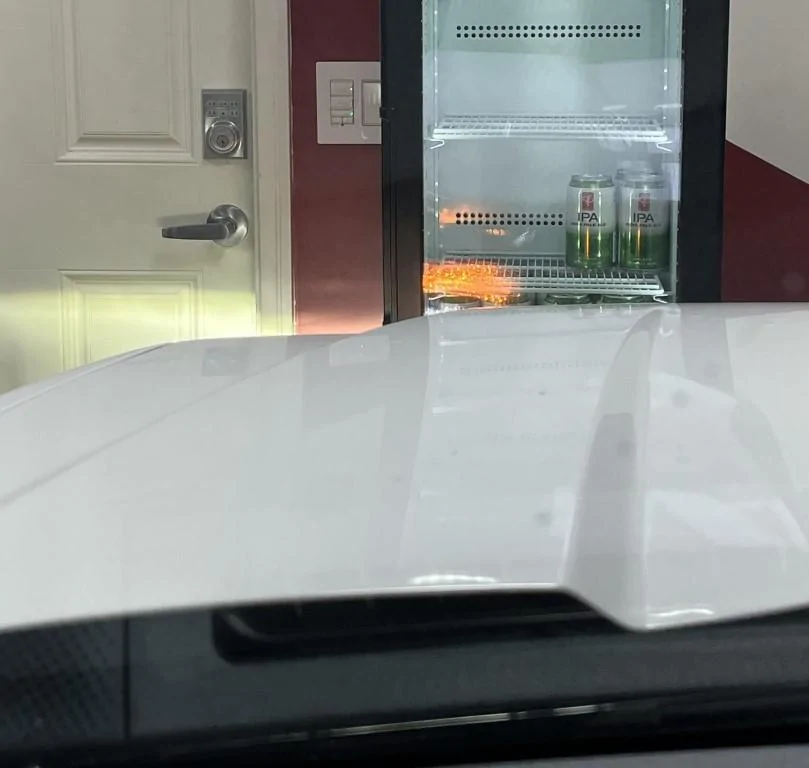
Sensor Illuminated (daytime): Signal 100% Brightness, No Low Beam, Vehicle in Drive no parking brake.
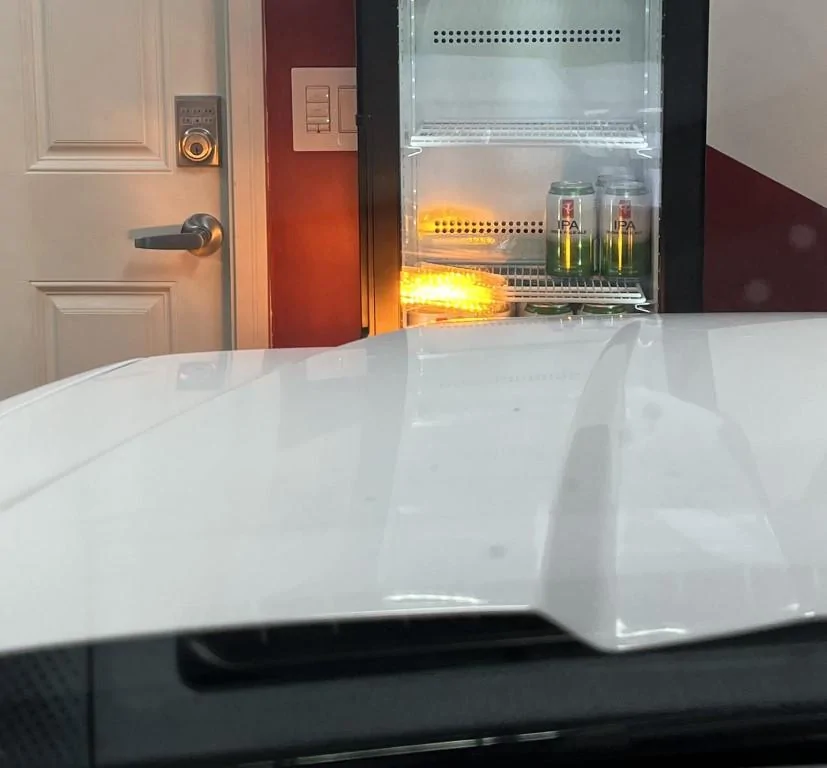
Outcome: Turn signals to be at 100% brightness for DRL.
My Vehicle: 22 XLT Hybrid Mav, Canadian Spec, latest software from dealer as of Feb 2024 as it has so many darn recalls, I feel like a letter comes a month.
I made a new thread because the old thread is 2 years old and it is derailed by arguing about LED lifespan and warranty. Thanks to everyone in that thread that contributed, I went through everyone's posts over the past year and decided tonight I was finally going to crack it. I spent hours going back and forth on settings.
If you want to do this in your garage, the ambient light sensor is the black nub on your dashboard. I used a flashlight to force it into day mode, and then covered with my hands for 10-20 seconds (depends on what you have your mav set to) to make it go to night mode. You can test your results without having to go in and out of your garage or test at nightime etc.
Forscan:
I had a lot of weird anomolies with my truck, causing it do weird things, so go through every setting carefully. What I found to cause mine not to work was the high beam said not used for one side, and "power supply" for the right side? This was really weird. I also had all my "DRL by autolamps" disabled as well.
Below are my settings to get this to finally work, and I checked after a bunch of cycles:
To get signals to be 100% brightness you have to change Left Front Turn Lamp Usage and Right Front Turn Lamp Usage. - Turn and DRL
LEFT
RIGHT
LOW
DRL
Pics:
Auto Lights, Sensor Covered, vehicle in Drive, No Parking Brake.
Sensor Illuminated (daytime): Signal 100% Brightness, No Low Beam, Vehicle in Drive no parking brake.
Sponsored
Last edited: