
- Thread starter
- #1
MPG Correction Tutorial
If your Ford Maverick displays an inaccurate MPG, you can correct it by adjusting the AFE bias in Engineering Test Mode. After calculating my truck's MPG at the pump, I discovered the displayed MPG indicated a value approximately 1.2 MPG higher than the actual value (about 4-5%)
Steps
Follow these steps to enter Engineering Test Mode and fine-tune the AFE bias for a more accurate MPG readout.
Current AFE Bias value X Calculated MPG / Displayed MPG = New AFE Bias Value
Pro Tip
I recommend repeating this process multiple times over a few fill-ups to calculate a more accurate average. When I did the math, I noticed some variance, so taking multiple readings will help you get a more precise result.
Siri Shortcuts
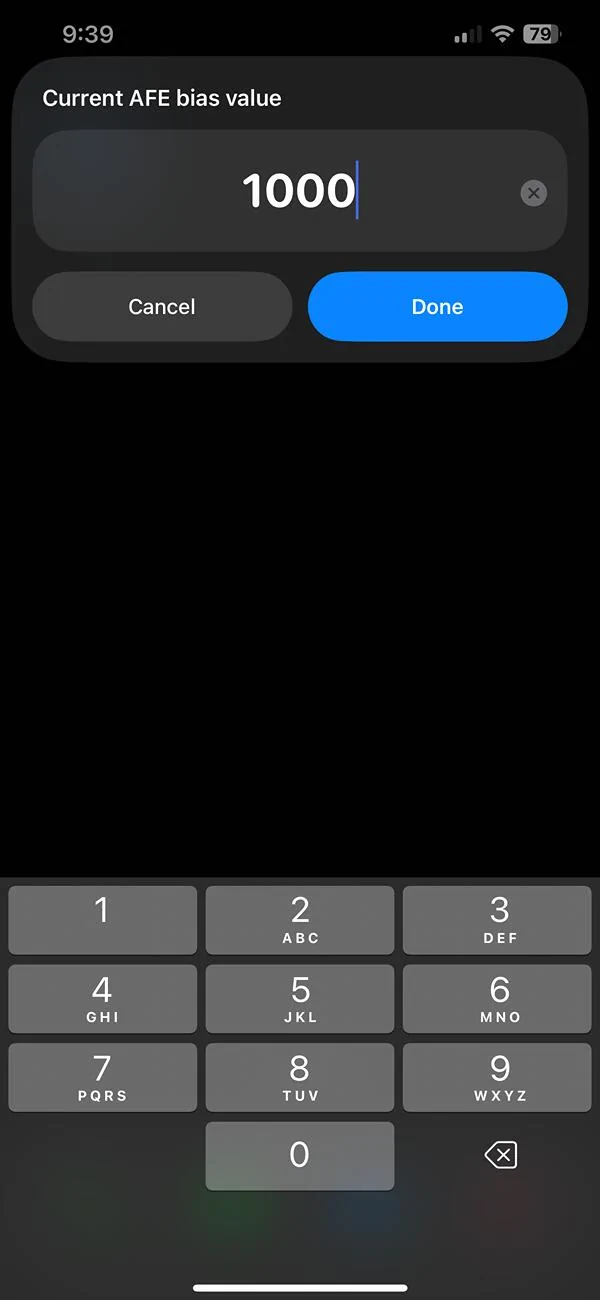
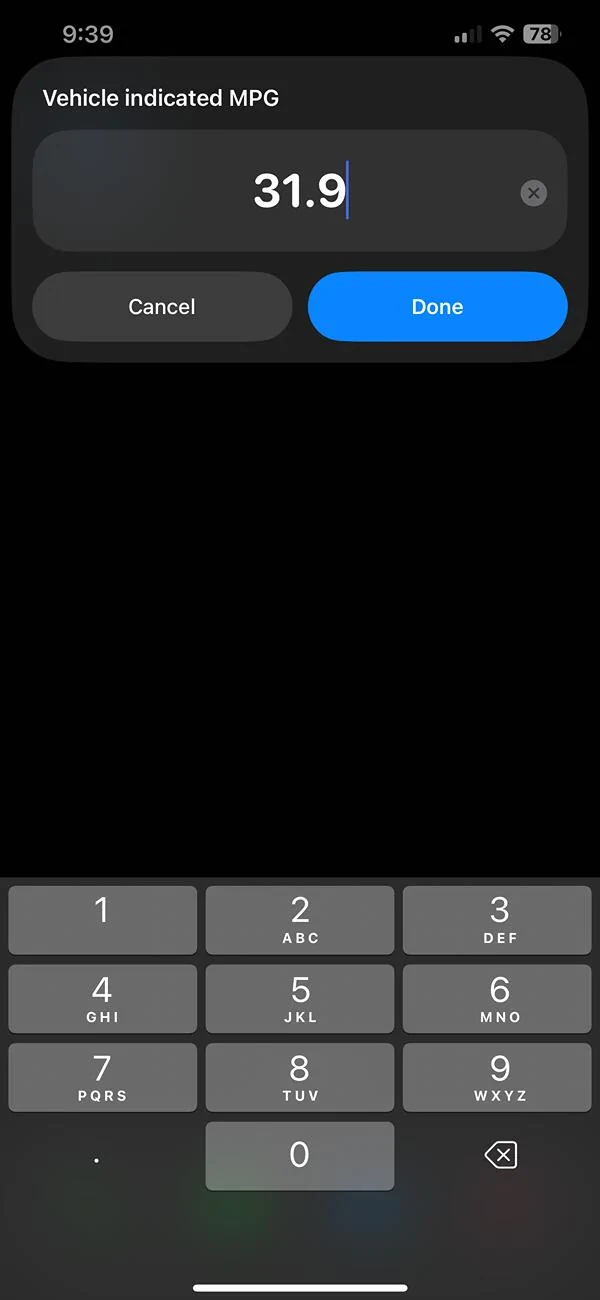
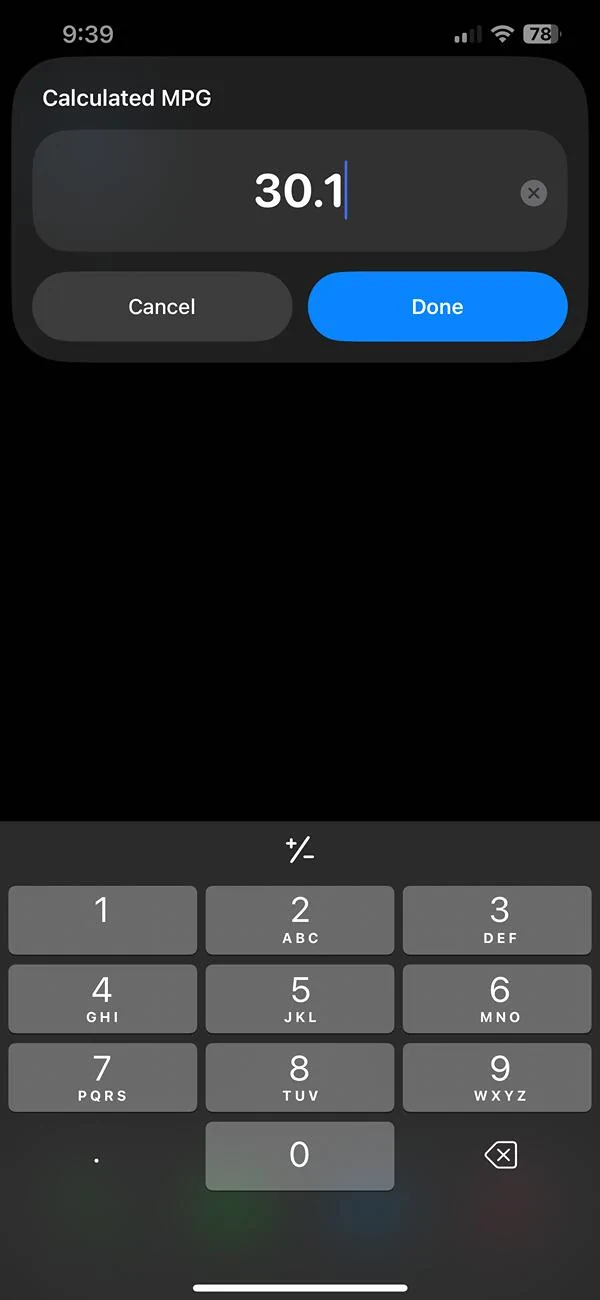
For iPhone users I’ve included a Siri Shortcuts link below that quickly calculates the new AFE bias value, even if the current bias differs from the default value of 1000. This shortcut makes fine-tuning your MPG quicker and easier on the go.
https://www.icloud.com/shortcuts/679729a810094cee9e26bb64b5142c66
Photos
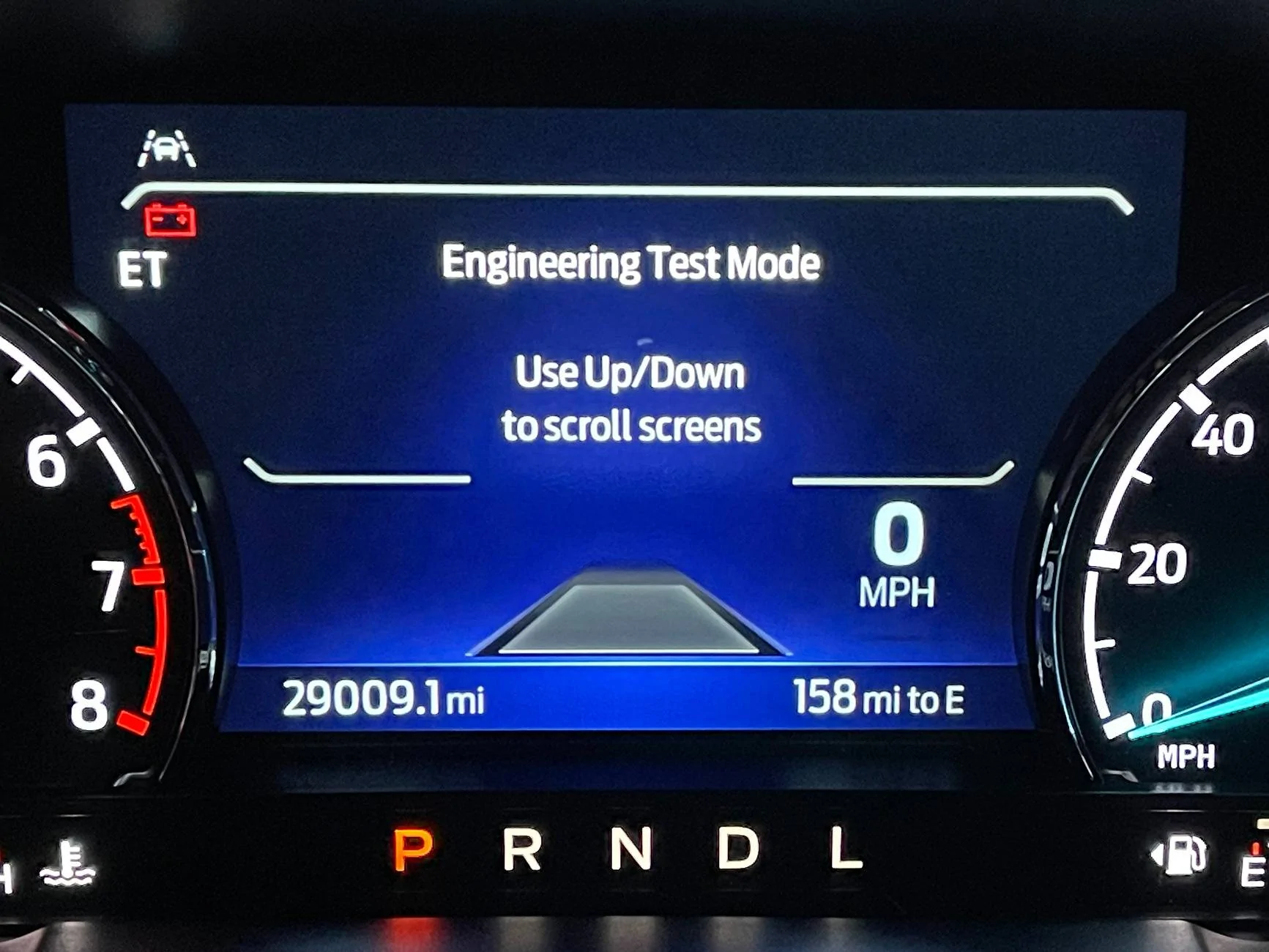
Main Engineering Test Mode Screen
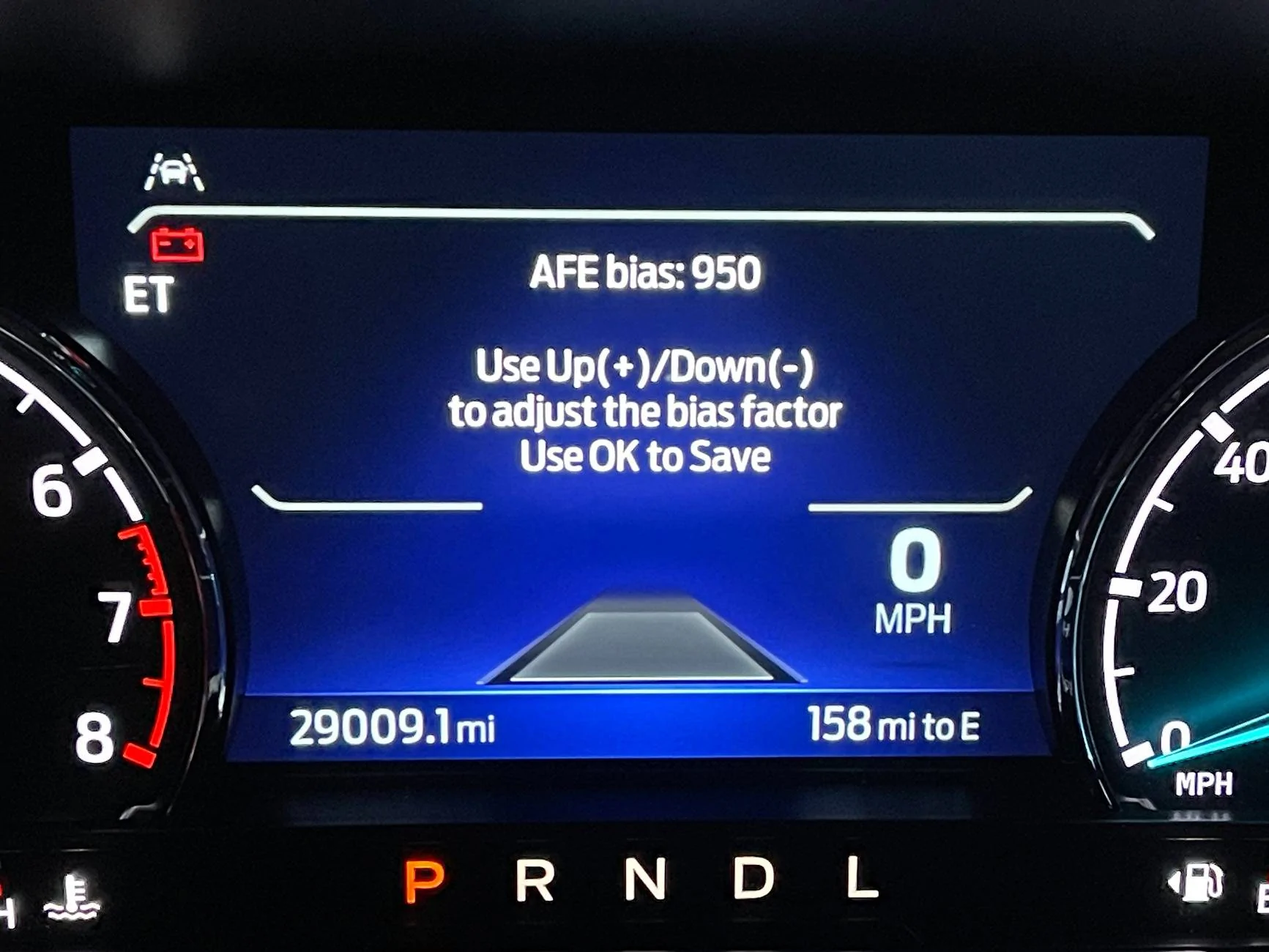
AFE Bias menu.
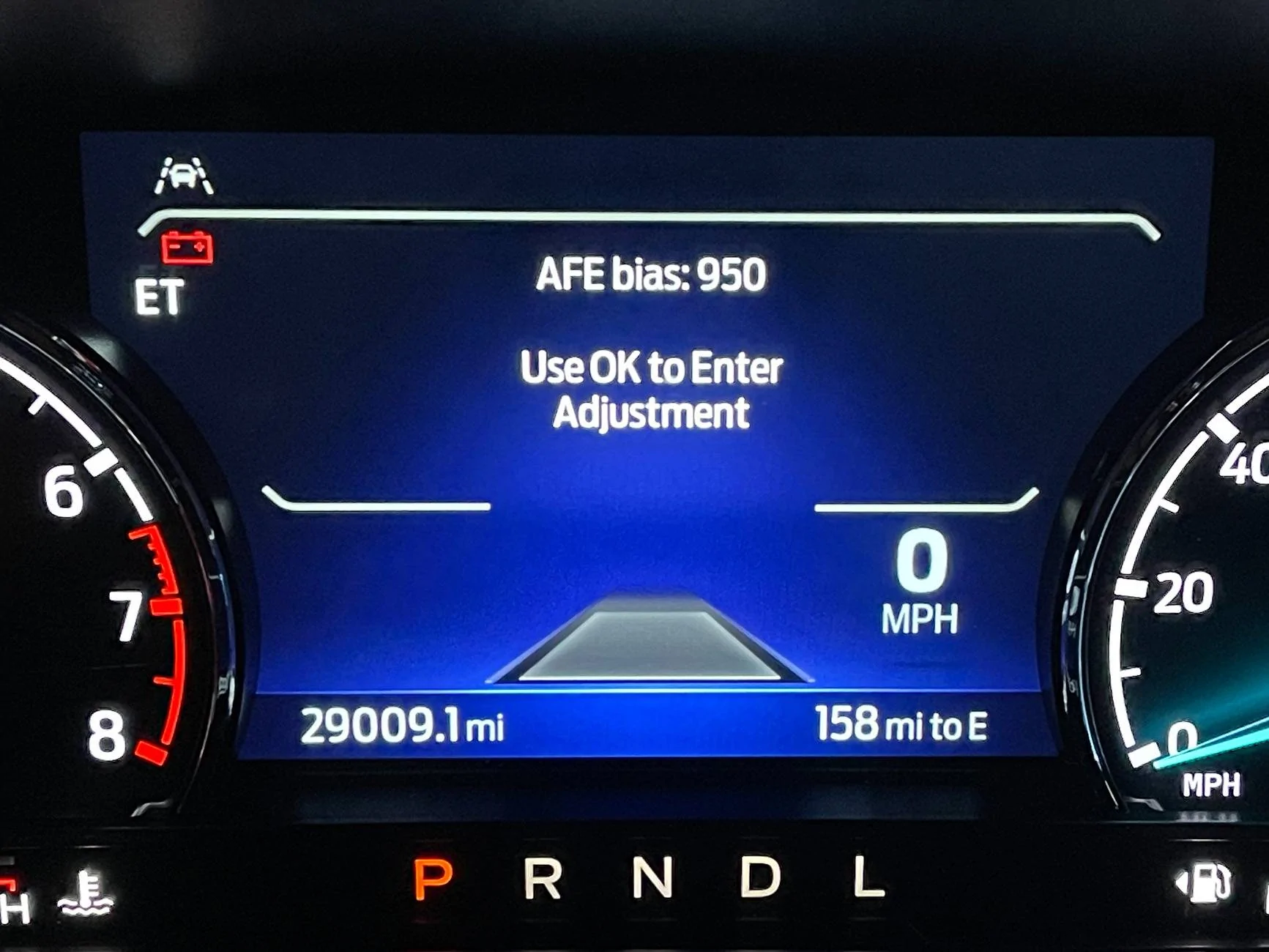
I have already adjusted mine from 1000 to 950 (100% to 95% readout)
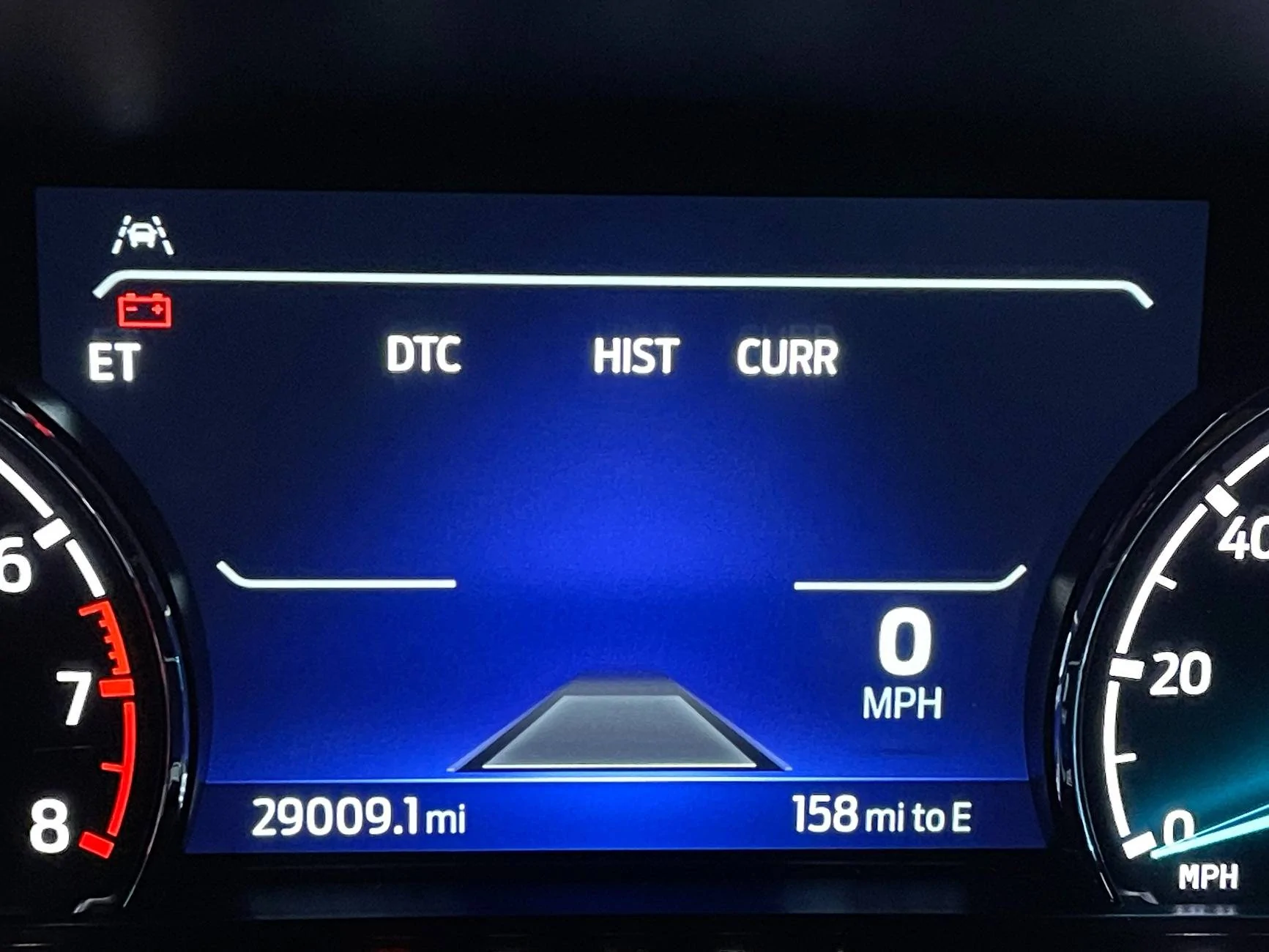
Diagnostic Trouble Code Menu. There are many more menus as well.
Siri Shortcuts app I built.
Hope this helps!

If your Ford Maverick displays an inaccurate MPG, you can correct it by adjusting the AFE bias in Engineering Test Mode. After calculating my truck's MPG at the pump, I discovered the displayed MPG indicated a value approximately 1.2 MPG higher than the actual value (about 4-5%)
Steps
Follow these steps to enter Engineering Test Mode and fine-tune the AFE bias for a more accurate MPG readout.
- Enter Engineering Test Mode
- With the truck off, press and hold the right-side OK button on the steering wheel.
- While holding the OK button, press and release the Start/Stop button (or turn the key to the "on" position). You do not have to start the engine.
- Continue holding the OK button for 5-7 seconds until you have entered Engineering Test Mode.
- Adjust the AFE Bias
- Use the Up/Down buttons to navigate to the AFE Bias option.
- If you haven't made adjustments yet, the default value will be 1000 (representing 100%).
- Use the formula or Siri Shortcut below to adjust your AFE bias so your truck displays a more accurate MPG value.
- Turn the truck off to exit Engineering Test Mode.
- Bonus Features
- Engineering Test Mode also provides access to diagnostic trouble codes, RPM, coolant temperature, and other valuable data.
Current AFE Bias value X Calculated MPG / Displayed MPG = New AFE Bias Value
Pro Tip
I recommend repeating this process multiple times over a few fill-ups to calculate a more accurate average. When I did the math, I noticed some variance, so taking multiple readings will help you get a more precise result.
Siri Shortcuts
For iPhone users I’ve included a Siri Shortcuts link below that quickly calculates the new AFE bias value, even if the current bias differs from the default value of 1000. This shortcut makes fine-tuning your MPG quicker and easier on the go.
https://www.icloud.com/shortcuts/679729a810094cee9e26bb64b5142c66
Photos
Main Engineering Test Mode Screen
AFE Bias menu.
I have already adjusted mine from 1000 to 950 (100% to 95% readout)
Diagnostic Trouble Code Menu. There are many more menus as well.
Siri Shortcuts app I built.
Hope this helps!
Sponsored
Last edited:




 but it's great to know I can calibrate since it's consistently off and a little annoying. I will be giving this a try very soon!