- Thread starter
- #1
Replacing the 12V Battery on My 2022 Ford Maverick Hybrid
Replacing the Maverick Hybrid’s 12V battery is surprisingly (unnecessarily) tedious. Most auto parts shops won’t help due to its hidden location under the rear passenger-side seat. Ford dealerships just swap in another crappy stock battery, so I opted to DIY and upgrade. These instructions spell out how to do it, but also why certain steps and choices matter, to save you time and future frustration.
If you read this and prepare before you start (saving interruptive trips to the auto parts store...), the process shouldn't take you more than an hour.
Why and When to Replace
Essential:
Replacing the Maverick Hybrid’s 12V battery is surprisingly (unnecessarily) tedious. Most auto parts shops won’t help due to its hidden location under the rear passenger-side seat. Ford dealerships just swap in another crappy stock battery, so I opted to DIY and upgrade. These instructions spell out how to do it, but also why certain steps and choices matter, to save you time and future frustration.
If you read this and prepare before you start (saving interruptive trips to the auto parts store...), the process shouldn't take you more than an hour.
Why and When to Replace
- Location: The 12V battery is under the rear passenger-side seat. It runs all the electronics and computers—vital for basic car operation. This is different from the high voltage lithium-ion (hybrid powertrain) battery located under the hood, which you certainly should leave to the professionals.
- Lifespan: Like most flooded car batteries, the 12V battery lasts about 3–5 years. Mine failed at 3.5 years (46-47k miles).
- Warning Signs: Random and numerous error messages leading to occasional inability to put the car in drive gear; repeated need for jump starts. The car disables nonessential features as the battery fades. Mind that the stock battery really isn't all that great; my passenger door "tap to lock/unlock" feature hasn't worked for years (and was miraculously fixed with a new battery), but the car chugged along fine for a while.
- Note on Jumping: You can (and should) jump the 12V battery from under the hood, not directly from the actual battery under the seat. Connect to the positive (red) terminal first, then to exposed metal with the black cable. There's a convenient little bolt for this purpose nearby in the engine bay. Do NOT connect the black cable to the negative (black) terminal; you only use that when you are the donor car, i.e., jump starting someone else's vehicle. The cover for the negative terminal has a no-jumping symbol as a reminder.
- Stock: Flooded T4 group (470CCA, Motorcraft BXT-99RT4-A). Adequate but very, very mediocre.
- Upgrade: I chose an AGM H4 battery with 570CCA (DieHard H4-XEV). Why? AGM batteries tolerate cold, resist corrosion, and don’t degrade as quickly if your car sits unused (as happens in harsh Midwest winters).
- CCA (Cold Cranking Amps): It might be tempting to go higher, but you’re limited by actual compartment dimensions. An H4 group size battery is only slightly taller than T4 and fits the Maverick compartment perfectly.
- Bottom Line: Get a battery that fits the space. Upgrading improves reliability, especially in extreme temps. Plus, the better your battery, the longer you can put off facing this ordeal again.
Essential:
- Socket wrench.
- 10mm socket.
- 10" extension bar: Needed to access a bolt hidden deep between the trim and battery.
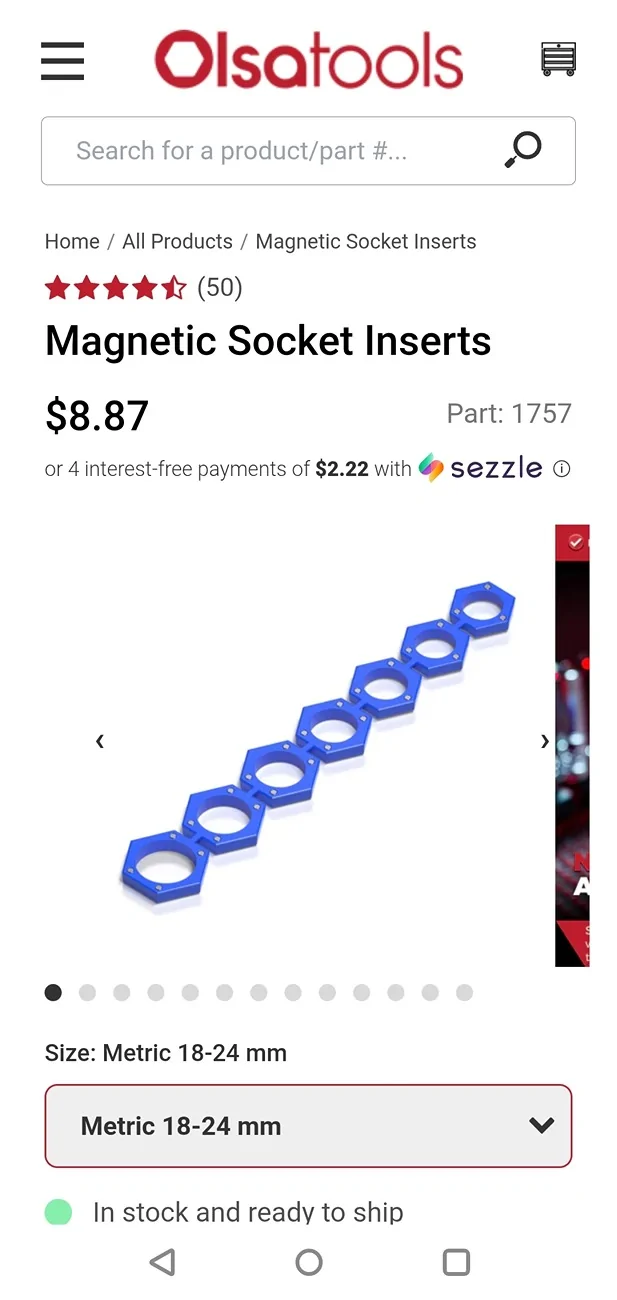
- Magnet stick: Crucial for retrieving bolts in tight spots; otherwise, you'll spend ages fishing for fasteners.
- Plastic trim tools or flathead screwdriver: Prevents damaging trim tabs.
- Battery corrosion kit (dielectric grease + felt washers): Protects terminals from corrosion and helps make the most of your new battery.
- Rubber gloves: Protects hands.
- Rag: Prevents metal contact during change, avoids accidental shorts.
- Extra T-bolts for battery terminals: Old ones may be corroded or can snap on you—have spares just in case.
- Make Room: Move front passenger seat forward and fold it down. No need to feel frustrated AND cramped!
- Expose Battery: Lift rear seat bench, remove battery housing cover.
- Remove Door Trim: Carefully pry up rear passenger-side trim. Tabs are fragile, so go slow to avoid breakage.
- Remove Battery Bracket (First!):
- Use wrench, 10" extension, 10mm socket to reach bracket bolt located on the side of the battery closest to the rear passenger-side door.
- Doing this early lets you tilt the battery, making trim removal much easier later—you’ll avoid lots of frustration!
- Remove Second Trim Piece:
- Note that the plastic tabs point don't all face the same direction; some are parallel, some perpendicular to the length of the car.
- Tilt battery to finesse trim out from under immovable parts.
- Bracket must be loose first, or you won’t be able to remove the trim—don't waste time trying to figure out another way.
- Remove Negative (Black) Terminal:
- Loosen 10mm T-bolt, remove black cable. My T-bolt snapped in half; it could be worth having extras ($4 for a pair on Amazon) on hand because once you have (painfully) removed the trim, you won't want to abandon the project. Your car will be functionally useless (and not completely lockable) until you reconnect the battery.
- (Optional) Wrap the terminal with a rag. Prevents shorting or accidental metal contact.
- Remove Positive (Red) Terminal:
- Remove red cover gently, loosen 10mm T-bolt, remove red cable.
- Avoid damaging the plastic terminal cover! It's very easy to undo the tabs that keep it in place.
- Swap Battery: Out with the old, in with the new!
- Reconnect Positive (Red) Terminal:
- (Optional) Apply dielectric grease to felt washer and place greased washer on battery node for corrosion protection.
- Attach terminal.
- (Optional) Grease the exterior of the hardware (never between metal contact points!).
- Protects new battery investment, reduces future maintenance. It's cheap!
- Reconnect Negative (Black) Terminal:
- Same as positive.
- Replace Trim Pieces:
- Reinstall in reverse order as removal, tilting battery as required.
- Secure Battery Bracket:
- Use magnet stick to position plate and bolt, then thread by hand first with the 10mm socket and 10" extension bar. If you try to tighten with the wrench from the start, you are prone to dislodging the plate placement and sending the bolt sliding into the abyss. Ask me how I know.
- Tighten with wrench.
- Wrap Up: Replace battery cover and lower the seat. All done!
Sponsored
Last edited: