- Banned
- #16
Has anyone tried to adjust screen with auto headlights off to all off. Maybe its some how related to the auto part and you can adjust more with auto off. Just a thought.
Sponsored


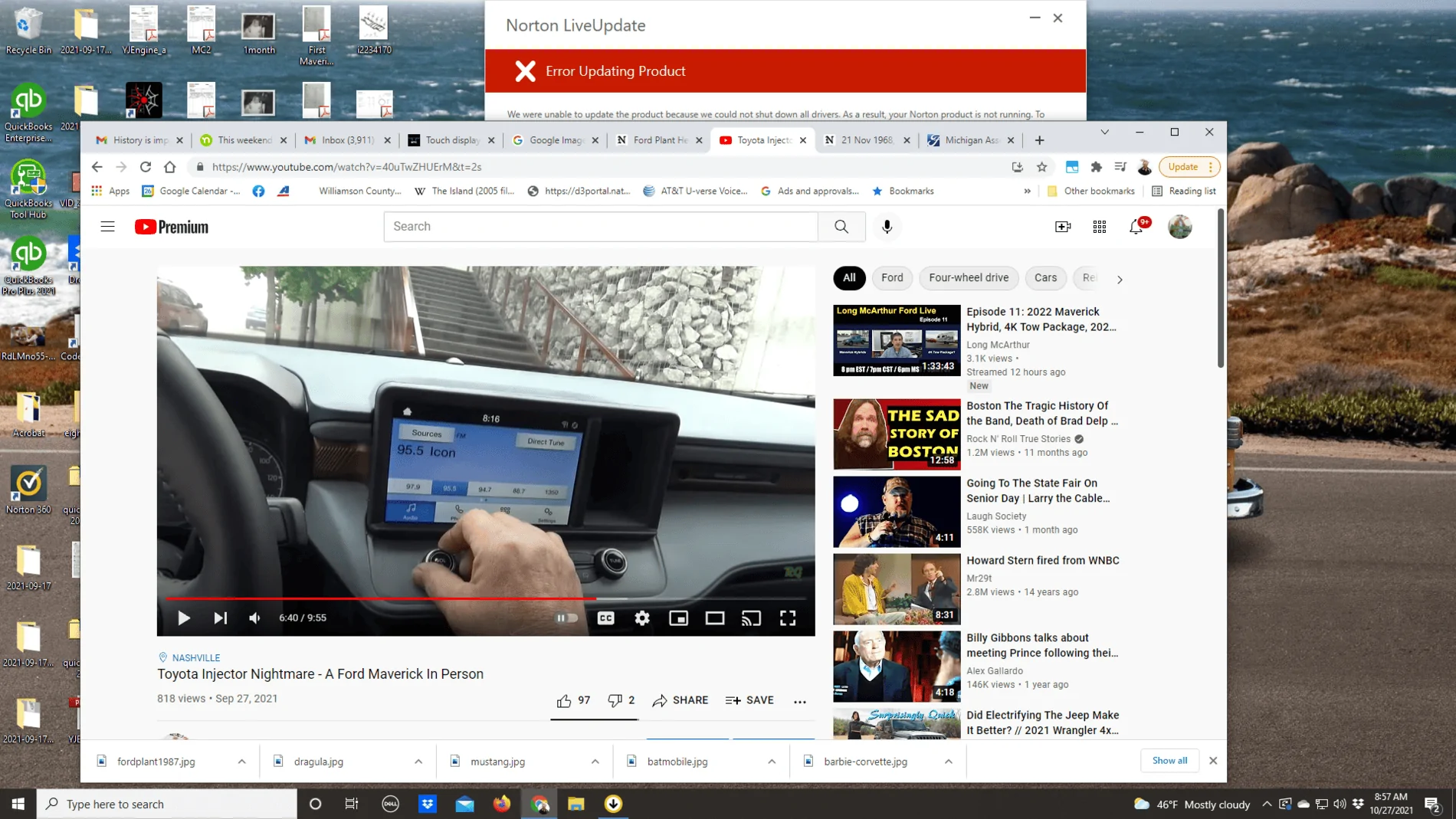
Here is a picture of the buttons on a Maverick Hybrid I saw at the State Fair of Texas.No no, not through the dashboard screen or app or anything like that. Near your headlight controls, there should be two buttons that brighten and dim the display. Kind of looks like this:
https://images.app.goo.gl/sQgS4Qk7vqrYAWKw6
These control the brightness of the screen in addition to the settings that you went through. At least this is the case on my Mustang.
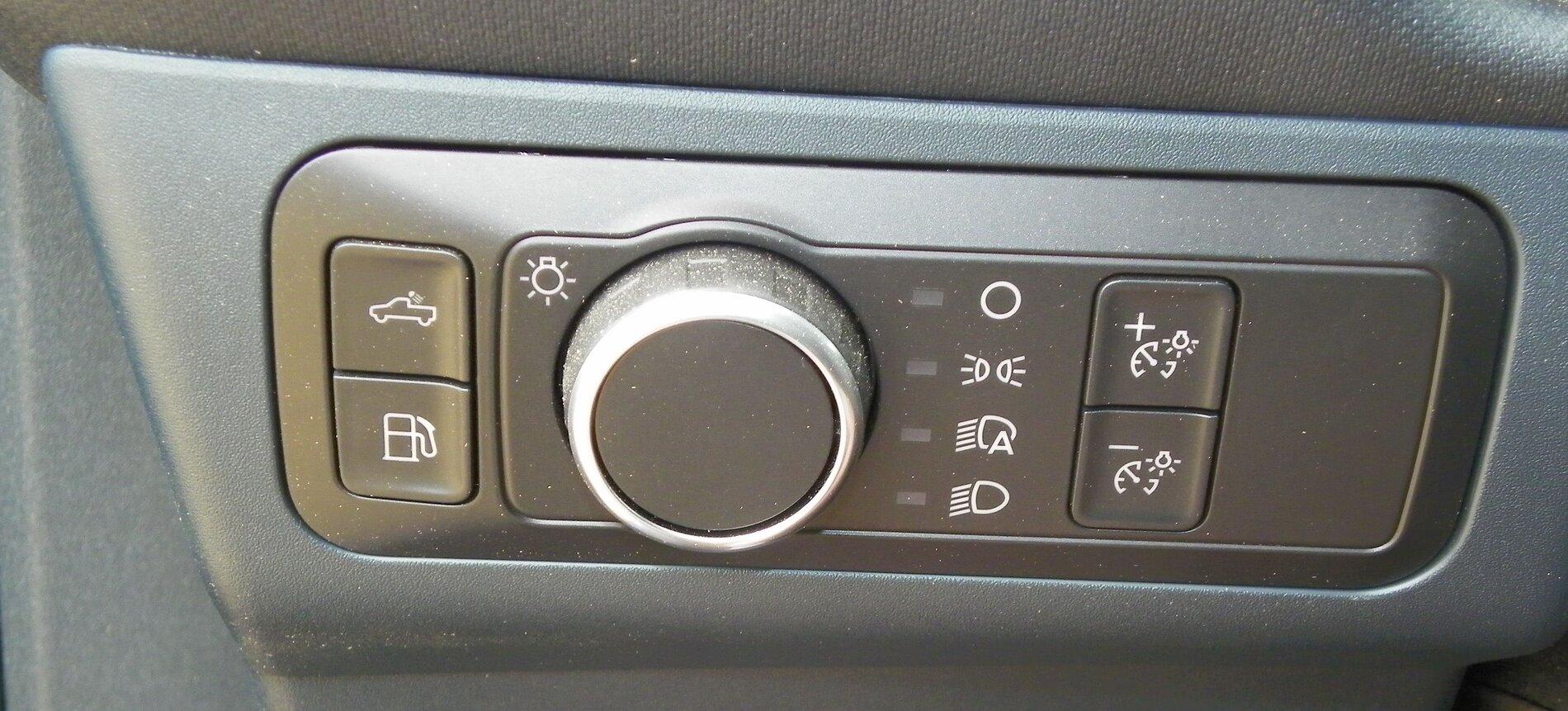
On my Honda Fit I could not adjust the brightness unless the headlights were on so maybe try to adjust the brightness with the headlights on.Has anyone tried to adjust screen with auto headlights off to all off. Maybe it's somehow related to the auto part and you can adjust more with auto off. Just a thought.
 since I’m trying to upgrade from the piece of
  system Honda uses in the Ridgeline.
Our highlanders infotainment consists of a 2 inch almost useless screen- I will gladly take the low rent 8 inch any day of the week- lolIF this is a real issue, which it seems to be, I will be
Yes I tried that and it didn’t change anything. When you go into the settings on the touchscreen it appears that you should be able to raise the brightness as the slider is in the middle by default. If I tap the slider down the screen does go dimmer but if I tap the slider brighter the slider moves but the screen does not get brighterHere is a picture of the buttons on a Maverick Hybrid I saw at the State Fair of Texas.
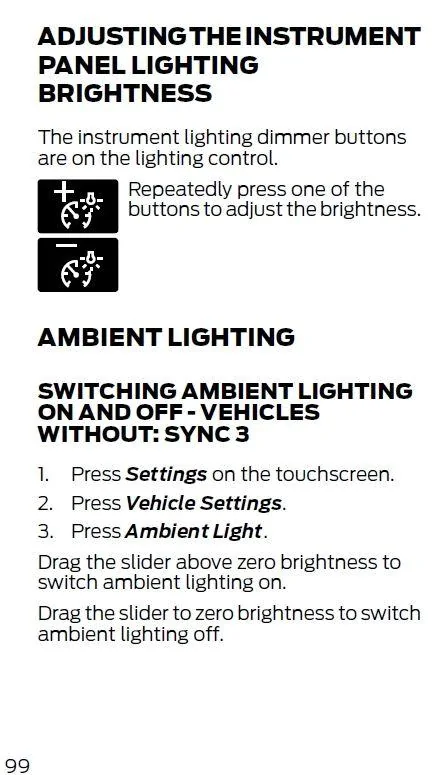
Instructions for adjusting Instrument Panel Brightness from page 99 of Owners Manual.
I guess Honda thought no one needed to adjust the brightness when the sun was out.