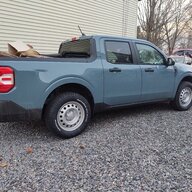

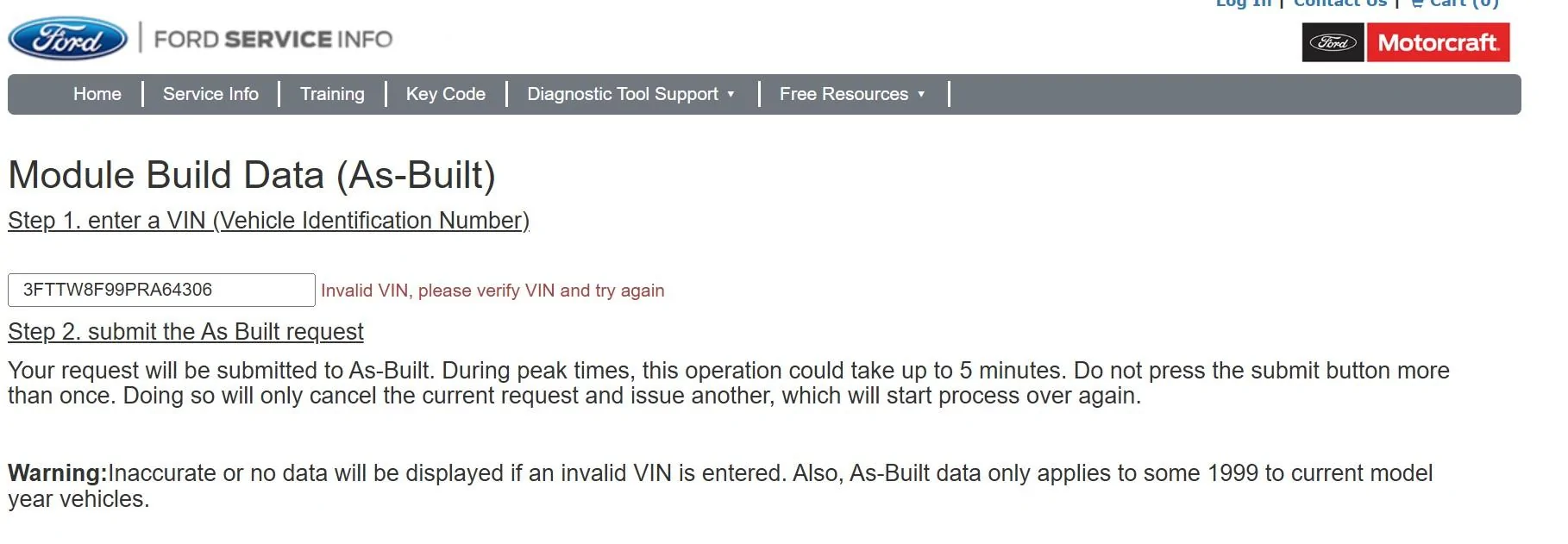
Looks like you had a space at the beginning of the VIN.Tried to get as-built per your link but it's not working. What am I doing wrong?
Sponsored
Looks like you had a space at the beginning of the VIN.Tried to get as-built per your link but it's not working. What am I doing wrong?
Physically yes... It asked me that question so i chose US but maybe I should have turned on my VPN. Thanks for the DM!!!Are you in a different country?. Sometimes it asks me for the country before I put in the vin. I will try your vin and see if I can just send you the as built codes

I think the other user was right if you have any spaces in the vin area it will reject it. and no problem!Physically yes... It asked me that question so i chose US but maybe I should have turned on my VPN. Thanks for the DM!!!

Talk about perfect timing! I was considering buying a tablet for this exact purpose. Will try this out and see how I like it. Thanks



I had Ford look at the problem and they found that my radio Was turned off. They intended to change out a module, but were able to nurse it on somehow and everything works fine now. I wish I knew if I created the problem and, if so, what I did.Sorry about that. Didn’t know this was the case. Thanks for the info!

First of all, it worked perfectly for me.The FIRST thing you will need is a usb drive. I am using a Samsung 256GB USB C flash drive formatted to EXFAT using Mac Disk Utility Master Boot Record.
The drive must be formatted to EXFAT or FAT32. This can be done on any computer.
Next, using your computer, load your movies onto the drive. I have found that videos formatted to .MP4 work best. I found .MOV files will NOT work.
Before you plug in the USB drive to your Maverick, you must make a FORSCAN change so your videos can be played while PARKED and DRIVING. I tested the USB drive in the Maverick without making the FORSCAN change and it would not read/play the videos, so the FORSCAN change is required.
For XL, and XLT Mavericks make this change below.
ACM (EZ MODE)
Change "Video Playback" to "Enabled without restrictions"
The factory setting for "Video Playback" is "disabled"
If you have a Lariat Maverick, This has not been figured out yet..
You can now plug in your USB drive to your Maverick and start watching Videos or Movies! Here are some pictures below! EDIT: If you get an ERROR that NO MEDIA is found. Do a factory reset of the radio by going to general - reset - factory reset and this will fix the issue!. If you want to change to different video file choose Browse - then select the file
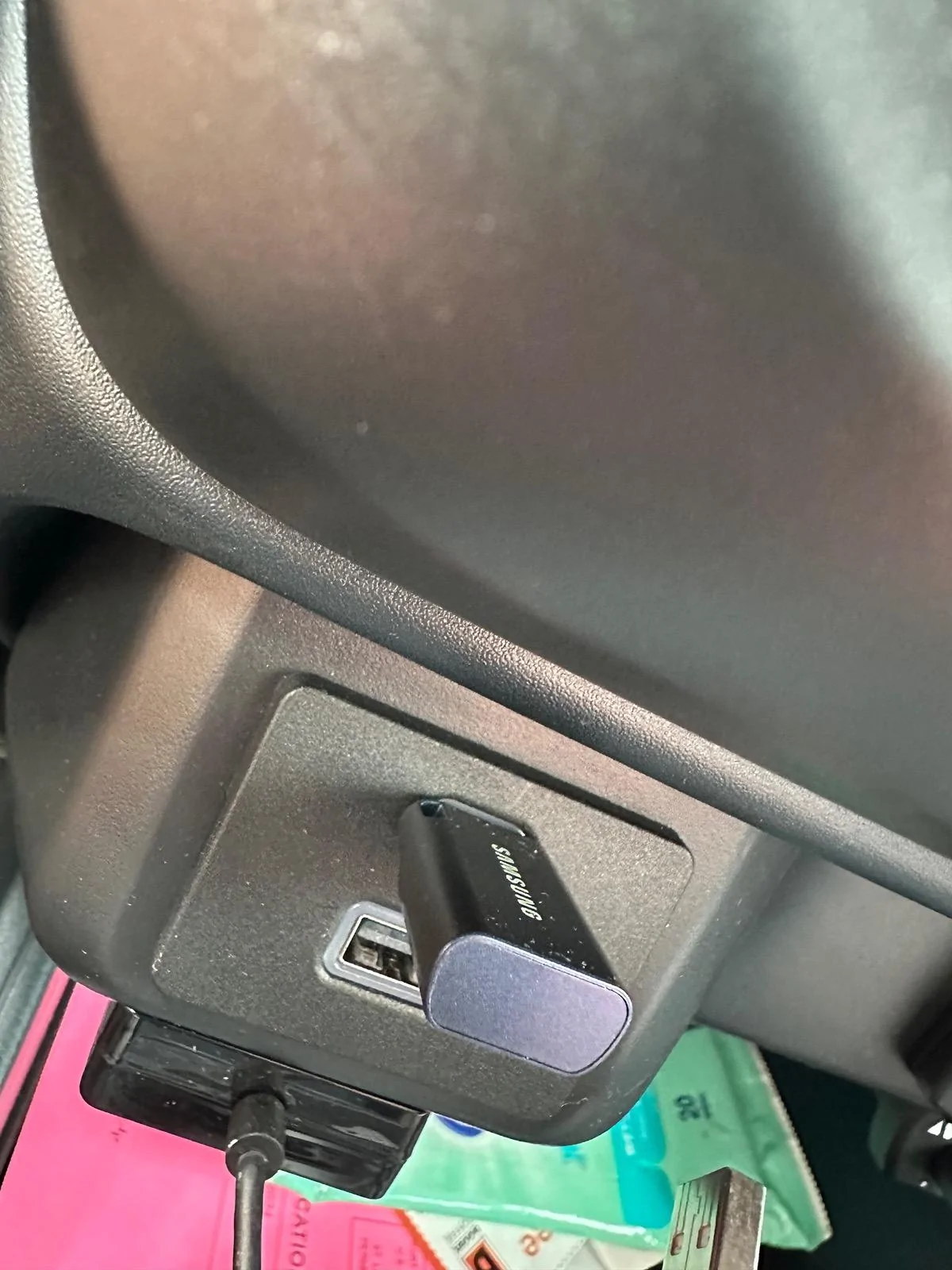
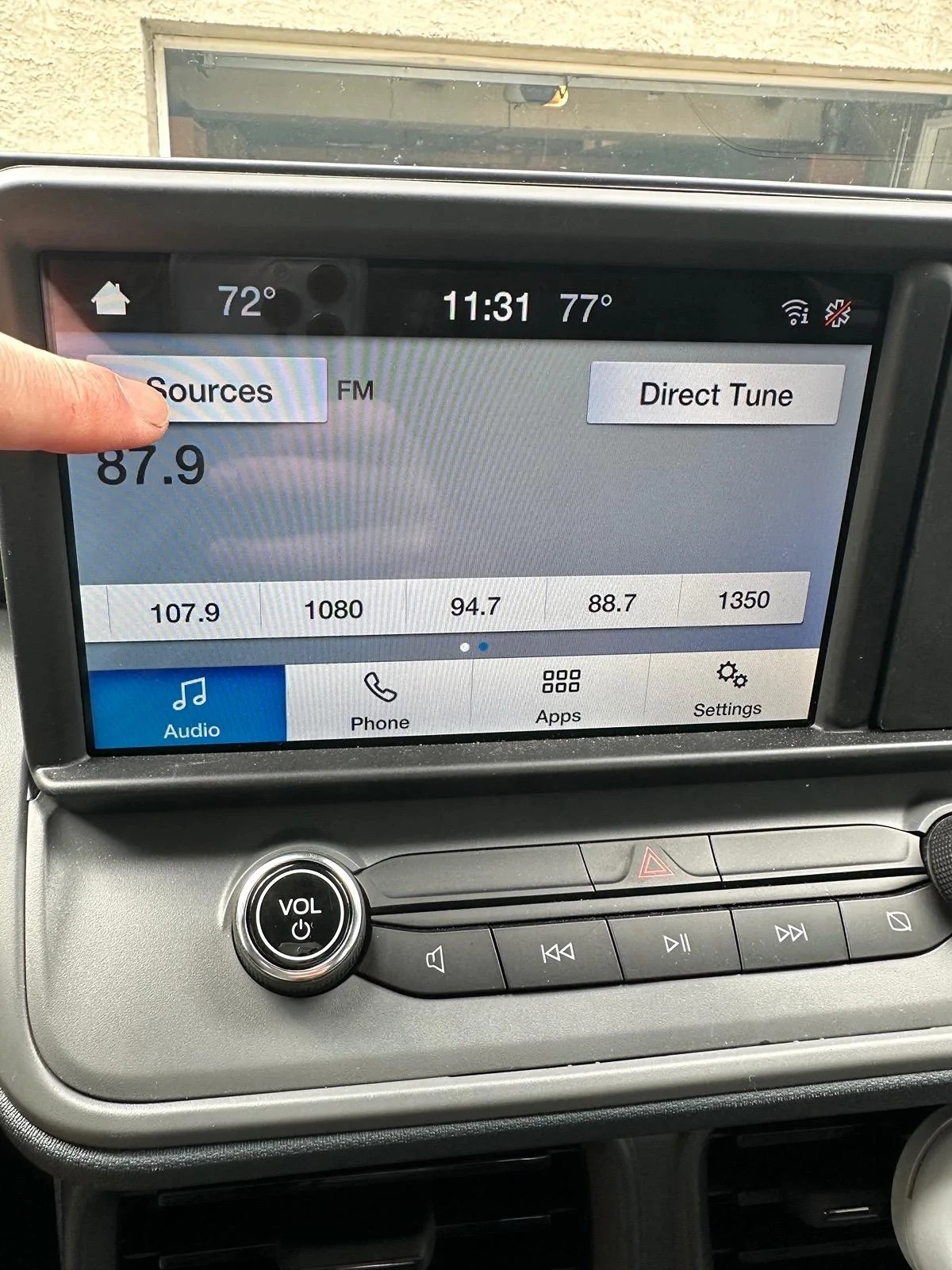
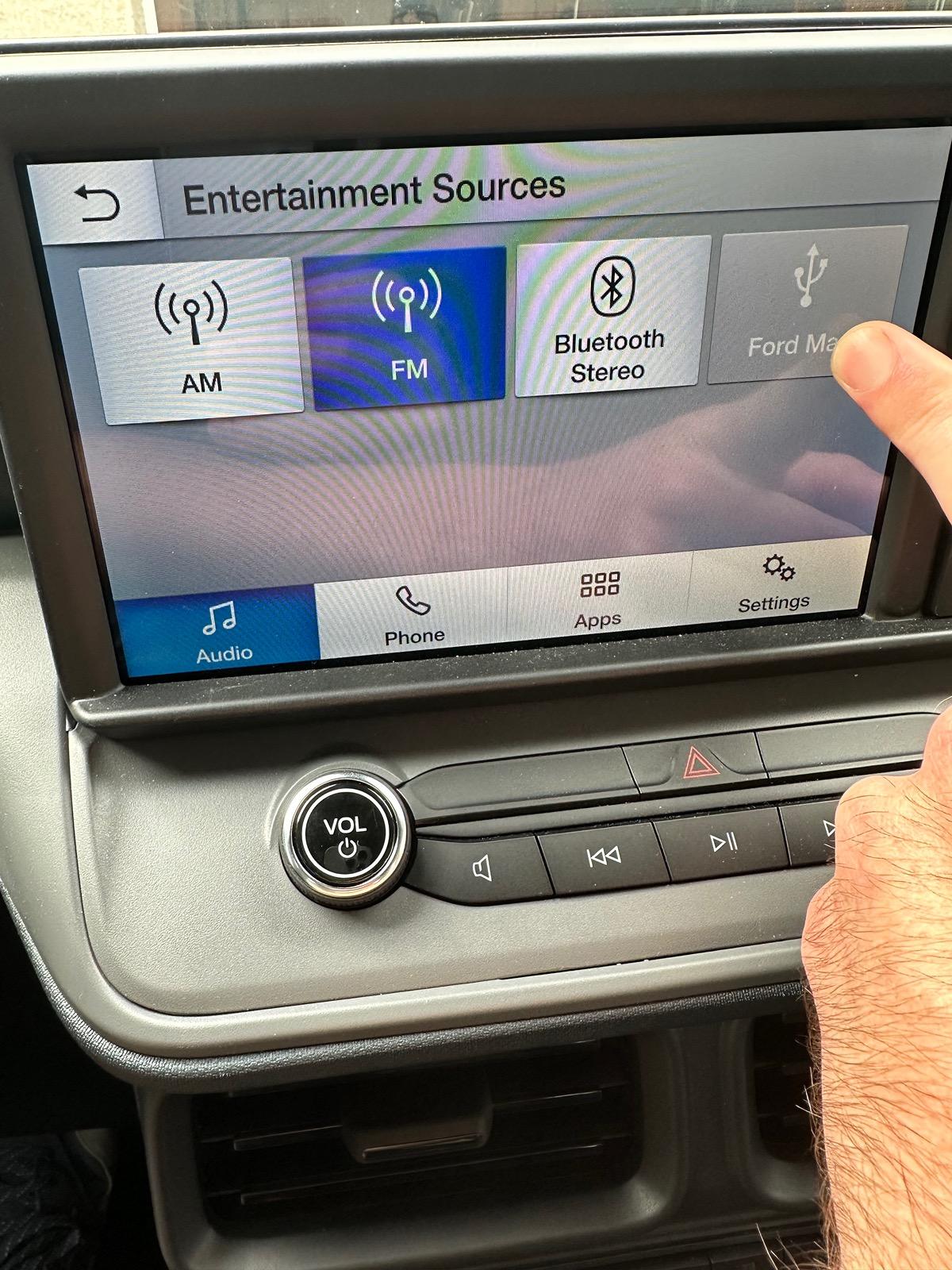
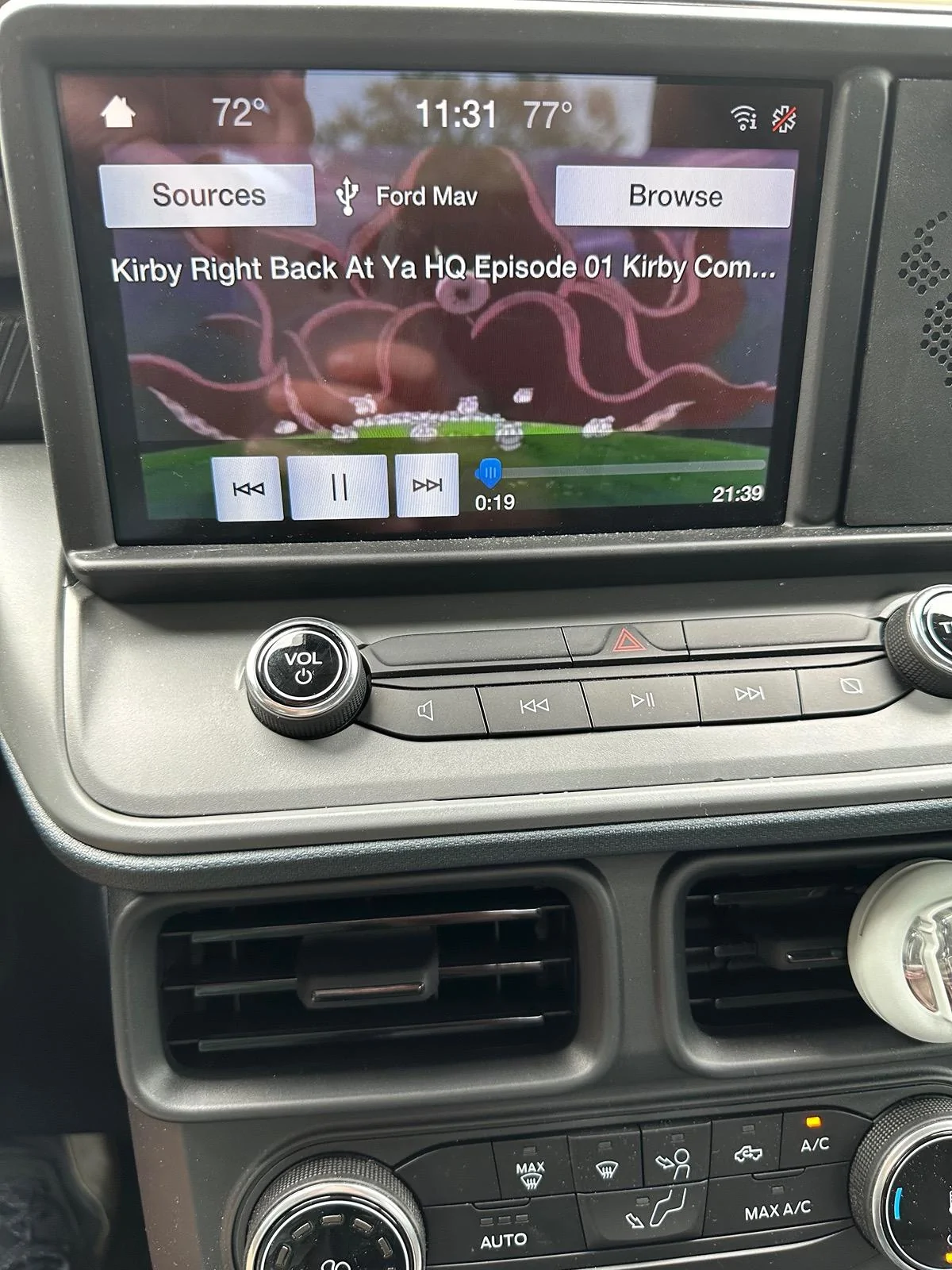
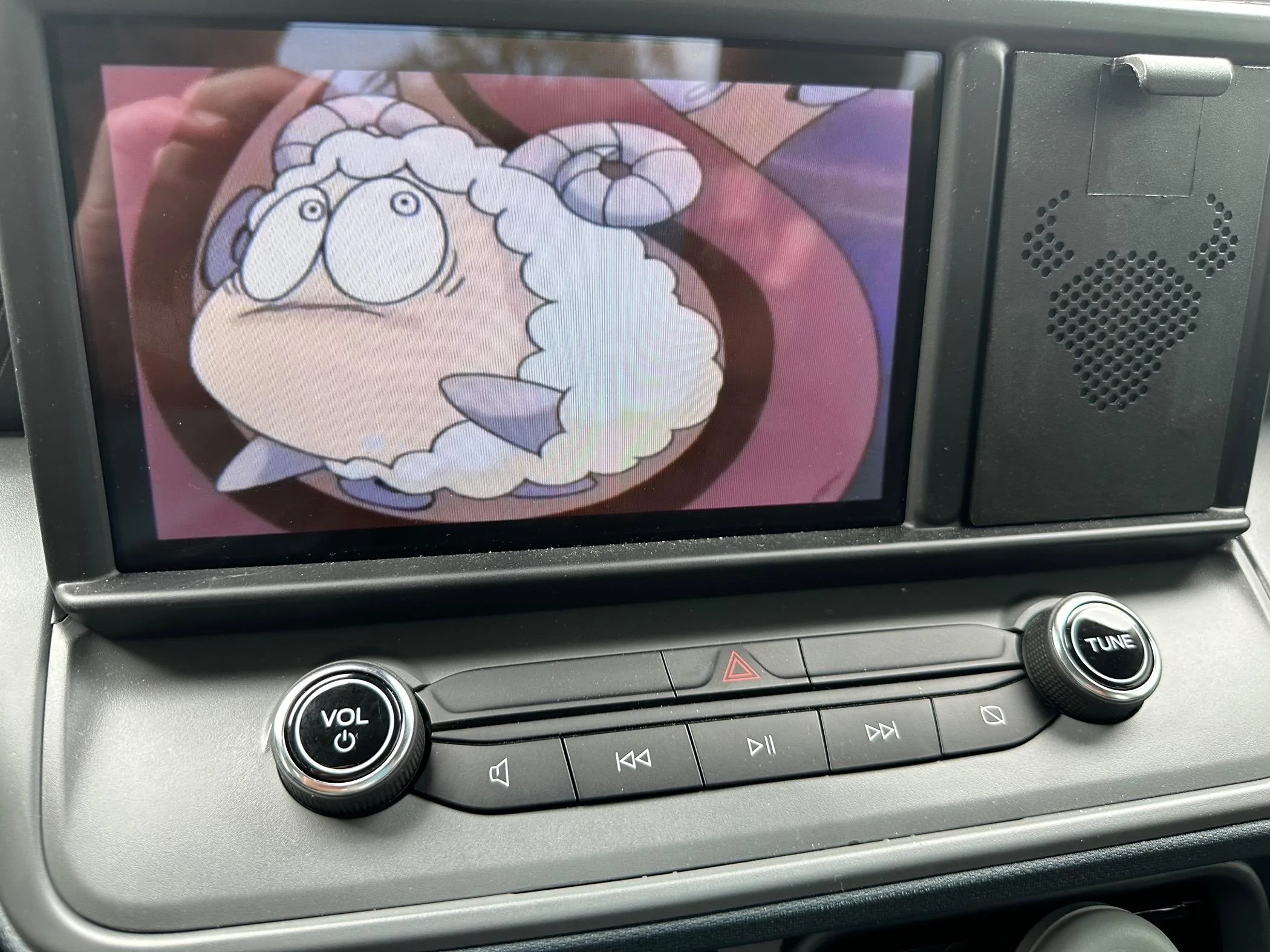
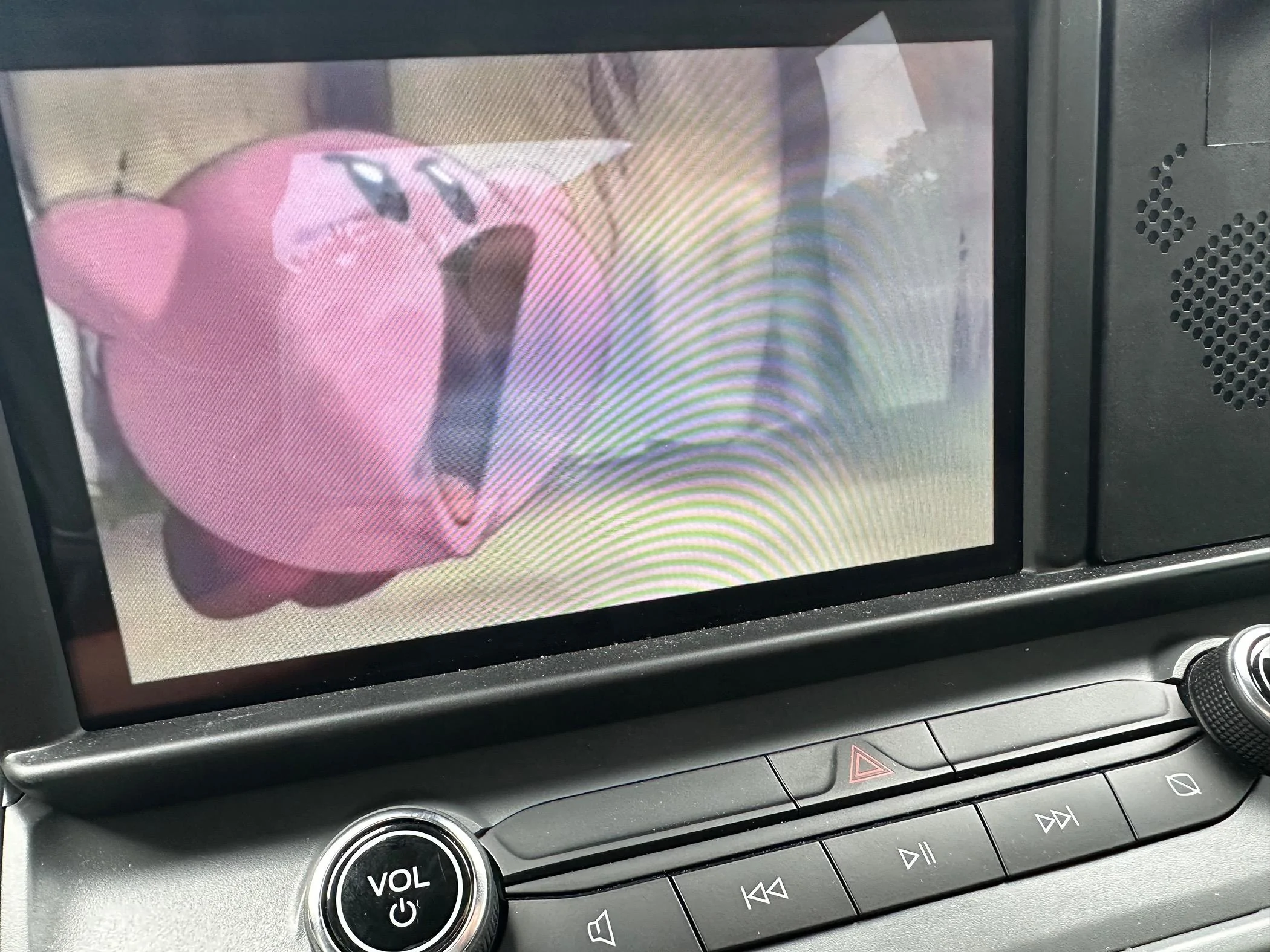
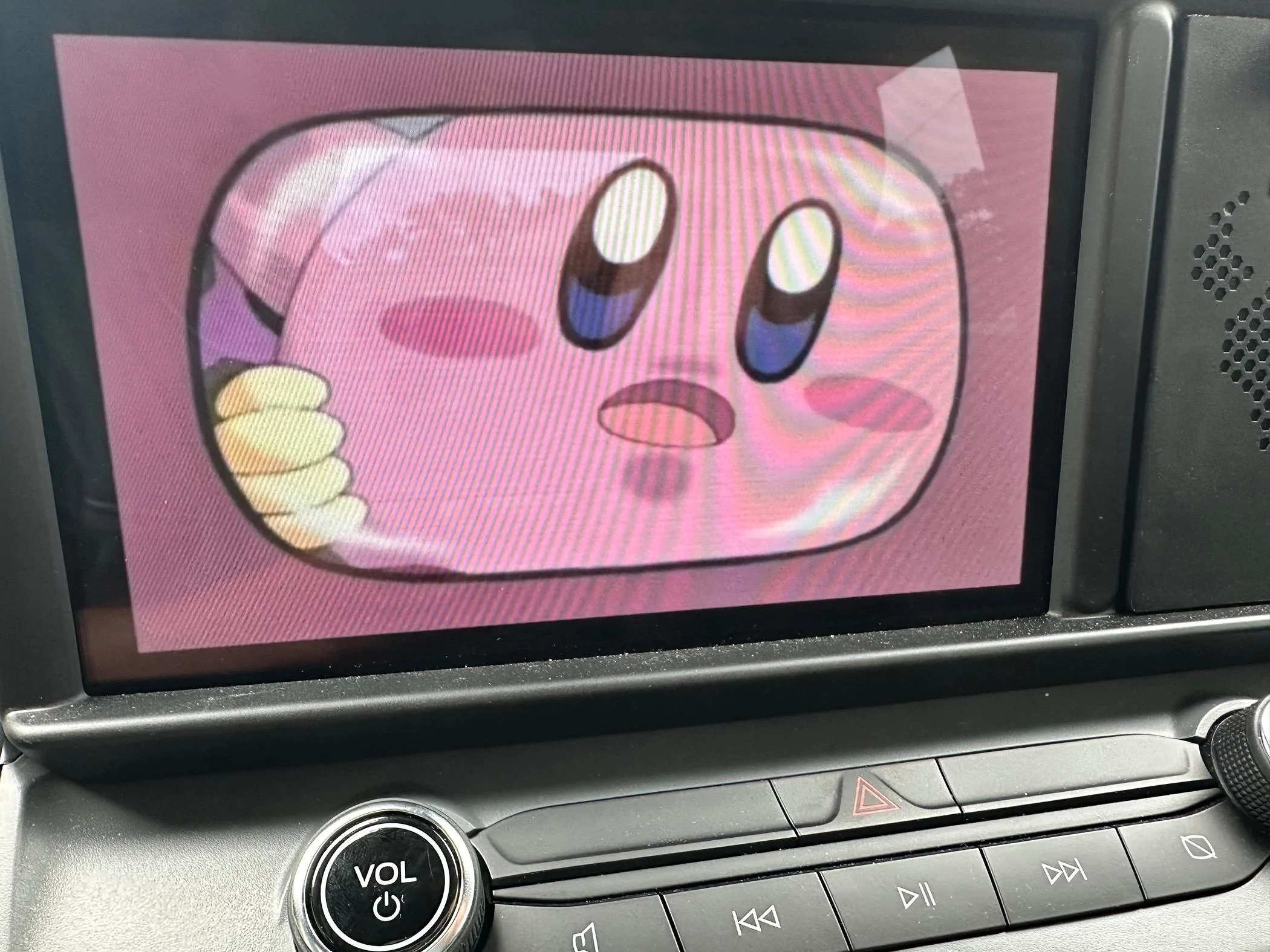
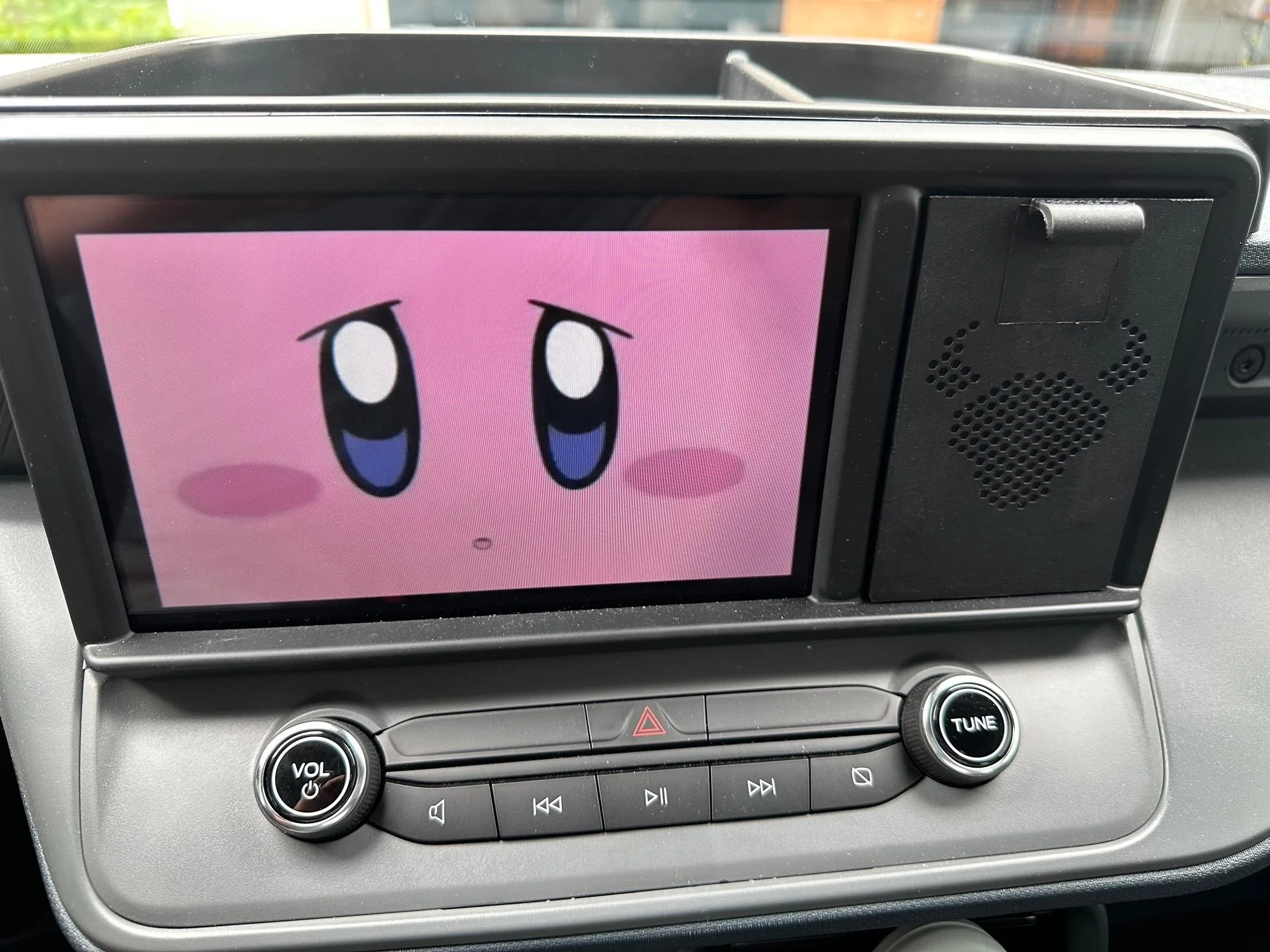


I have an Ottocast adapter that does work. It pulls up as an apple carplay adapter and you can hook up anything with HDMI to it. The screen defaults to a small version but you can tap it to expand to fill the screen. The downside compared to the built in Youtube is that it doesn't truly full screen, the climate controls at the bottom and the bar at the top remain so the video looks stretched sometimes.Has anyone tried one of these car play for Netflix /youtube
ABVPO 3-in-1 Wireless CarPlay Adapter & Android Auto, Plug & Play, Bluetooth 5.0, Plug in a TV Stick to Streaming Box for Netflix/YouTube/TikTok with 4K Video, for OEM Wired CarPlay/Android Auto Cars https://a.co/d/7BD7236