- First Name
- Swag
- Joined
- Feb 26, 2024
- Threads
- 44
- Messages
- 1,442
- Reaction score
- 1,656
- Location
- United States
- Vehicle(s)
- 2024 Ford Maverick XL
- Engine
- 2.0L EcoBoost
- Thread starter
- #1
The FIRST thing you will need is a usb drive. I am using a Samsung 256GB USB C flash drive formatted to EXFAT using Mac Disk Utility Master Boot Record.
The drive must be formatted to EXFAT or FAT32. This can be done on any computer.
Next, using your computer, load your movies onto the drive. I have found that videos formatted to .MP4 work best. I found .MOV files will NOT work.
Before you plug in the USB drive to your Maverick, you must make a FORSCAN change so your videos can be played while PARKED and DRIVING. I tested the USB drive in the Maverick without making the FORSCAN change and it would not read/play the videos, so the FORSCAN change is required.
For XL, and XLT Mavericks make this change below.
ACM (EZ MODE)
Change "Video Playback" to "Enabled without restrictions"
The factory setting for "Video Playback" is "disabled"
If you have a Lariat Maverick, This has not been figured out yet..
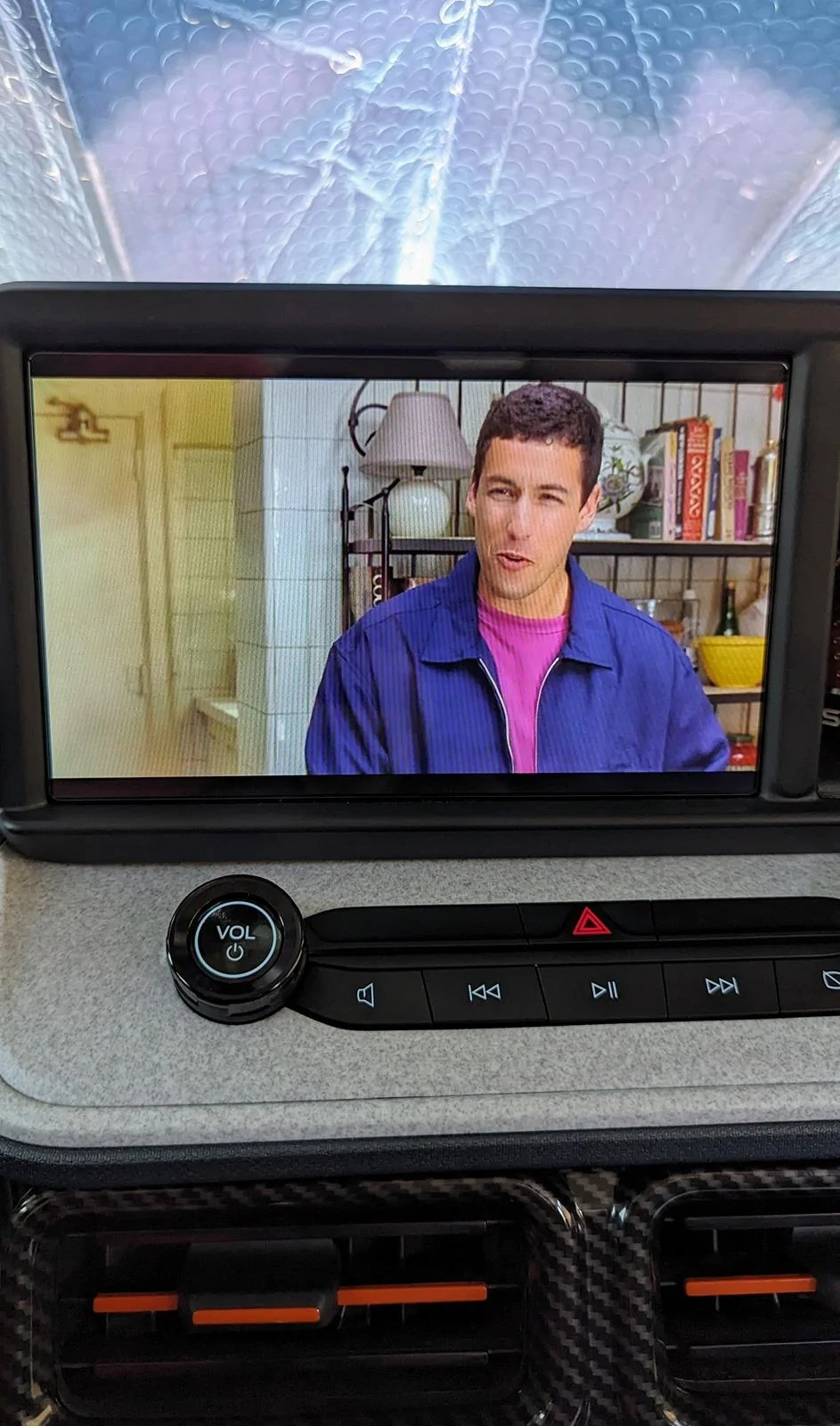
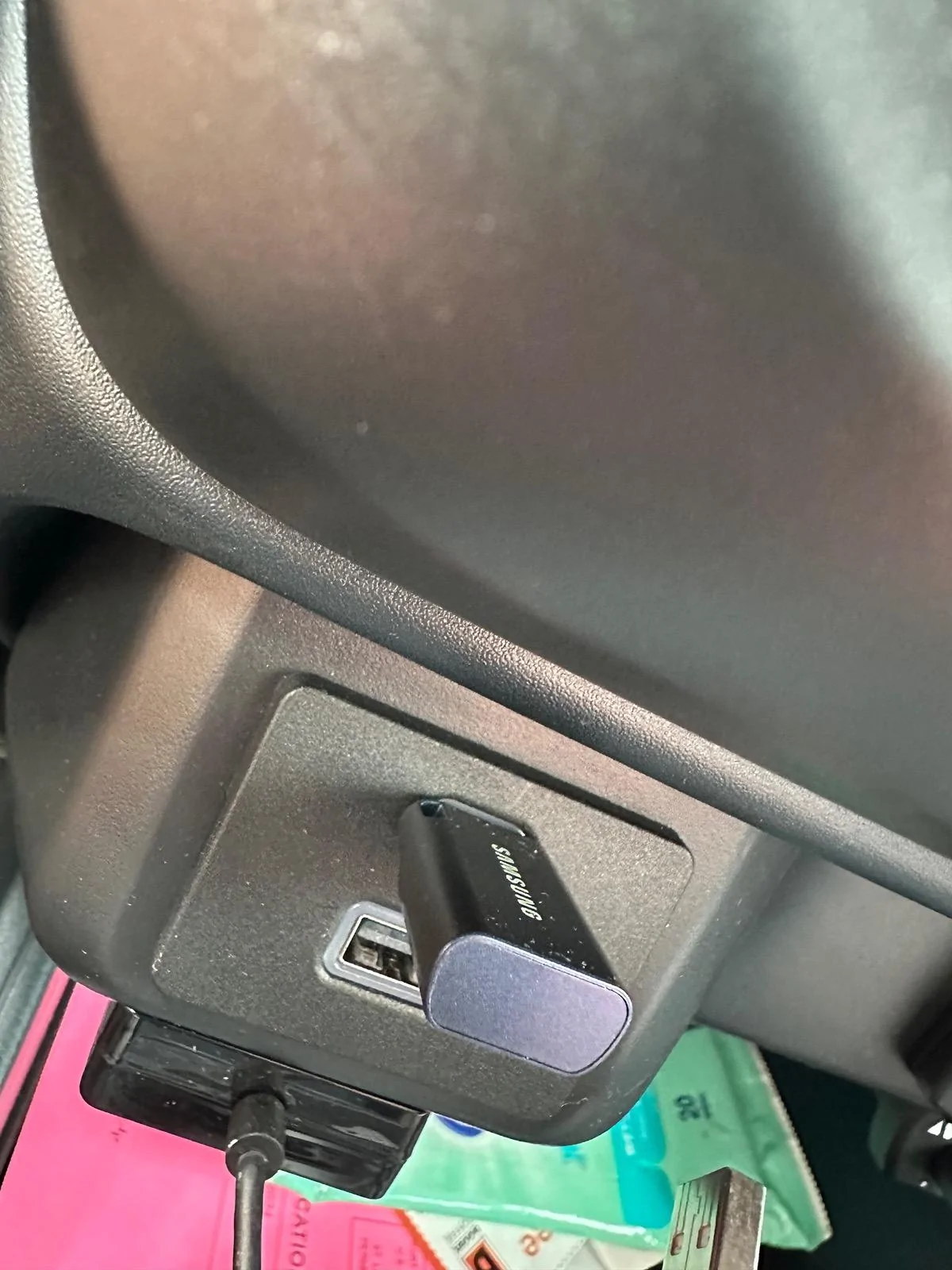
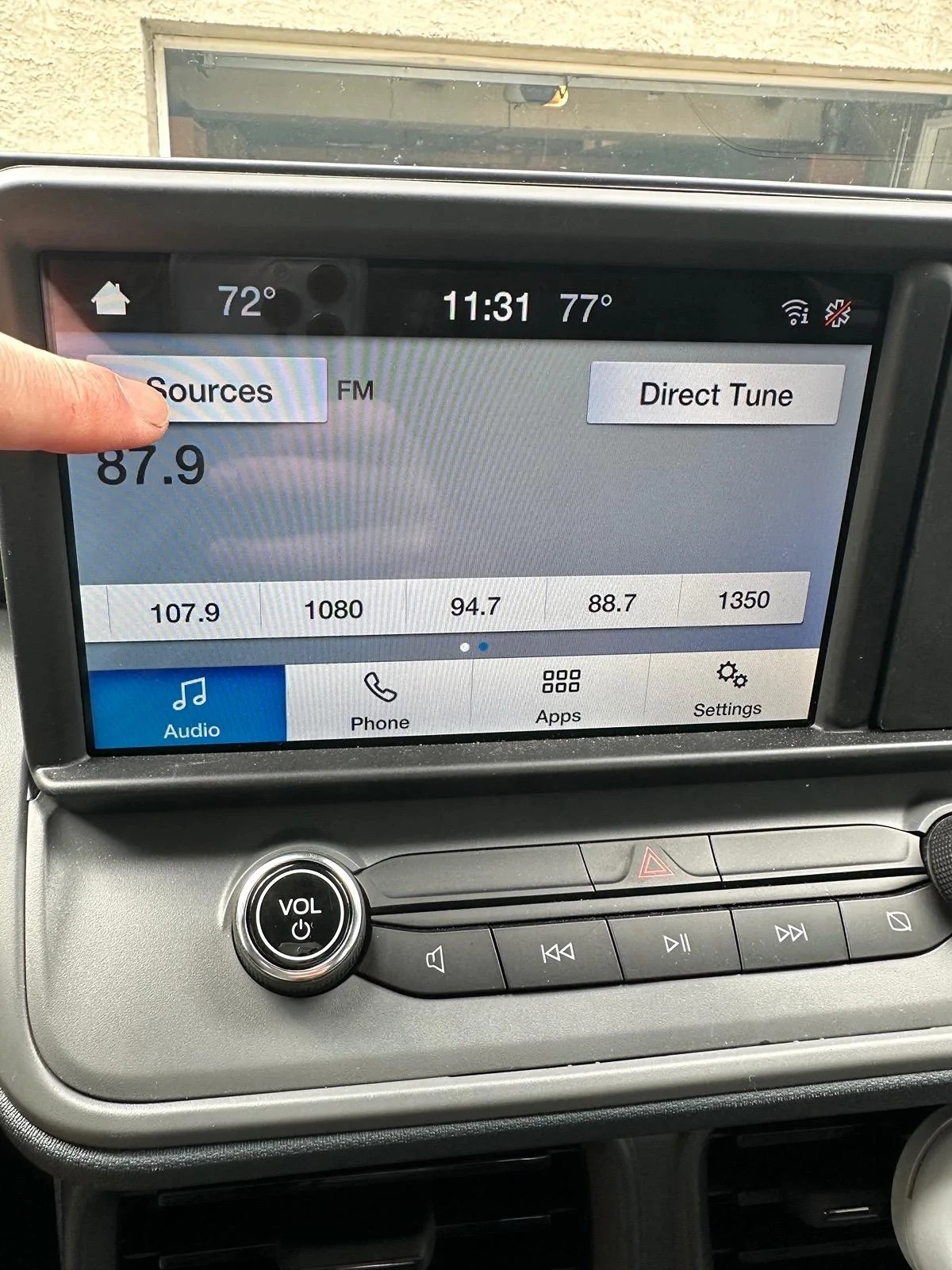
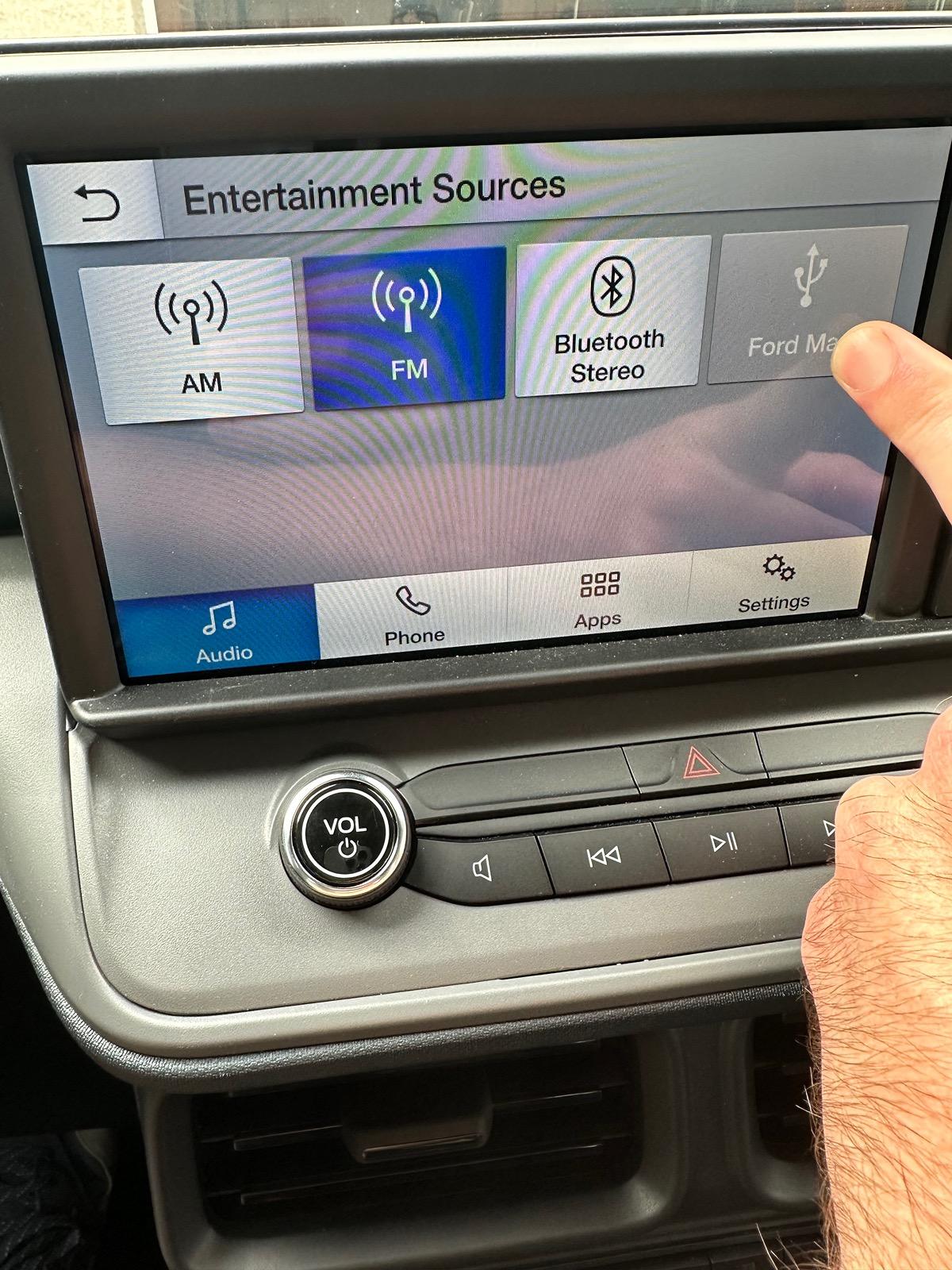
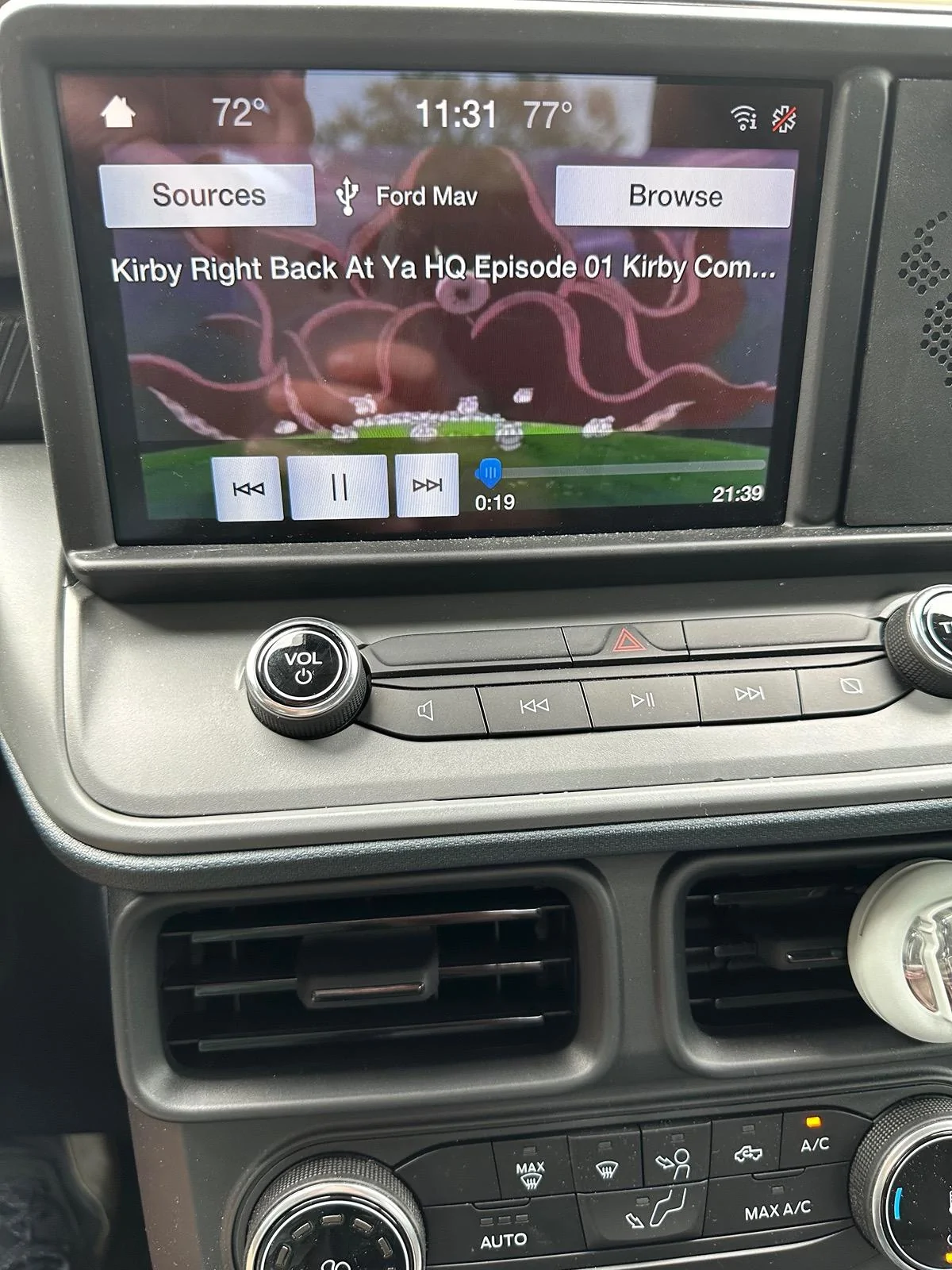
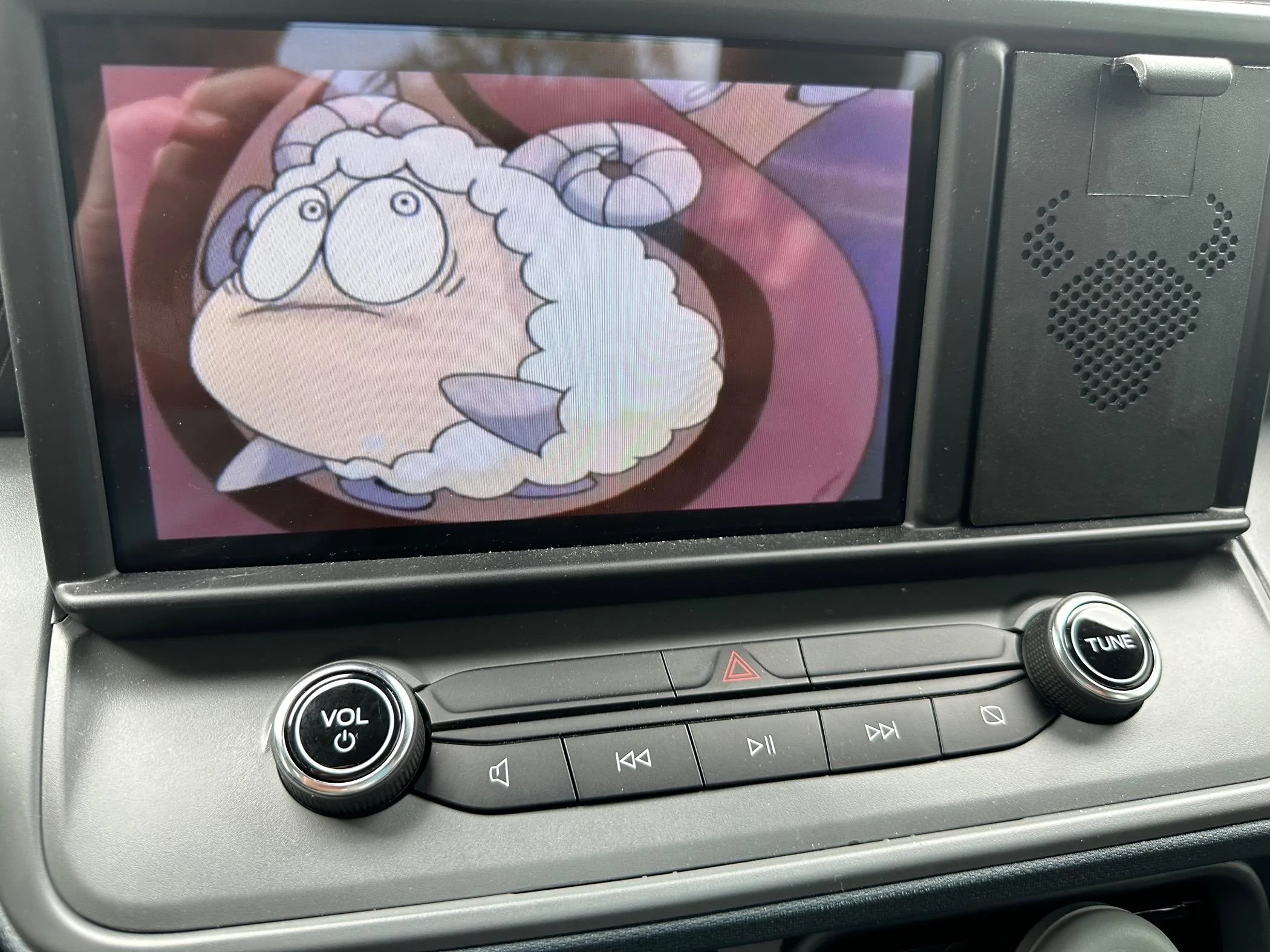
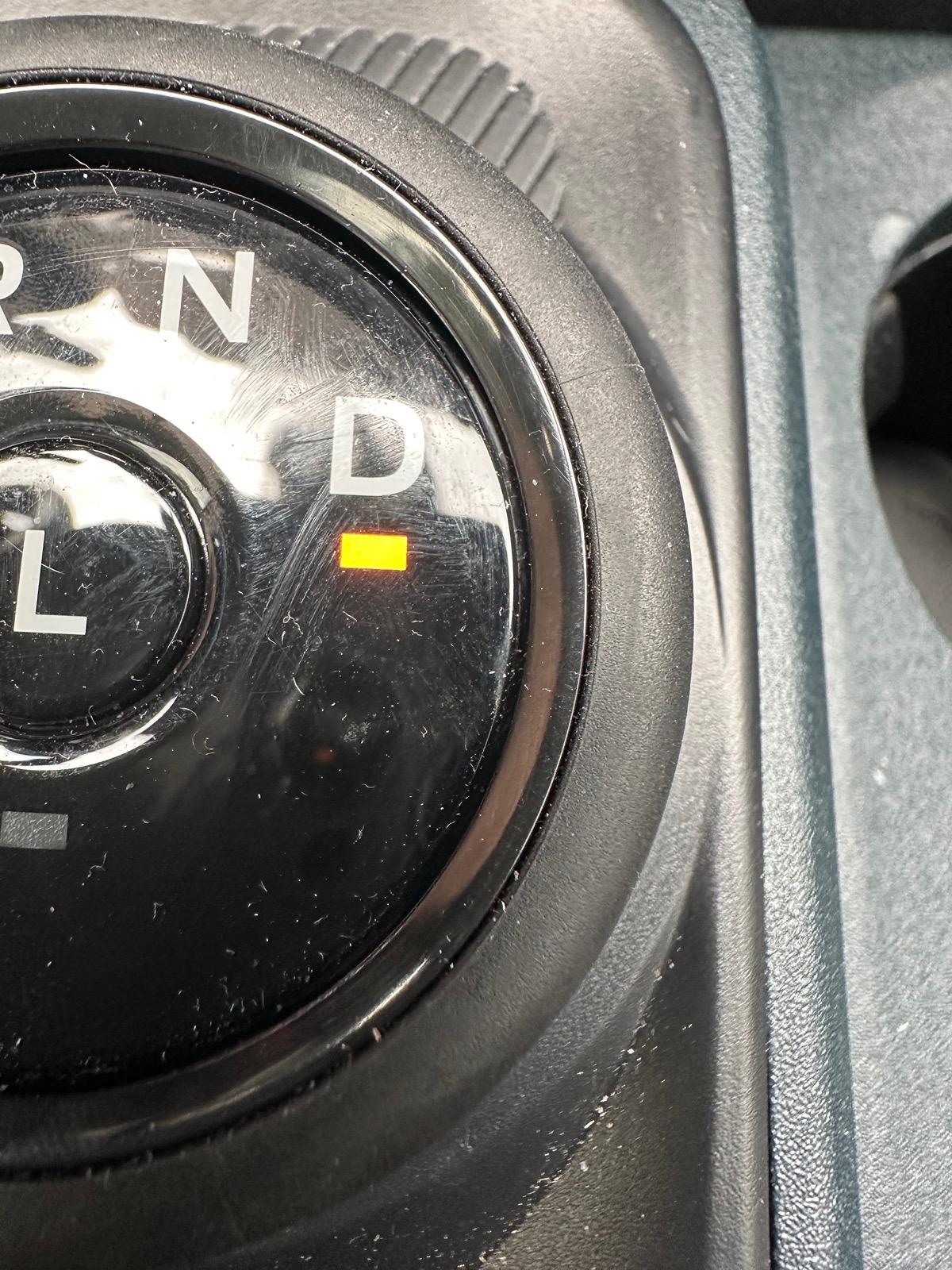
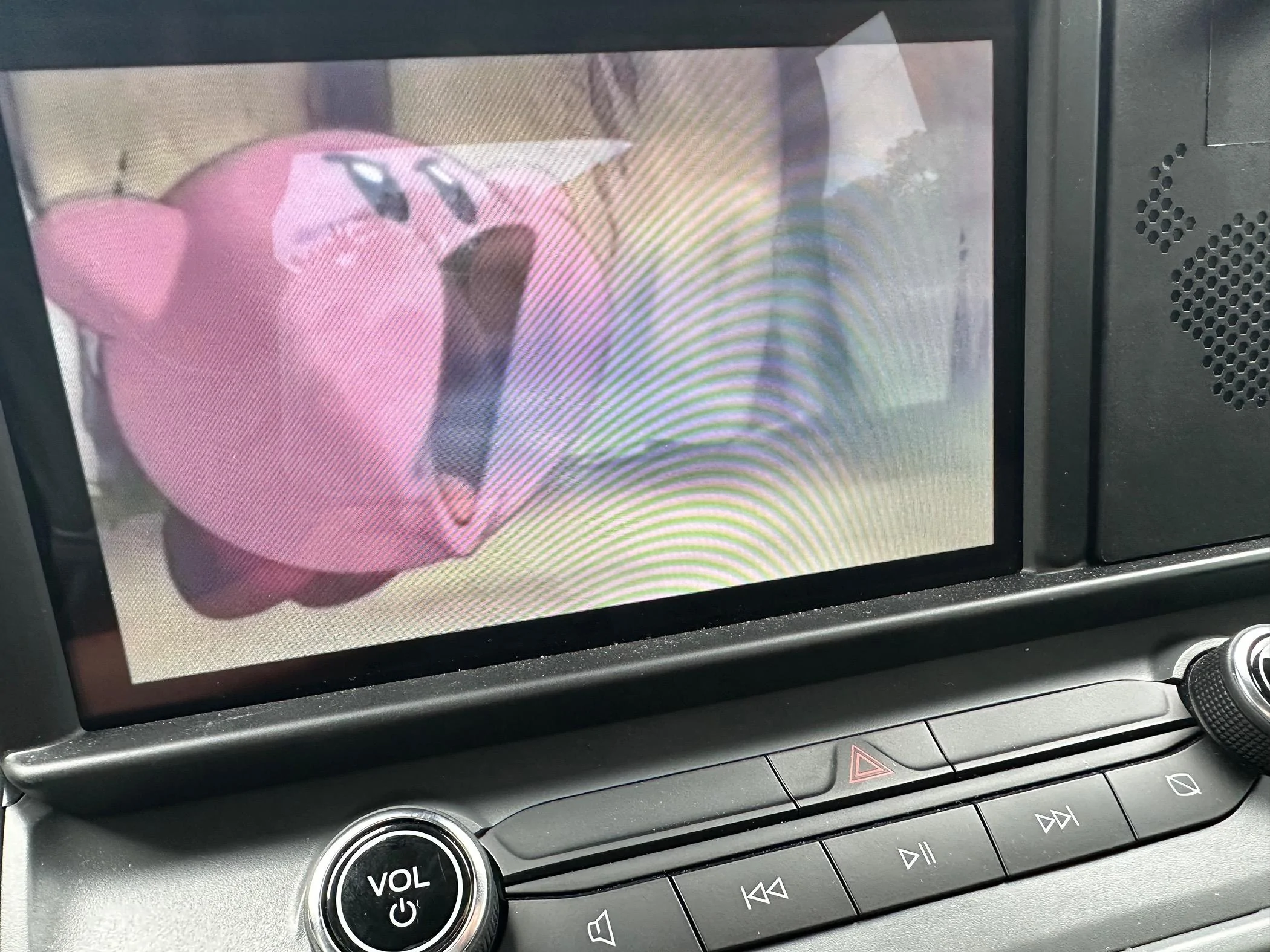
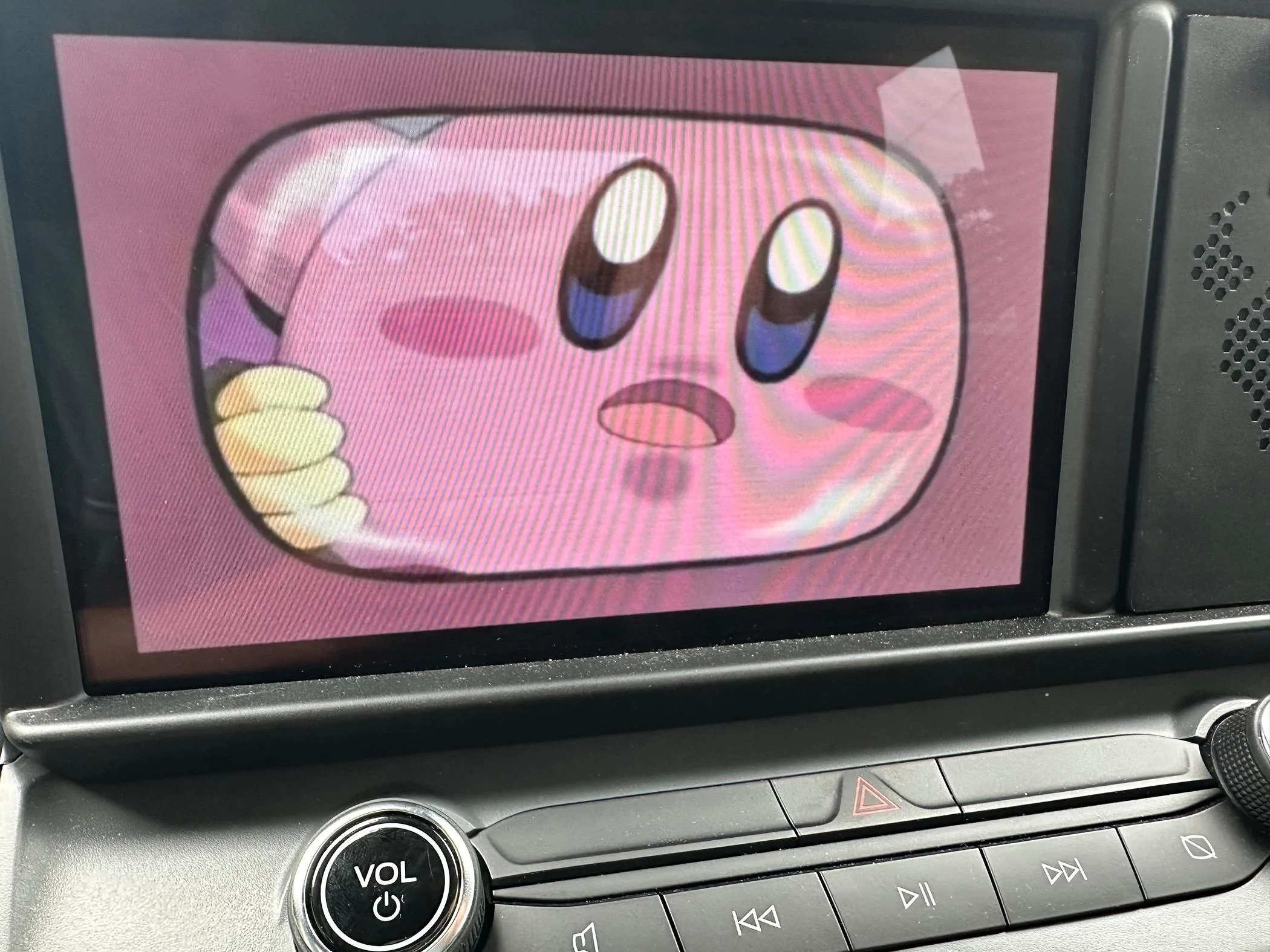
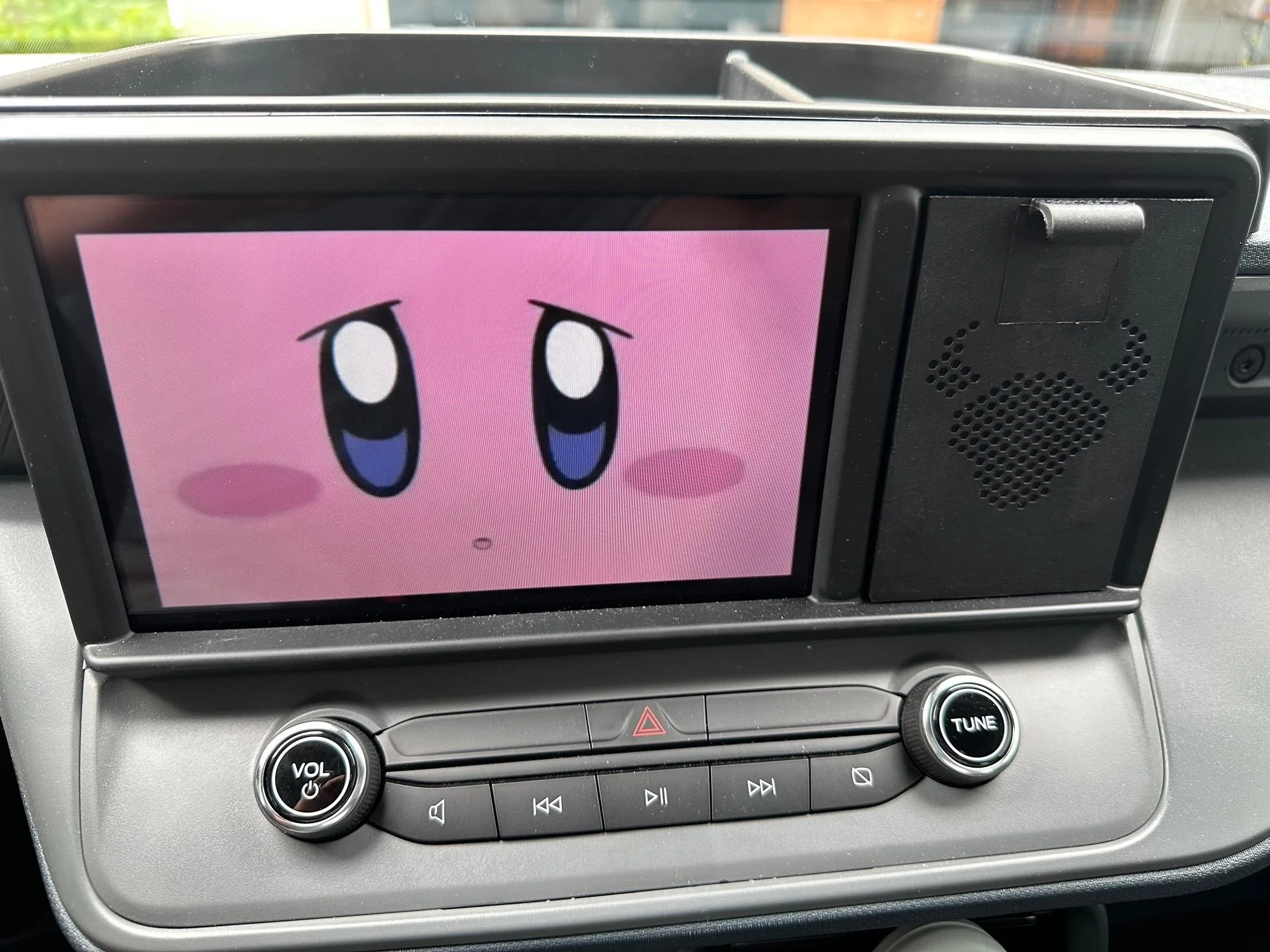
You can now plug in your USB drive to your Maverick and start watching Videos or Movies! Here are some pictures below! EDIT: If you get an ERROR that NO MEDIA is found. Do a factory reset of the radio by going to general - reset - factory reset and this will fix the issue!. If you want to change to different video file choose Browse - then select the file
The drive must be formatted to EXFAT or FAT32. This can be done on any computer.
Next, using your computer, load your movies onto the drive. I have found that videos formatted to .MP4 work best. I found .MOV files will NOT work.
Before you plug in the USB drive to your Maverick, you must make a FORSCAN change so your videos can be played while PARKED and DRIVING. I tested the USB drive in the Maverick without making the FORSCAN change and it would not read/play the videos, so the FORSCAN change is required.
For XL, and XLT Mavericks make this change below.
ACM (EZ MODE)
Change "Video Playback" to "Enabled without restrictions"
The factory setting for "Video Playback" is "disabled"
If you have a Lariat Maverick, This has not been figured out yet..
You can now plug in your USB drive to your Maverick and start watching Videos or Movies! Here are some pictures below! EDIT: If you get an ERROR that NO MEDIA is found. Do a factory reset of the radio by going to general - reset - factory reset and this will fix the issue!. If you want to change to different video file choose Browse - then select the file
Sponsored
Last edited: