
Sponsored

New 2025 Lariat - I have a few questions

OP
OP
Busa789

Busa789

2.5L Hybrid
Well-known member
First Name
Dennis
Joined
Feb 18, 2026
Threads
5
Messages
162
Reaction score
289
Location
Iowa
Vehicle(s)
2025 Lariat
Engine
2.5L Hybrid
Long McAthur Ford has a website that has a series of videos called Maverick Monday. I found a video on how to setup the Maverick audio system on this website. Only down side is the amount of videos on this site.

Ford's idea of an owners manual is the worst I have encountered in 62 years of driving.

https://www.youtube.com/@longmcarthurford/videos
Thanks, I'll check them out. I have found two styles of manuals. The one like in the app is worthless. There is another more comprehensive manual out there in .pdf.
Sponsored


HeyBales

2.5L Hybrid
Well-known member
First Name
Mike
Joined
May 3, 2024
Threads
4
Messages
4,827
Reaction score
4,372
Location
KC Metro area
Vehicle(s)
2005 Toyota RAV4, 2024 XLT Hybrid
Engine
2.5L Hybrid
From what I searched, a force close is my normal way to close an app. I swipe up half way to see all open apps, scroll over to Waze, then swipe it up. It still talks to me in both the Maverick and the F150. I don't see any settings in Waze that would influence this.
Tried to confirm in prior posts but didn't stand out - iPhone correct?

May not be a setting in Waze (I don't use it), but the OS in allowing what an app can do.

Is it this? Seems like it shouldn't matter when really closed with your swipe off.
But maybe the AI overview is wrong on when it happens.

AI Overview


Background App Refresh
on iPhone is a feature that allows apps to check for new content and update in the background while they are suspended or not in active use. It ensures apps are ready with the latest information (like emails or social media feeds) when you open them, but can drain battery and consume data.
Key Aspects of Background App Refresh:
  • Functionality: Apps update in the background, allowing for faster loading and updated feeds, notifications, and location services.
  • Battery & Data Usage: Constant background activity can significantly decrease battery life and consume cellular data, especially if many apps are allowed to refresh.
  • Settings Control:
    You can manage this in
    Settings > General > Background App Refresh

    .
 

TNFurb

2.5L Hybrid
Well-known member
First Name
Kelly
Joined
Jul 16, 2023
Threads
16
Messages
484
Reaction score
597
Location
Nashville
Vehicle(s)
‘23 Bronco Sport OB ‘24 Mav Lariat Hybrid
Engine
2.5L Hybrid
I don’t have a 2025/2026 so no clue if it does it or not. But is there any chance it’s actually the built in Nav that’s giving you the warnings about security cameras at intersections rather than it being Waze?
 
OP
OP
Busa789

Busa789

2.5L Hybrid
Well-known member
First Name
Dennis
Joined
Feb 18, 2026
Threads
5
Messages
162
Reaction score
289
Location
Iowa
Vehicle(s)
2025 Lariat
Engine
2.5L Hybrid
Tried to confirm in prior posts but didn't stand out - iPhone correct?

May not be a setting in Waze (I don't use it), but the OS in allowing what an app can do.

Is it this? Seems like it shouldn't matter when really closed with your swipe off.
But maybe the AI overview is wrong on when it happens.

AI Overview


Background App Refresh
on iPhone is a feature that allows apps to check for new content and update in the background while they are suspended or not in active use. It ensures apps are ready with the latest information (like emails or social media feeds) when you open them, but can drain battery and consume data.
Key Aspects of Background App Refresh:
  • Functionality: Apps update in the background, allowing for faster loading and updated feeds, notifications, and location services.
  • Battery & Data Usage: Constant background activity can significantly decrease battery life and consume cellular data, especially if many apps are allowed to refresh.
  • Settings Control:
    You can manage this in
    Settings > General > Background App Refresh

    .
I'll look at that. Hadn't heard of that. I did make sure that I set the application to only use location data when the app is in use, but one thing I found online was someone said that didn't work correctly and to allow it all the time. So a couple things to try I suppose.

I don’t have a 2025/2026 so no clue if it does it or not. But is there any chance it’s actually the built in Nav that’s giving you the warnings about security cameras at intersections rather than it being Waze?
It's the Waze voice. My F150 does the same thing and I don't have a nav subscription in that truck.
 

rk06382

2.5L Hybrid
Well-known member
First Name
Robert
Joined
May 9, 2025
Threads
7
Messages
724
Reaction score
996
Location
Alaska
Vehicle(s)
2025 Velocity Blue Maverick Lariat Hybrid, 1990 Ford Ranger XLT SuperCab
Engine
2.5L Hybrid
I picked up my 2025 Lariat today and am happy with it so far. Like every vehicle, I try to remember to check the things that annoy me from previous vehicles but there is always something different to annoy me on the new vehicle. I appreciate your feedback

Cruise control: On the way home I couldn't find a way to use regular cruise control. Only adaptive was available. The manual in the app was worthless. When I got home, I looked in the .pdf manual and found there is a setting on the instrument panel screen where I can turn it off. I did that and it works better. It's interesting they put it in a menu rather than just a button to push on the wheel, but it's fine. Question: Will this disable the function where the truck slows down automatically when it sees a speed limit sign slower than the last sign it saw? It did this to me twice on the way home. At least that's what it appears to be. It certainly lowered my set speed.

Sync: I don't know what to think. I'm not sure even what to ask. It's not like the Sync in my 2022 F150. The home display shows navigation on the left, then music on the top right, and phone on the bottom right. Is there a way to change these default choices? I don't even know what I'm missing - my F150 has quite a selection of sub menus to choose from. Maybe I don't want to see the map or would prefer the music over there for a better display? Can I put Waze where the Ford navigation screen is? Sync seems more intuitive on my F150.

Waze: How do I get Waze to quit talking to me, even when the app is closed? (honestly same problem on the F150)

Channel surfing: I like to scroll through my presets if a song comes on I don't like. I don't see an easy way to do this. There is no button on the steering wheel like my F150, or my prior Camry. I have to open the music screen, and it seems individually select the preset on-screen. This is unhandy while driving.

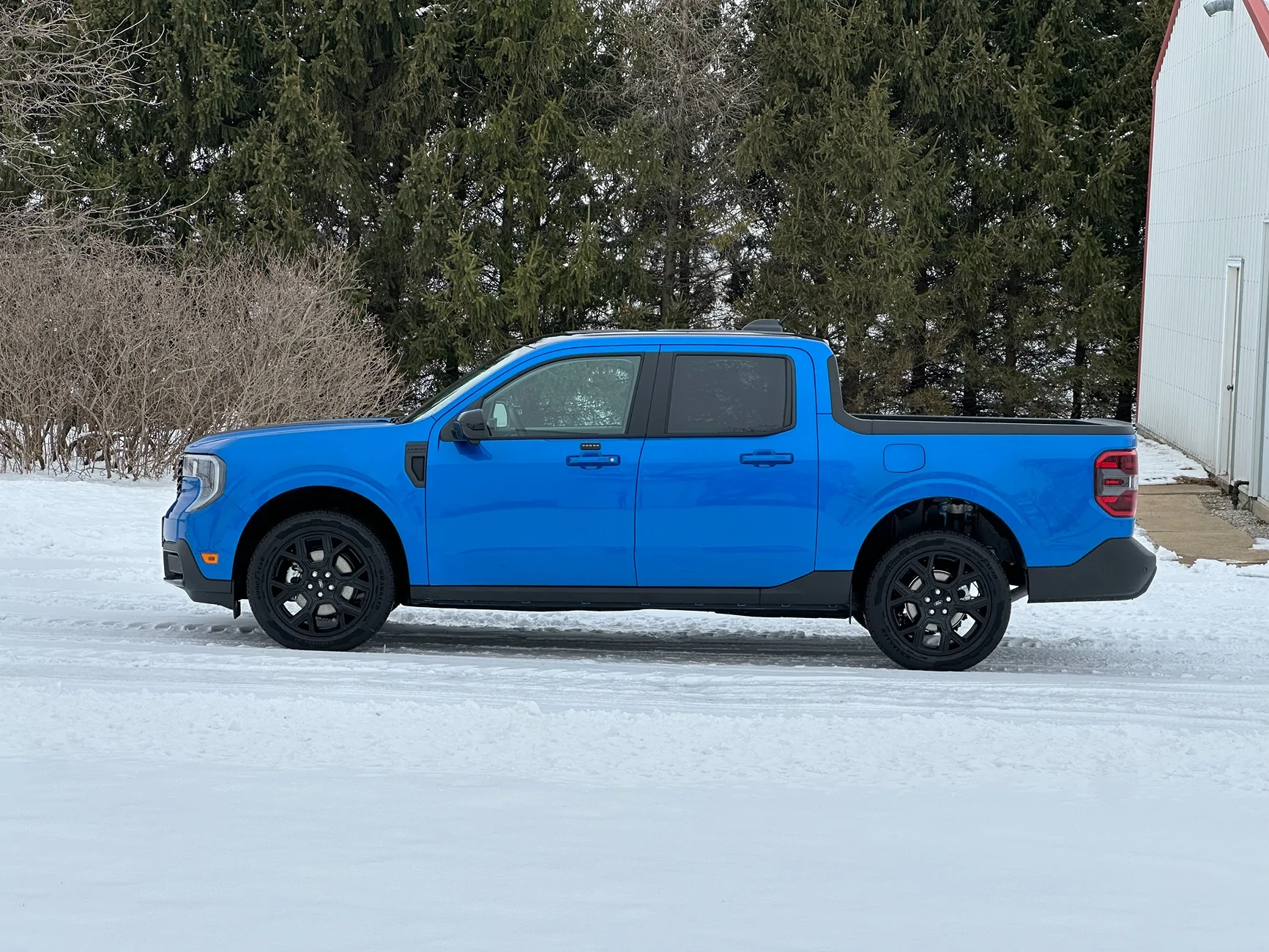
Like: I like that there is a button for brake hold and that it's modal. I like the 360 camera. I like that I can view the rear camera while going down the highway. I like that it is somewhat quieter than the Camry and the smoothness of the drivetrain is very nice. I like that some effort was put into storage. I really like the color.

IMG_8486.webp
Welcome to the Maverick Truck Club forum from Alaska!

Please post MORE pictures of your new Maverick. :camera:

Blue 💙 is my favorite color! :clap:
 

Sponsored

rk06382

2.5L Hybrid
Well-known member
First Name
Robert
Joined
May 9, 2025
Threads
7
Messages
724
Reaction score
996
Location
Alaska
Vehicle(s)
2025 Velocity Blue Maverick Lariat Hybrid, 1990 Ford Ranger XLT SuperCab
Engine
2.5L Hybrid
I just got the same model five days ago. It is frustrating trying to work through all the gadgets. It’s interesting to me how so few of us ever really fully utilize all that these newfangled machines have to offer.
Seems the radio stations can be changed and volume controlled with the phone buttons on the right side of the steering wheel.
I haven’t even tried the cruise control yet, and still trying to figure out the climate control system.
I think I might be too old for the technology. Wish my grandkids lived closer, as those who grew up with this stuff catch on much quicker. 😁
I find that Youtube sometimes offers a better learning experience than trying to read through the digital owners manual.
Good luck and I hope you enjoy the new ride.
Welcome to the Maverick Truck Club forum from Alaska!

Please post pictures of your new Maverick. :camera:
 
OP
OP
Busa789

Busa789

2.5L Hybrid
Well-known member
First Name
Dennis
Joined
Feb 18, 2026
Threads
5
Messages
162
Reaction score
289
Location
Iowa
Vehicle(s)
2025 Lariat
Engine
2.5L Hybrid
Welcome to the Maverick Truck Club forum from Alaska!

Please post MORE pictures of your new Maverick. :camera:

Blue 💙 is my favorite color! :clap:
Thanks! Unfortunately it is dirty now from driving through the slop on the roads after the snow. Hopefully in the next couple weeks I get some chance to clean it.

It's my first blue vehicle, and it's a great color.
 

Merrick

2.5L Hybrid
Well-known member
First Name
Merrick
Joined
Dec 21, 2024
Threads
17
Messages
224
Reaction score
374
Location
Lewes, DE
Vehicle(s)
2025 Maverick Lariat Hybrid AWD
Engine
2.5L Hybrid
Clubs
 
I picked up my 2025 Lariat today and am happy with it so far. Like every vehicle, I try to remember to check the things that annoy me from previous vehicles but there is always something different to annoy me on the new vehicle. I appreciate your feedback

Cruise control: On the way home I couldn't find a way to use regular cruise control. Only adaptive was available. The manual in the app was worthless. When I got home, I looked in the .pdf manual and found there is a setting on the instrument panel screen where I can turn it off. I did that and it works better. It's interesting they put it in a menu rather than just a button to push on the wheel, but it's fine. Question: Will this disable the function where the truck slows down automatically when it sees a speed limit sign slower than the last sign it saw? It did this to me twice on the way home. At least that's what it appears to be. It certainly lowered my set speed.

Sync: I don't know what to think. I'm not sure even what to ask. It's not like the Sync in my 2022 F150. The home display shows navigation on the left, then music on the top right, and phone on the bottom right. Is there a way to change these default choices? I don't even know what I'm missing - my F150 has quite a selection of sub menus to choose from. Maybe I don't want to see the map or would prefer the music over there for a better display? Can I put Waze where the Ford navigation screen is? Sync seems more intuitive on my F150.

Waze: How do I get Waze to quit talking to me, even when the app is closed? (honestly same problem on the F150)

Channel surfing: I like to scroll through my presets if a song comes on I don't like. I don't see an easy way to do this. There is no button on the steering wheel like my F150, or my prior Camry. I have to open the music screen, and it seems individually select the preset on-screen. This is unhandy while driving.

Like: I like that there is a button for brake hold and that it's modal. I like the 360 camera. I like that I can view the rear camera while going down the highway. I like that it is somewhat quieter than the Camry and the smoothness of the drivetrain is very nice. I like that some effort was put into storage. I really like the color.

IMG_8486.webp
Why would you like regular cruise control and not adaptive? They do the same thing but the adaptive slows your truck to the vehicle in front of you. I was a little bit scared to see if the truck would stop with the vehicle in front. lol , but it worked.
 
OP
OP
Busa789

Busa789

2.5L Hybrid
Well-known member
First Name
Dennis
Joined
Feb 18, 2026
Threads
5
Messages
162
Reaction score
289
Location
Iowa
Vehicle(s)
2025 Lariat
Engine
2.5L Hybrid
Why would you like regular cruise control and not adaptive? They do the same thing but the adaptive slows your truck to the vehicle in front of you. I was a little bit scared to see if the truck would stop with the vehicle in front. lol , but it worked.
It does work. I find it annoying. I actually watch what's going on around me as I'm driving and anticipate what others will do and what I will do. I already have a plan for the car passing me and me passing the car in front of me without the truck doing its own thing. I'm all about new tech and features, but that doesn't mean I use all of it.
Sponsored


Top