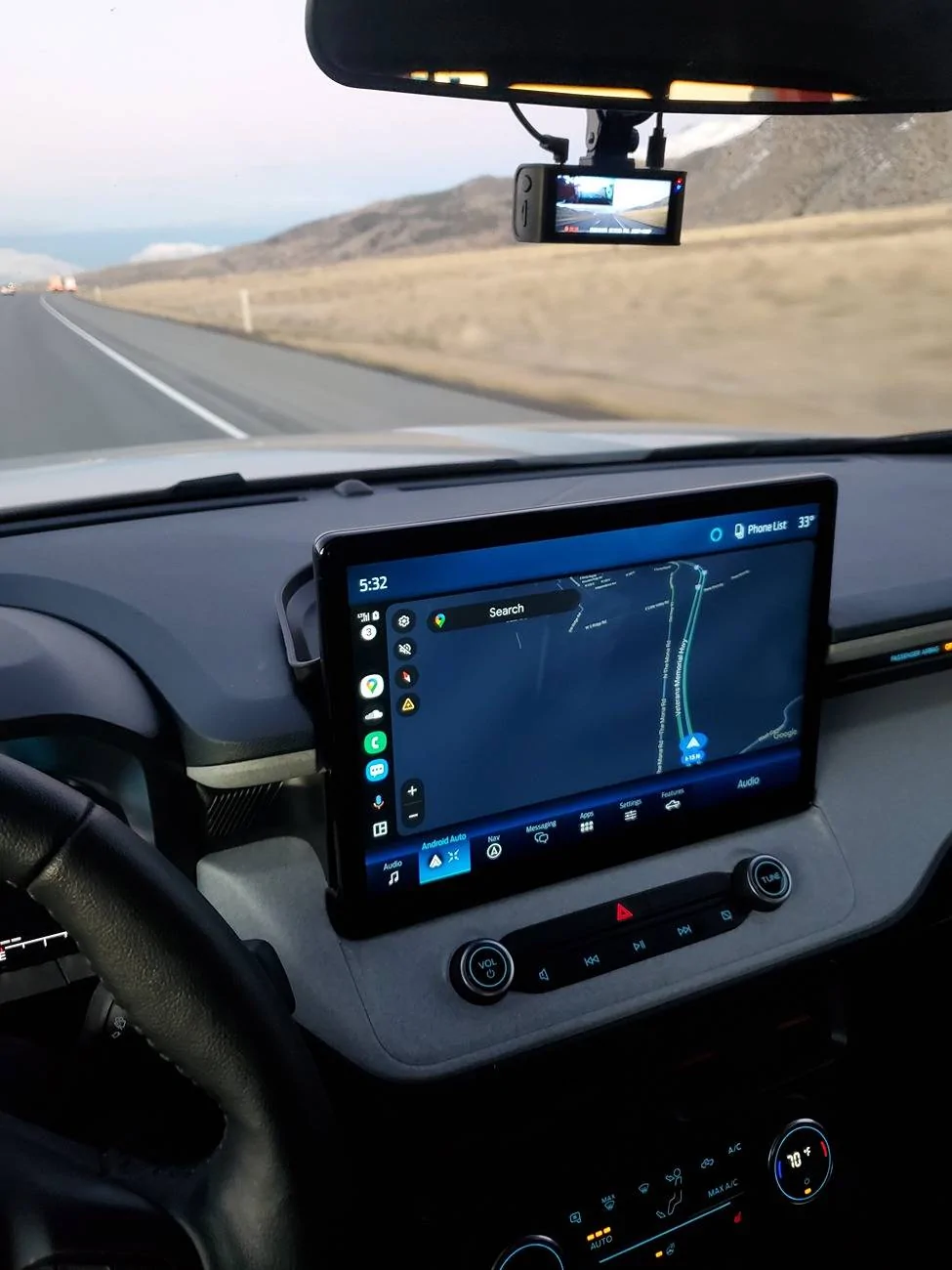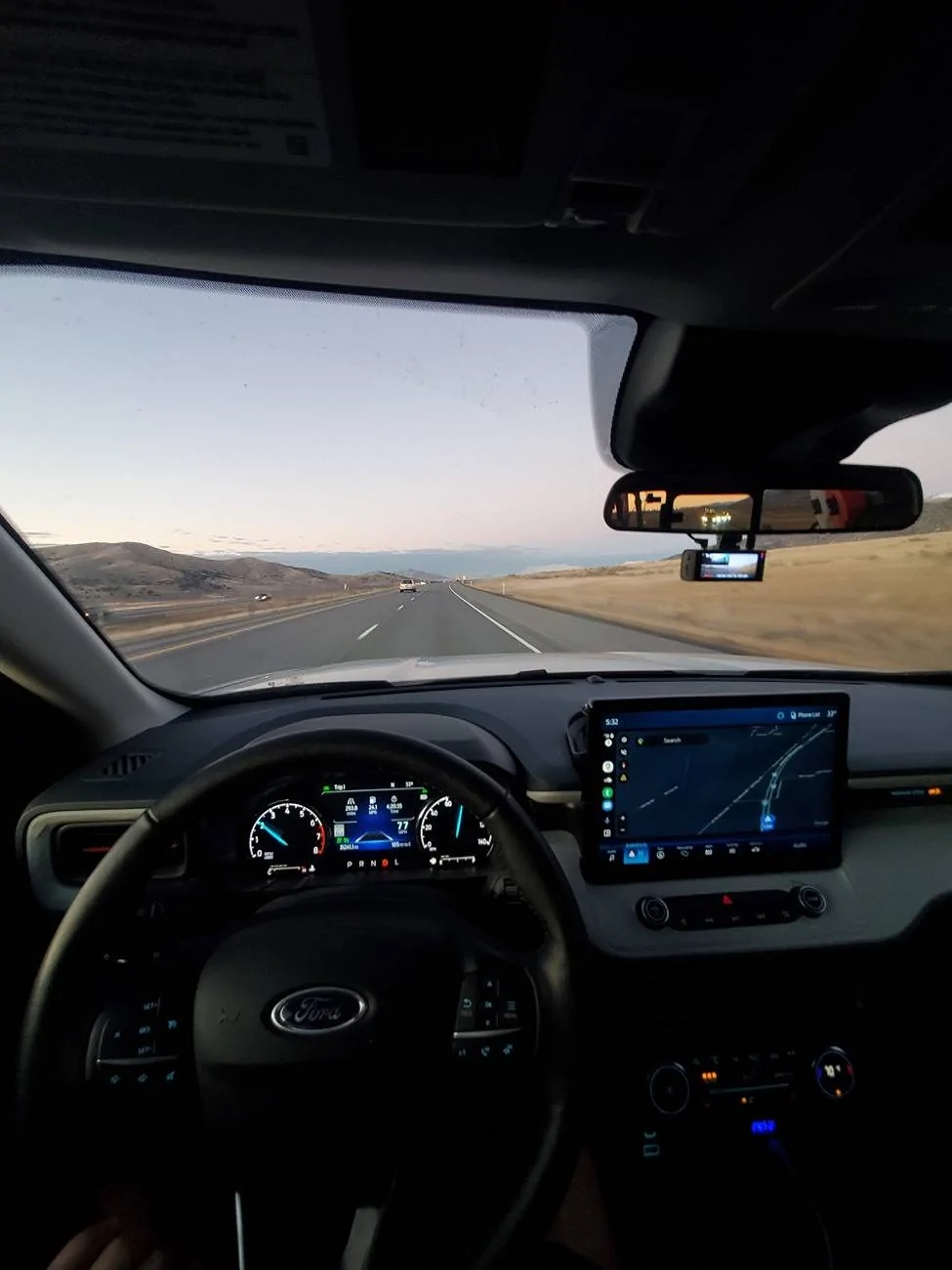

Today is the day! Will be installing a different APIM today. I’ll update later this evening in hopes it solves my audio bugs.
Cross your fingers for me.
Sponsored
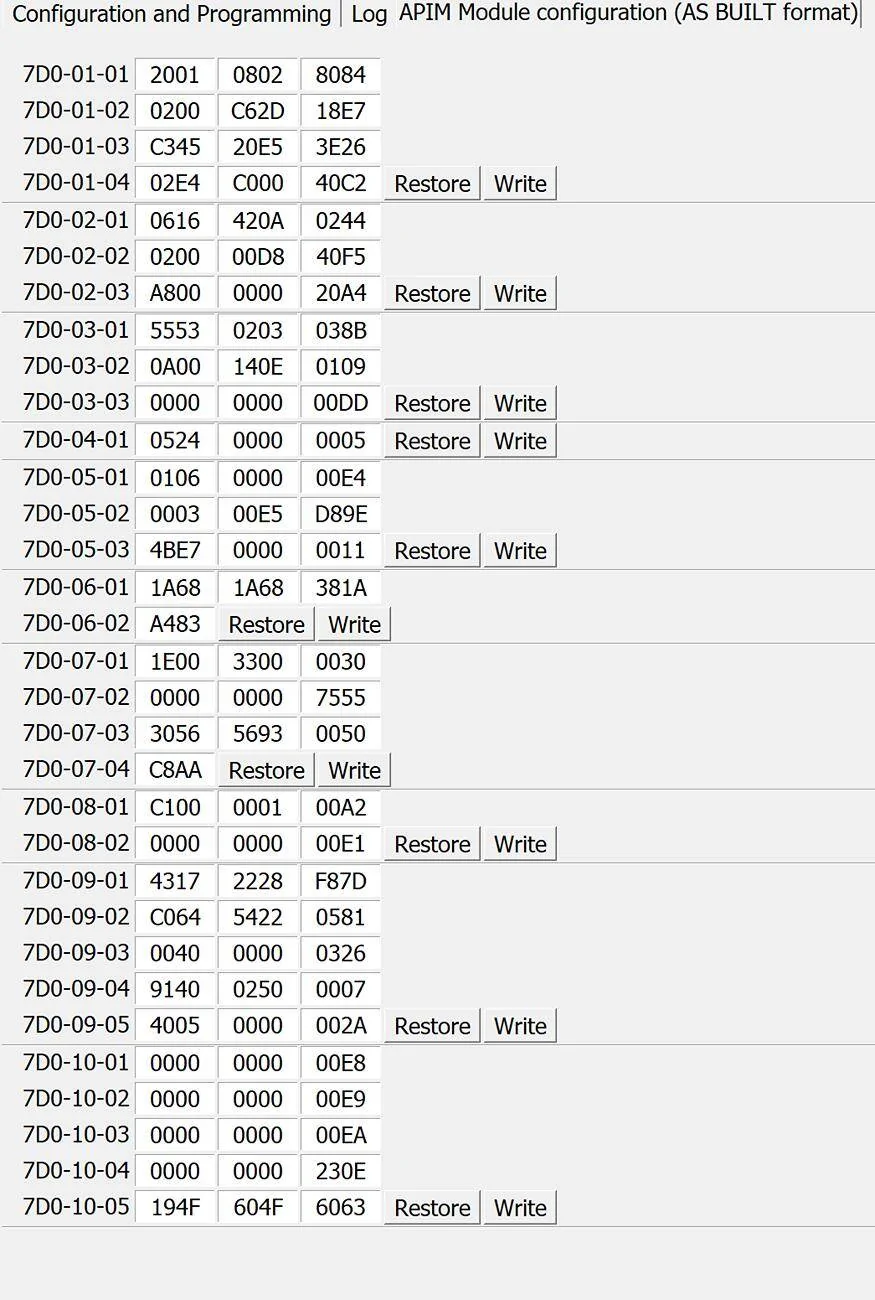
Do we have any idea what lines control wireless app projection? I decided to copy yours as it’s a great starting point, but by doing so Wireless App Projection greyed itself out, blocking me out of wireless CarPlay. I could reset and go one by one, but if any body has any idea where I could start then that would save a lot of time. Good news is the audio issues are completely gone!this is my current working as built. enjoy
Module=7D0 (APIM - Accessory Protocol Interface Module (SYNC))
01-01 A085 0A00 8088
01-02 0000 D609 00B9
01-03 C390 0020 0C5A
01-04 02E0 8080 00BE
02-01 0722 000F 283A
02-02 C000 00D0 60CB
02-03 A040 1001 00CD
03-01 5553 0B04 099B
03-02 0300 0605 00EA
03-03 0901 0000 00E7
04-01 4578 0078 0011
05-01 0004 2800 0009
05-02 0102 00CF DA8A
05-03 4BE7 0000 0011
06-01 1874 18C4 296F
06-02 AE8D
07-01 1500 3300 0027
07-02 0000 5EA1 00DF
07-03 0056 5681 000E
07-04 886A
08-01 CE00 0001 00AF
08-02 0000 0000 00E1
09-01 03A8 AC70 18C0
09-02 0033 0000 182D
09-03 0033 0000 0016
09-04 0240 0000 E006
09-05 2014 0000 2039
10-01 0000 0000 00E8
10-02 0000 0000 00E9
10-03 0000 0000 08F2
10-04 0000 0000 00EB
10-05 0013 E000 00DF
https://cyanlabs.net/asbuilt-db/sync4-apim/Do we have any idea what lines control wireless app projection? I decided to copy yours as it’s a great starting point, but by doing so Wireless App Projection greyed itself out, blocking me out of wireless CarPlay. I could reset and go one by one, but if any body has any idea where I could start then that would save a lot of time. Good news is the audio issues are completely gone!
You shouldn't have any problems with that one. It's the same one I bought.
Did you change the ACM to the Bronco sport or modify the ACM hex code at all?Just an update for everyone. Everything seemed perfect but suddenly CarPlay started acting up. Bluetooth audio works perfect now, but when wired into CarPlay and tapping the screen to switch apps (say to maps) or when an app like maps does a background refresh audio stutters and skips pretty drastically.
I tried resetting the system and my phone as well as trying both USB ports with two different cables and the same thing happened.
I must either be deeply unlucky or my truck just does not want to play nice with this swap.
Not sure what to do at this point other than revert to Sync 3 and move on.
I hadn't touched that. Is there something I should do in the ACM that might help? Also, would you be willing to share your as built data for your APIM at all? I cannot figure out how to renable wireless app projection. Accidentally disabled it when programming earlier.Did you change the ACM to the Bronco sport or modify the ACM hex code at all?
Disconnect the battery. Do a hard resetJust an update for everyone. Everything seemed perfect but suddenly CarPlay started acting up. Bluetooth audio works perfect now, but when wired into CarPlay and tapping the screen to switch apps (say to maps) or when an app like maps does a background refresh audio stutters and skips pretty drastically.
I tried resetting the system and my phone as well as trying both USB ports with two different cables and the same thing happened.
I must either be deeply unlucky or my truck just does not want to play nice with this swap.
Not sure what to do at this point other than revert to Sync 3 and move on.
It’s just odd because it seems like a software issue. CarPlay is the only thing that causes audio glitches when using USB audio. I can be plugged into USB audio and tinkering in Sync settings and music will be fine.Disconnect the battery. Do a hard reset
Were you a lariat to begin with?I hadn't touched that. Is there something I should do in the ACM that might help? Also, would you be willing to share your as built data for your APIM at all? I cannot figure out how to renable wireless app projection. Accidentally disabled it when programming earlier.
I have a Lariat, yes. I would seriously appreciate that so much if you could get me your Asbuilt! You’d be a life saver.Were you a lariat to begin with?
I will get you my asbuilt in a little bit.
Just keep in mind, my Asbuilt is catered to a very basic system. I really only modified Forscan to have Android Auto, back-up camera, ambient lighting. I am not using Nav/Sat Radio/HD radio ect.
I have a Lariat, yes. I would seriously appreciate that so much if you could get me your Asbuilt! You’d be a life saver.
So eager to finally wrap this project up
Seriously appreciate this. Yours looks a lot different in some areas than mine, so I’m just going to line by line check those areas and see what works or doesn’t.
No worries!Seriously appreciate this. Yours looks a lot different in some areas than mine, so I’m just going to line by line check those areas and see what works or doesn’t.
Did you use the 13” Escape screen or the 12” Transit screen?
I’m using a 2021 F150 APIM so this should definitely be a good starting point. Hoping my buggy audio and Wireless CarPlay turning off is a result of a programming issue since it seemed perfect prior. I’ll check back in later tonight with hopefully good news!No worries!
It's the 12 inch transit screen.
I tried to use the original posters as built but he had the 13 inch screen so I was having too many issues with the display.
The APIM is from an f150 so a ton of that code is for an f150. Should be a good starting point for you though, and at least the main things will be functional from the beginning.