
- First Name
- Cliff
- Joined
- Jan 5, 2022
- Threads
- 0
- Messages
- 10
- Reaction score
- 3
- Location
- Phoenix, Arizona
- Vehicle(s)
- 2025 Maverick Lariat
- Engine
- 2.5L Hybrid
i will try That how do you turn vehicle on?????? duh......
Sponsored

Mine is set at 951 now.MPG Correction Tutorial
If your Ford Maverick displays an inaccurate MPG, you can correct it by adjusting the AFE bias in Engineering Test Mode. After calculating my truck's MPG at the pump, I discovered the displayed MPG indicated a value approximately 1.2 MPG higher than the actual value (about 4-5%)
Steps
Follow these steps to enter Engineering Test Mode and fine-tune the AFE bias for a more accurate MPG readout.
Calculation Formula
- Enter Engineering Test Mode
- With the truck off, press and hold the right-side OK button on the steering wheel.
- While holding the OK button, press and release the Start/Stop button (or turn the key to the "on" position). You do not have to start the engine.
- Continue holding the OK button for 5-7 seconds until you have entered Engineering Test Mode.
- Adjust the AFE Bias
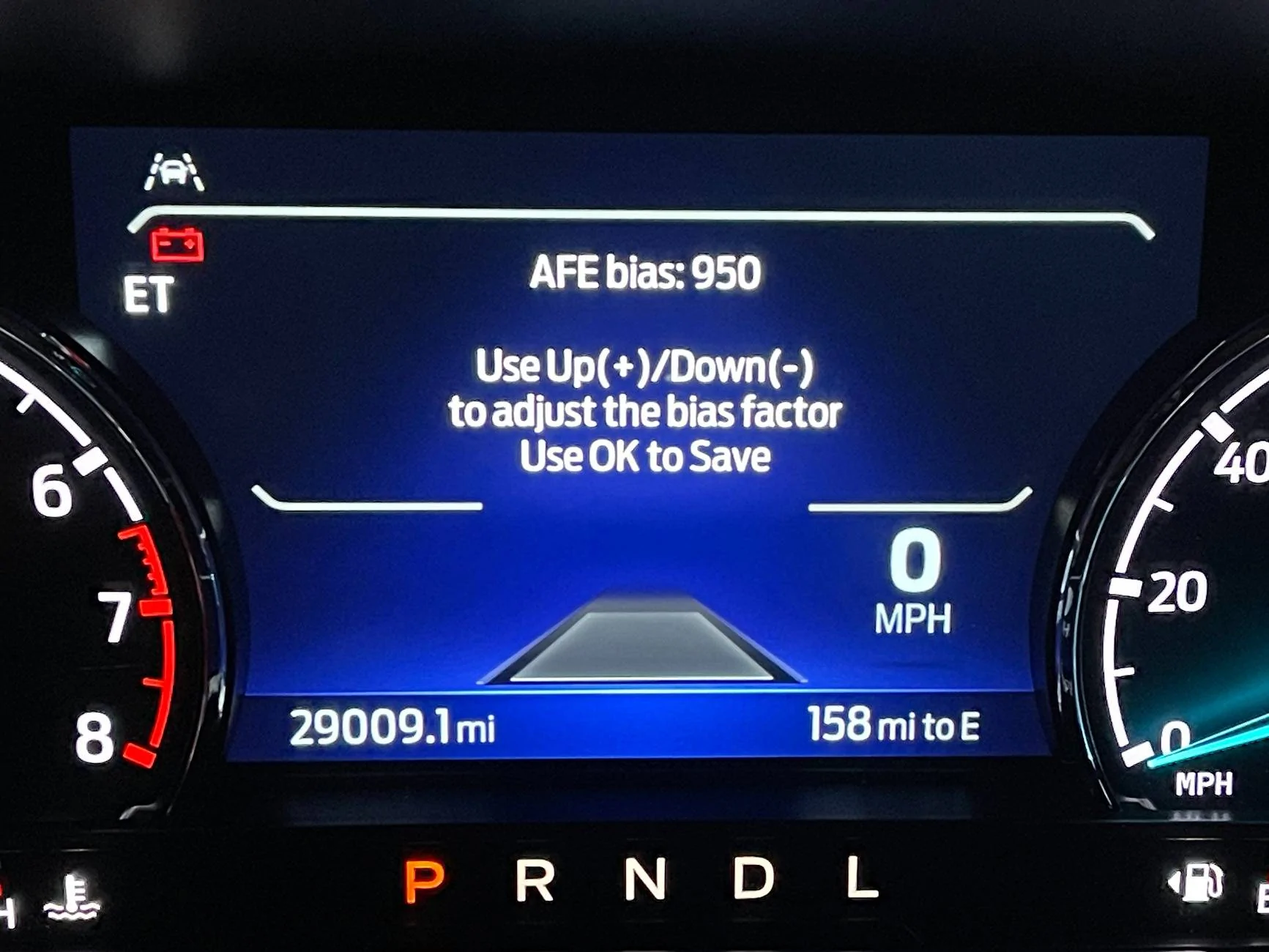
- Use the Up/Down buttons to navigate to the AFE Bias option.
- If you haven't made adjustments yet, the default value will be 1000 (representing 100%).
- Use the formula or Siri Shortcut below to adjust your AFE bias so your truck displays a more accurate MPG value.
- Turn the truck off to exit Engineering Test Mode.
- Bonus Features
- Engineering Test Mode also provides access to diagnostic trouble codes, RPM, coolant temperature, and other valuable data.
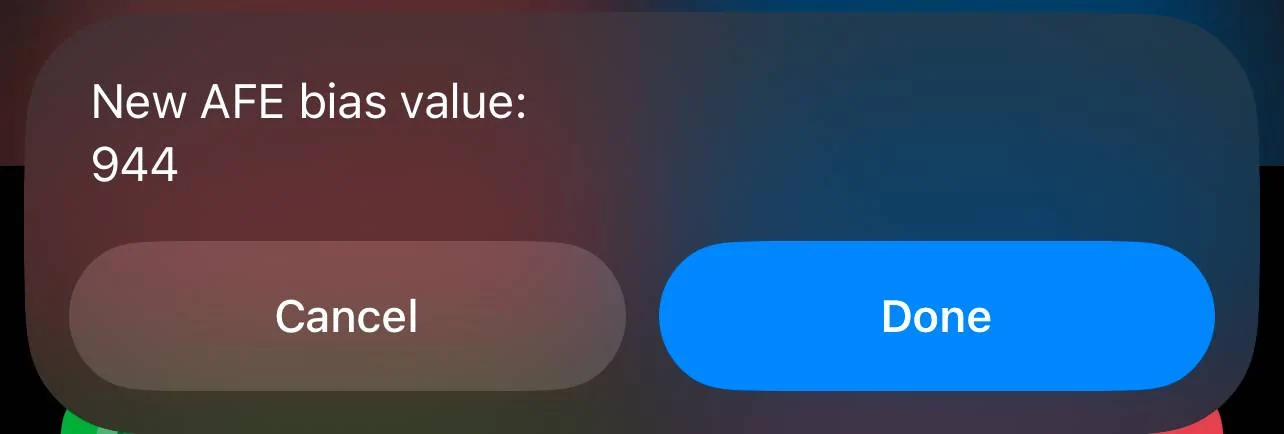
Current AFE Bias value X Calculated MPG / Displayed MPG = New AFE Bias Value
Pro Tip
I recommend repeating this process multiple times over a few fill-ups to calculate a more accurate average. When I did the math, I noticed some variance, so taking multiple readings will help you get a more precise result.
Siri Shortcuts
For iPhone users I’ve included a Siri Shortcuts link below that quickly calculates the new AFE bias value, even if the current bias differs from the default value of 1000. This shortcut makes fine-tuning your MPG quicker and easier on the go.
https://www.icloud.com/shortcuts/679729a810094cee9e26bb64b5142c66
Photos
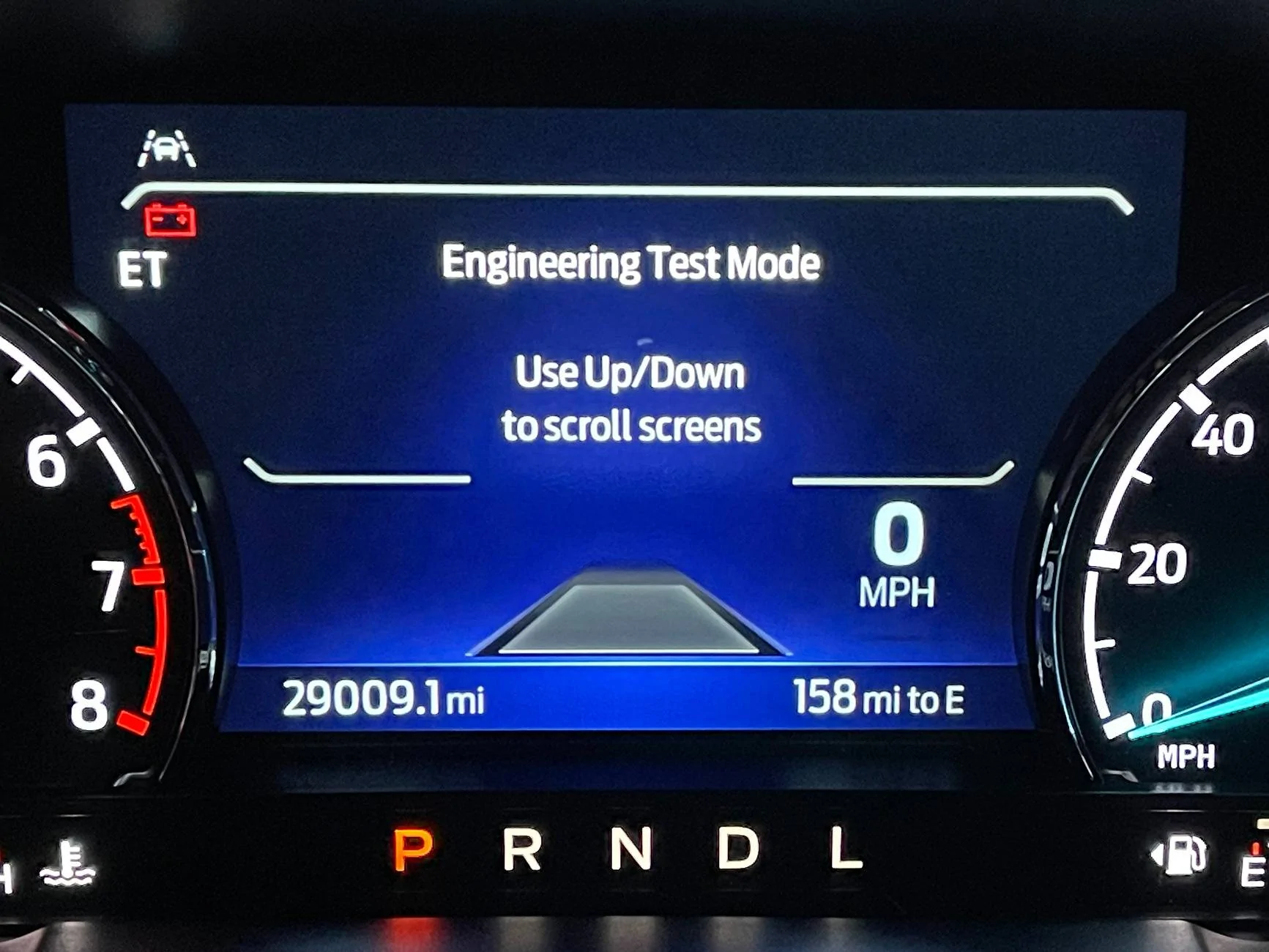
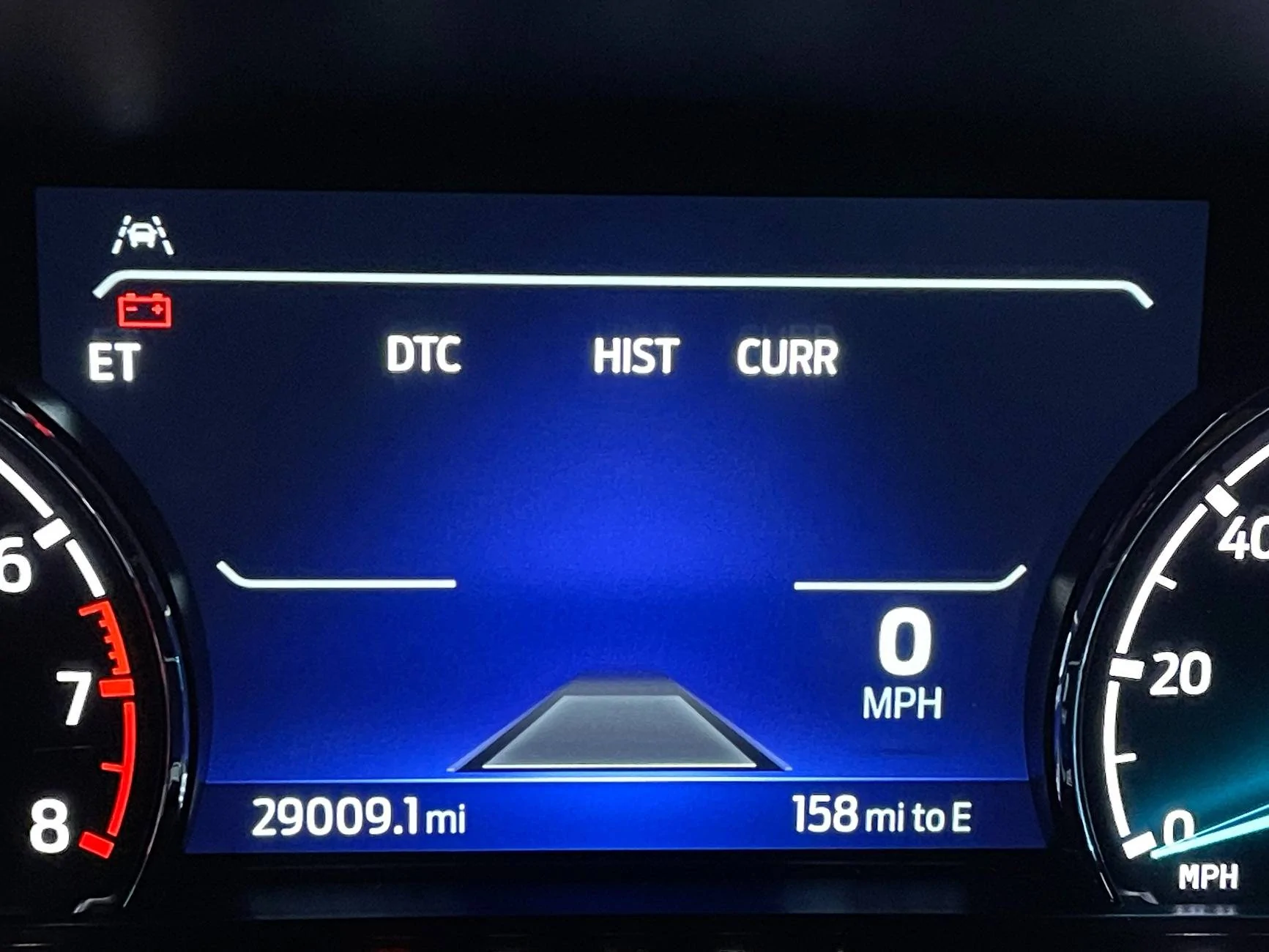
Main Engineering Test Mode Screen
AFE Bias menu.
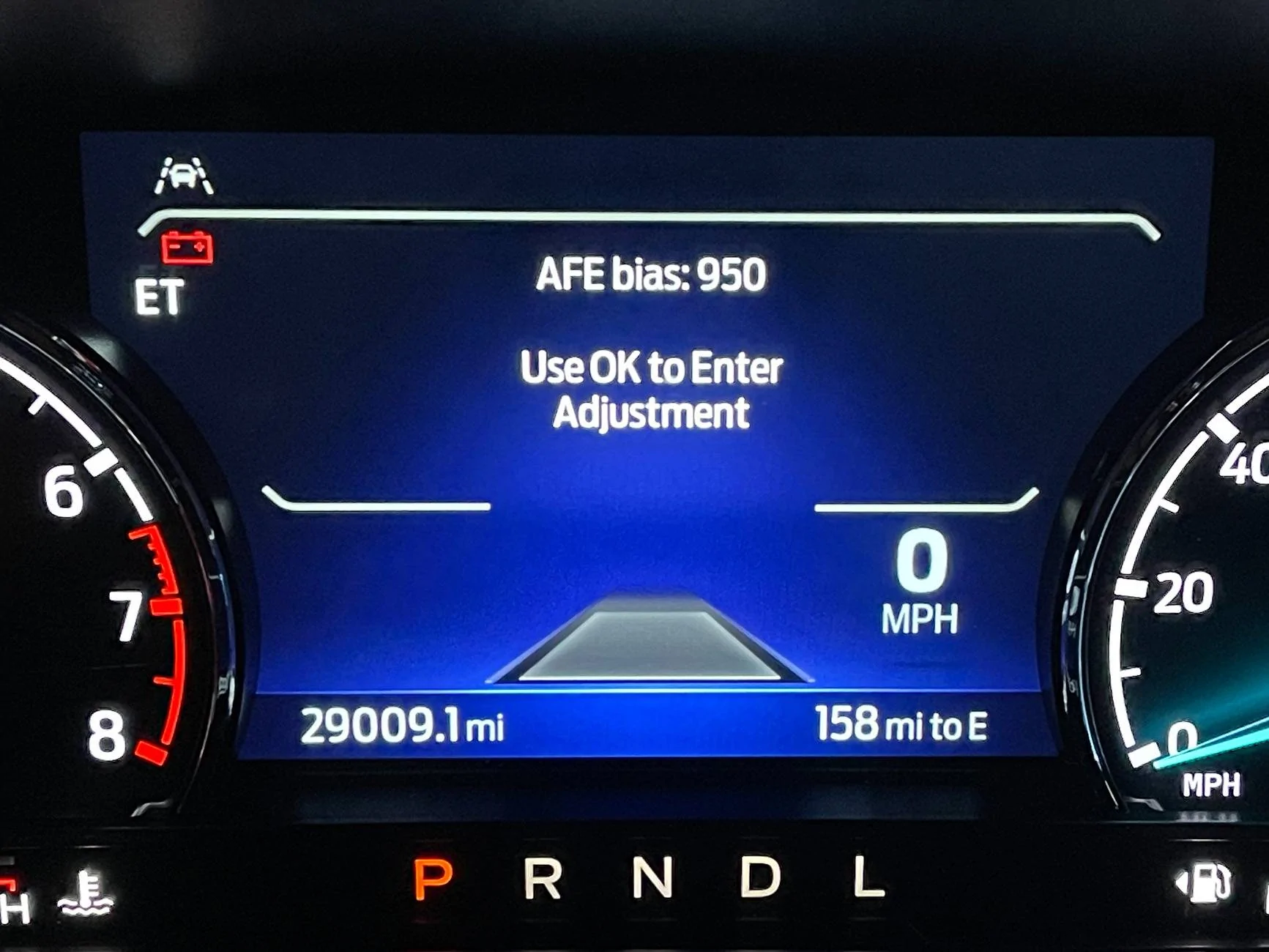
I have already adjusted mine from 1000 to 950 (100% to 95% readout)
Diagnostic Trouble Code Menu. There are many more menus as well.
Siri Shortcuts app I built.
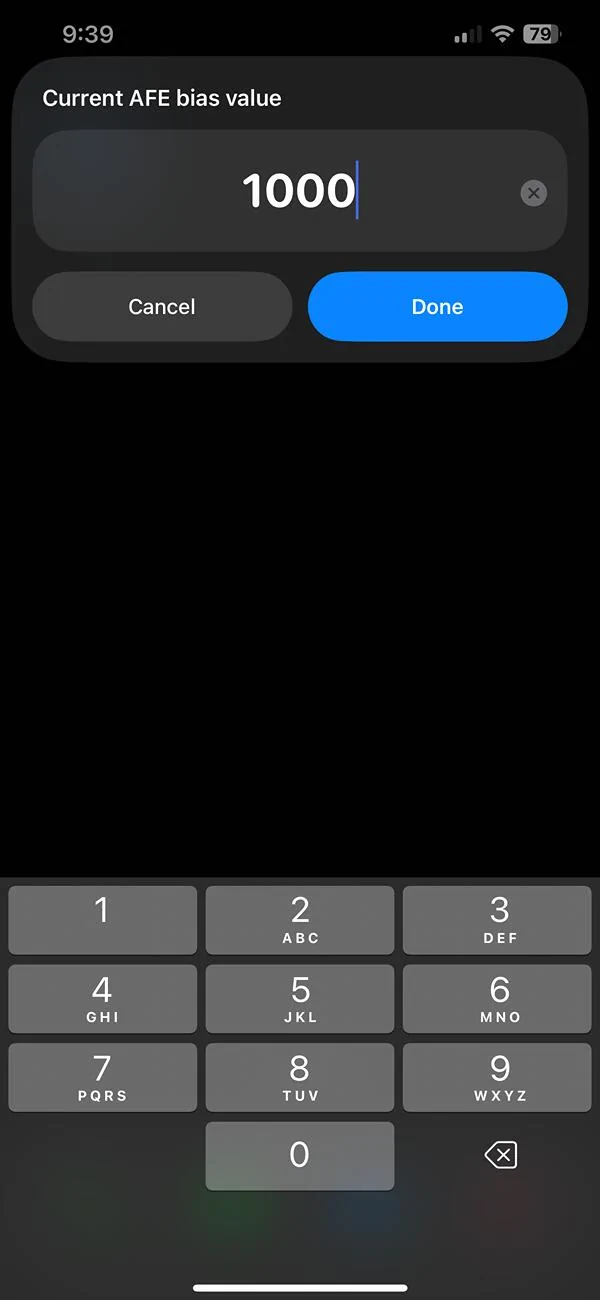
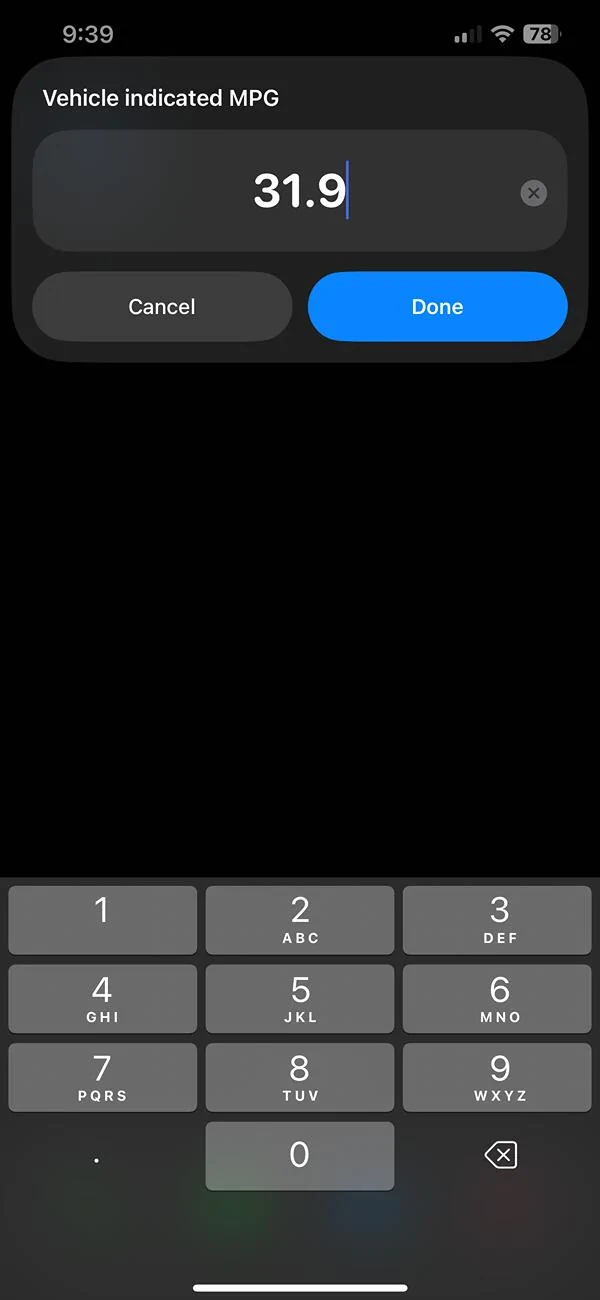
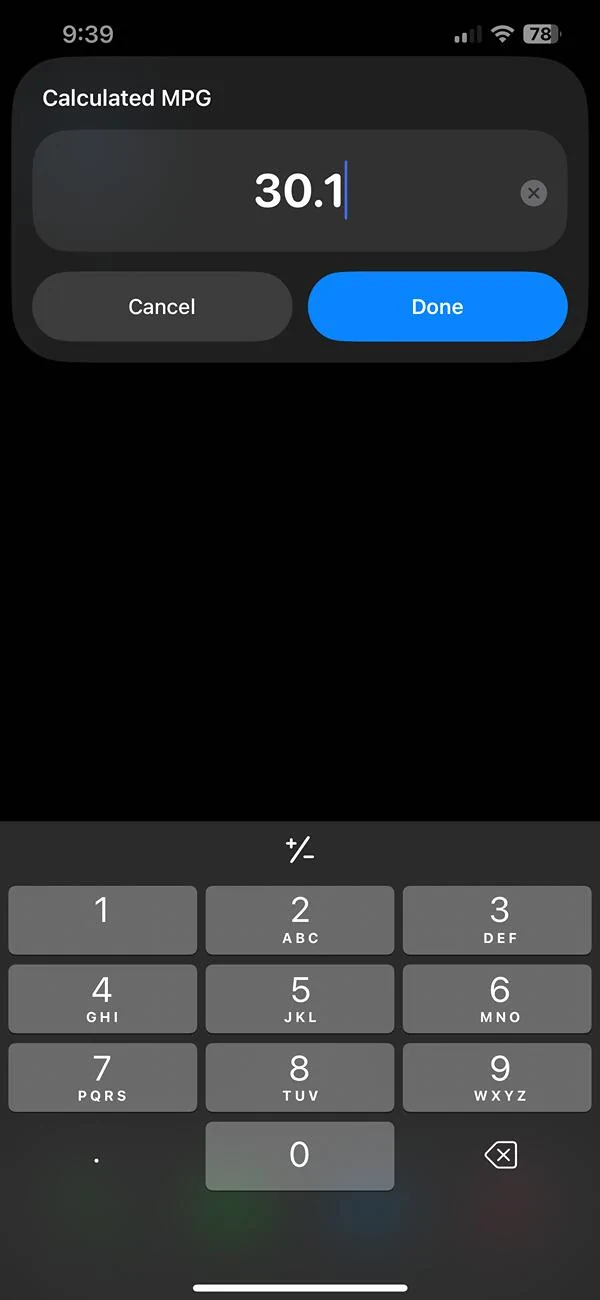
Hope this helps!


Thanks for this extra clarification. I was getting nowhere but then saw the “ET” and went from there. This is on a 2025 HybridI have done this a number of times and at first I thought it was working sometimes and not working other times. I later found out that it was working every time but not always displaying.
So. Here are two tips.
After you press and hold the OK button you need to press the start button WITHOUT starting the truck. In order to do that simply keep your foot off the brake. Keep holding the OK button until "ET" lights up in the cluster.
Then, you may have to clear the Seat belt and other warning messages just like you would when getting ready to drive. At this point you are in Engineering Test mode BUT you may not be able to see the display.
To rectify that press the "Hamburger stack" button.
Then, use the OK button (downward) a number of times to move through many other data points.
Finally you will get to the AFE adjustment page.
Happy to help.Thank you DScruggs! Your 2 tips got me back in after trying for about 30 minutes. I had done it once on my 24 Lariat, but could not get it to work again until I read your post. Now have corrected mine to 925 based on the shortcut formula posted by another very helpful Forum member.
No luck does this work for a 2025 lariat hybrid?I have done this a number of times and at first I thought it was working sometimes and not working other times. I later found out that it was working every time but not always displaying.
So. Here are two tips.
After you press and hold the OK button you need to press the start button WITHOUT starting the truck. In order to do that simply keep your foot off the brake. Keep holding the OK button until "ET" lights up in the cluster.
Then, you may have to clear the Seat belt and other warning messages just like you would when getting ready to drive. At this point you are in Engineering Test mode BUT you may not be able to see the display.
To rectify that press the "Hamburger stack" button.
Then, use the OK button (downward) a number of times to move through many other data points.
Finally you will get to the AFE adjustment page.
Not messing with your mileage parameters, or not messing with your wifes weigh scale?I’m not messing with mine either. I’ve sometimes done calculations and sometimes it’s lower and sometimes higher. All sorts of variations that could make it not jive with the truck computer. Also I’ve checked the odometer and it’s off by about 1-2 %. Of course that may not be accurate as the way I’ve checked it is by using mile markers on interstate.

Tried several times no luck getting into ET mode.I have a 2025 and was having a lot of trouble getting this procedure to work. The screens are very different from prior years. I think I have figured it out for 2025 model year.
Procedure to access Engineering Test mode is the same. Hold OK and press start- keep holding OK until a grey ET shows up on the dash. At this point I waited for a while for the alerts to cycle through. After I cleared the seat belt warning, I still had ET on the dash but had a blank screen. When I toggled up/down with the button, I saw the screen like, acknowledge that I changed something but I still couldn't see anything.
Next, I hit the hamburger stack on the right of the steering wheel- The three stacked lines. That was the needed input. Engineering test screens became visible and I was able to edit my afe bias down to 950 (all of my actual mileages have been 5% off).
tldr: hold ok to enter ET mode. if you can't see the info screens, hit the three stacked lines button.
That has been my experience as well nothing in this thread is working for me on a 2025 hybrid lariat.Tried every combo on my 2025 Lariat Hybrid....could not access the Engineering Test Mode. Has anyone figured out if even possible in the 2025 Hybrid models? From my experience, it does not appear to be possible.
Brian,No luck does this work for a 2025 lariat hybrid?
Brian
Thanks Don, must be I am doing it wrong.Brian,
Mine is a 2025 Lariat Hybrid and it works fine for me.
Don