


- First Name
- Austin
- Joined
- Oct 4, 2023
- Threads
- 7
- Messages
- 39
- Reaction score
- 41
- Location
- Northern Illinois
- Vehicle(s)
- 2023 Maverick Lariat Lux
- Engine
- 2.0L EcoBoost
Man I need this for lariat. Fingers crossed it’s solved soon!
Sponsored

Hey I think I just solved it but I need you to test it for me since I don't have a lariat.Man I need this for lariat. Fingers crossed it’s solved soon!



I would make sure to get your As-Built file from Ford as a backupHey I think I just solved it but I need you to test it for me since I don't have a lariat.
APIM AS BUILT
7D0-01-01
xxxx-8xxx-xxxx
Write the changes!
Change the digit above to an 8. Factory digit is a 0
This should enable videos to be read by the Auxiliary input on the LARIAT.
Somebody test this is and see if it works!
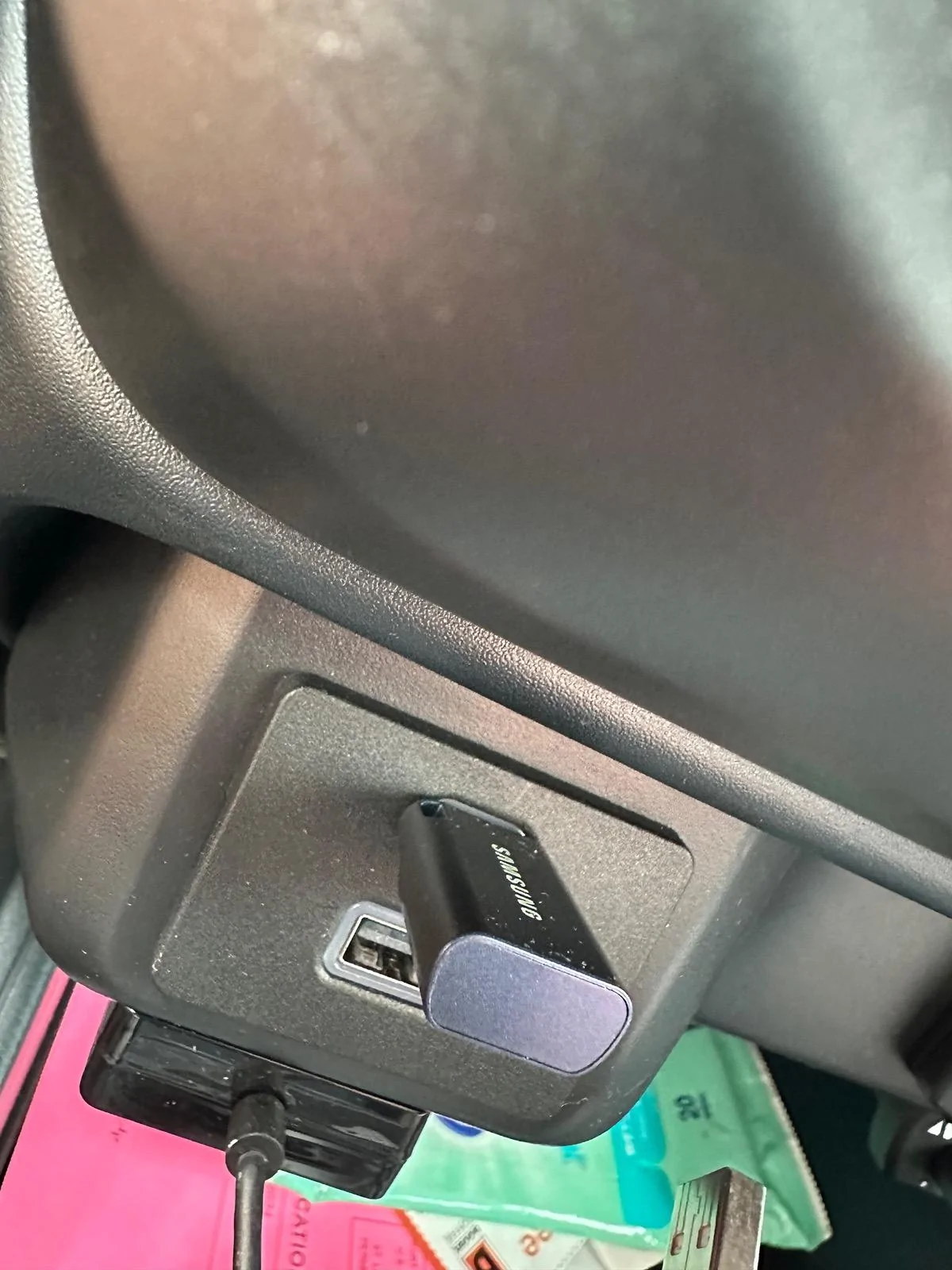
Wait, so this doesn't work on Lariat trim?The FIRST thing you will need is a usb drive. I am using a Samsung 256GB USB C flash drive formatted to EXFAT using Mac Disk Utility Master Boot Record.
The drive must be formatted to EXFAT or FAT32. This can be done on any computer.
Next, using your computer, load your movies onto the drive. I have found that videos formatted to .MP4 work best. I found .MOV files will NOT work.
Before you plug in the USB drive to your Maverick, you must make a FORSCAN change so your videos can be played while PARKED and DRIVING. I tested the USB drive in the Maverick without making the FORSCAN change and it would not read/play the videos, so the FORSCAN change is required.
For XL, and XLT Mavericks make this change below.
ACM (EZ MODE)
Change "Video Playback" to "Enabled without restrictions"
The factory setting for "Video Playback" is "disabled"
If you have a Lariat Maverick, This has not been figured out yet..
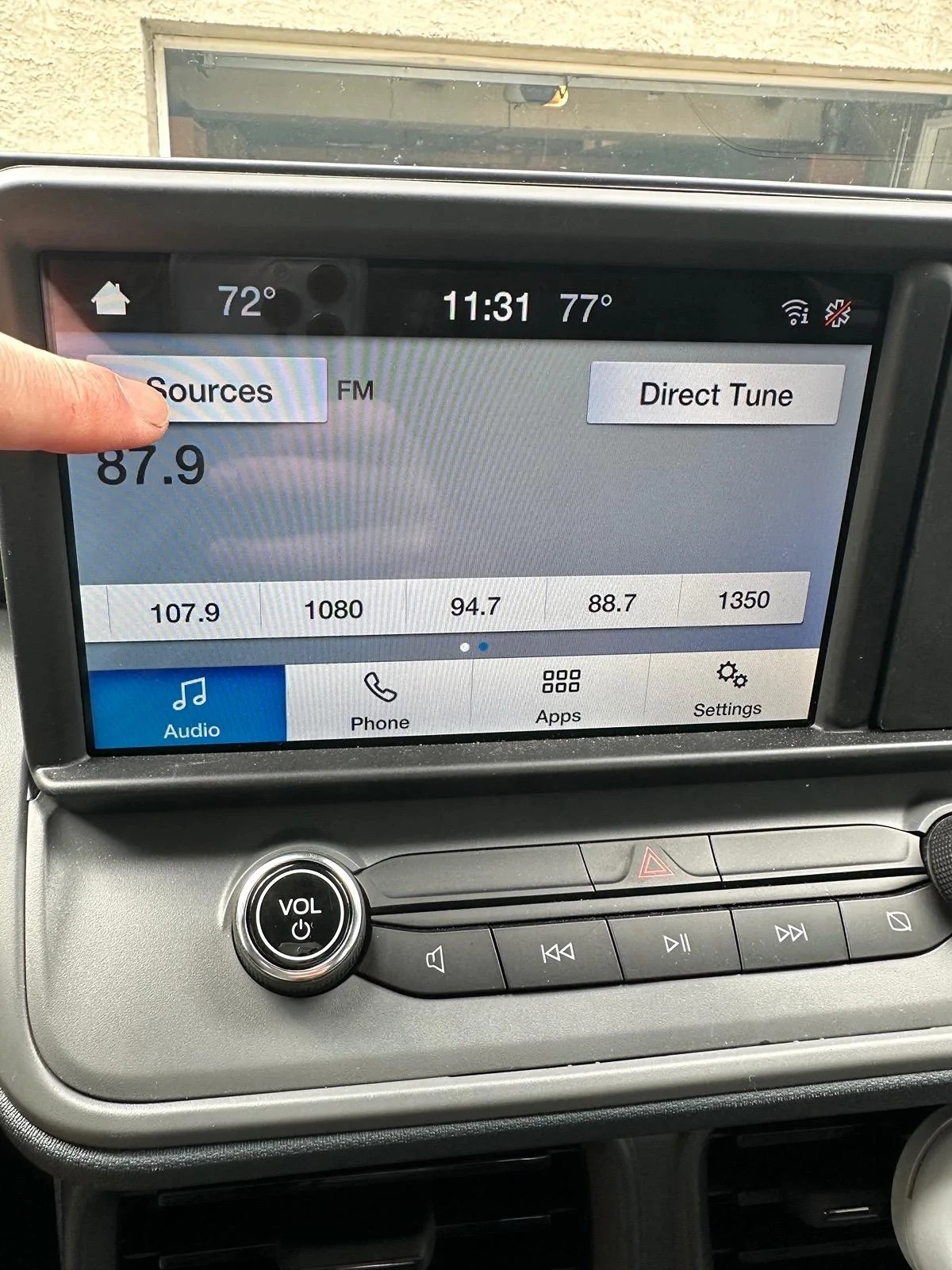
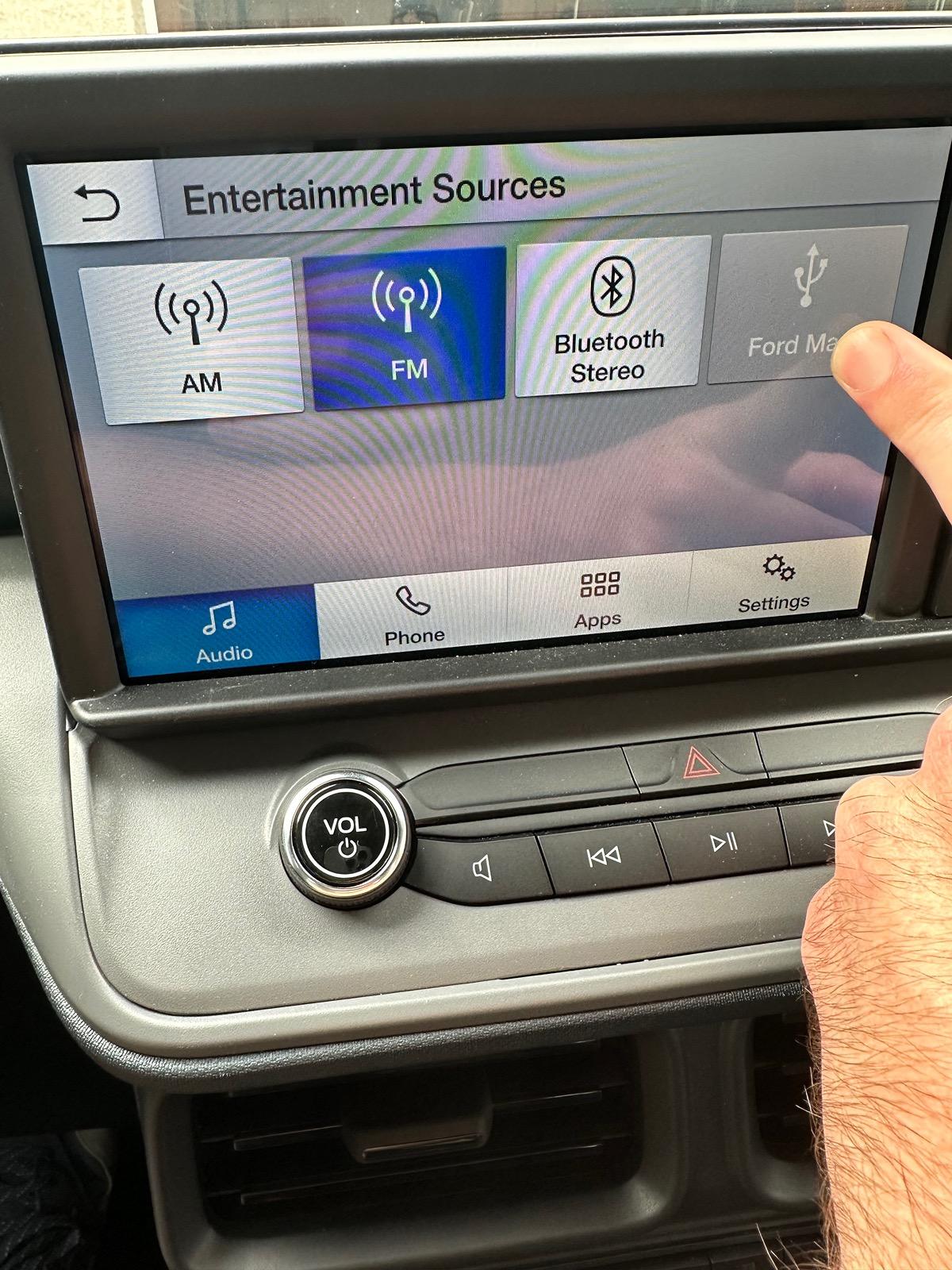
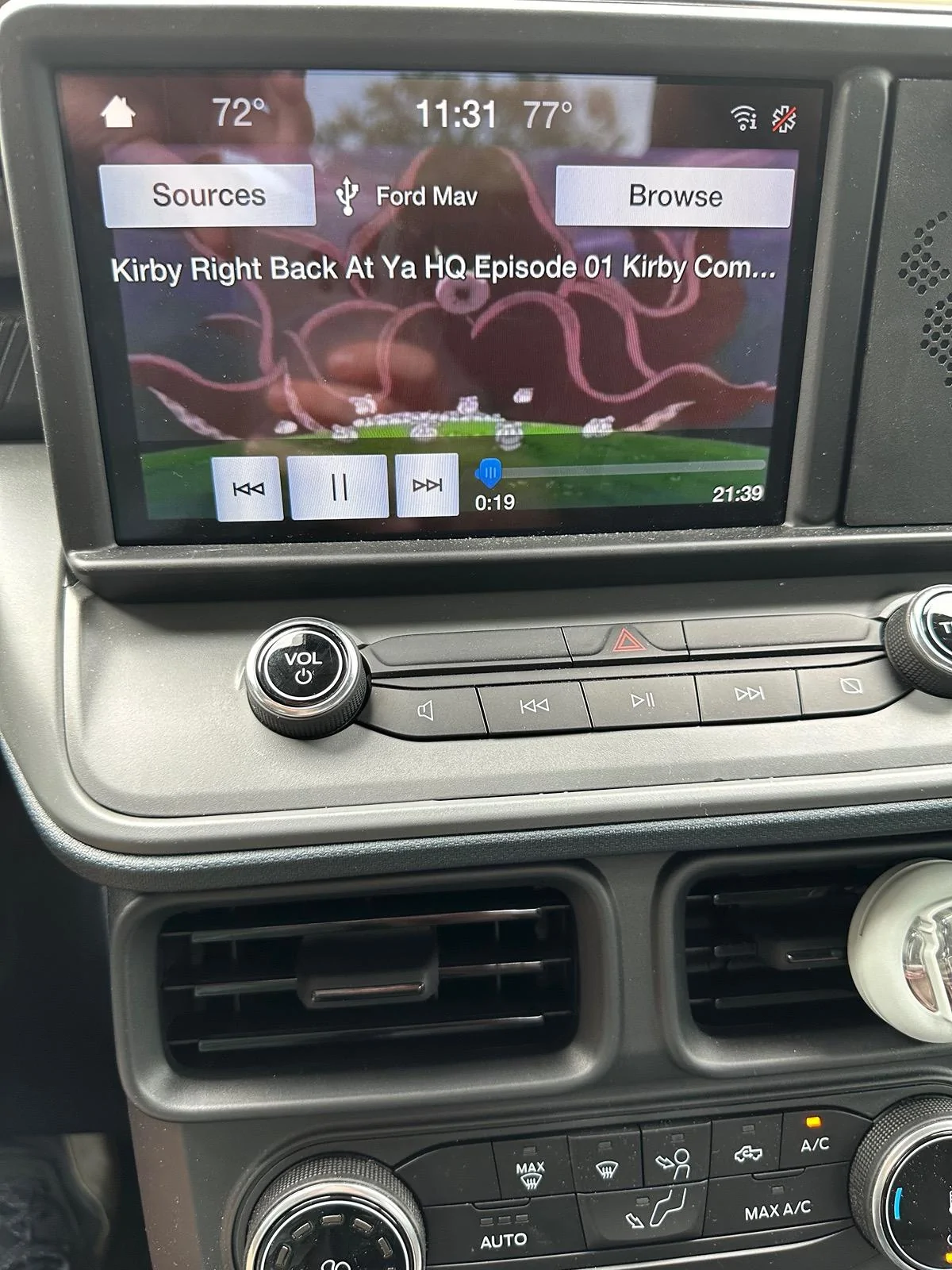
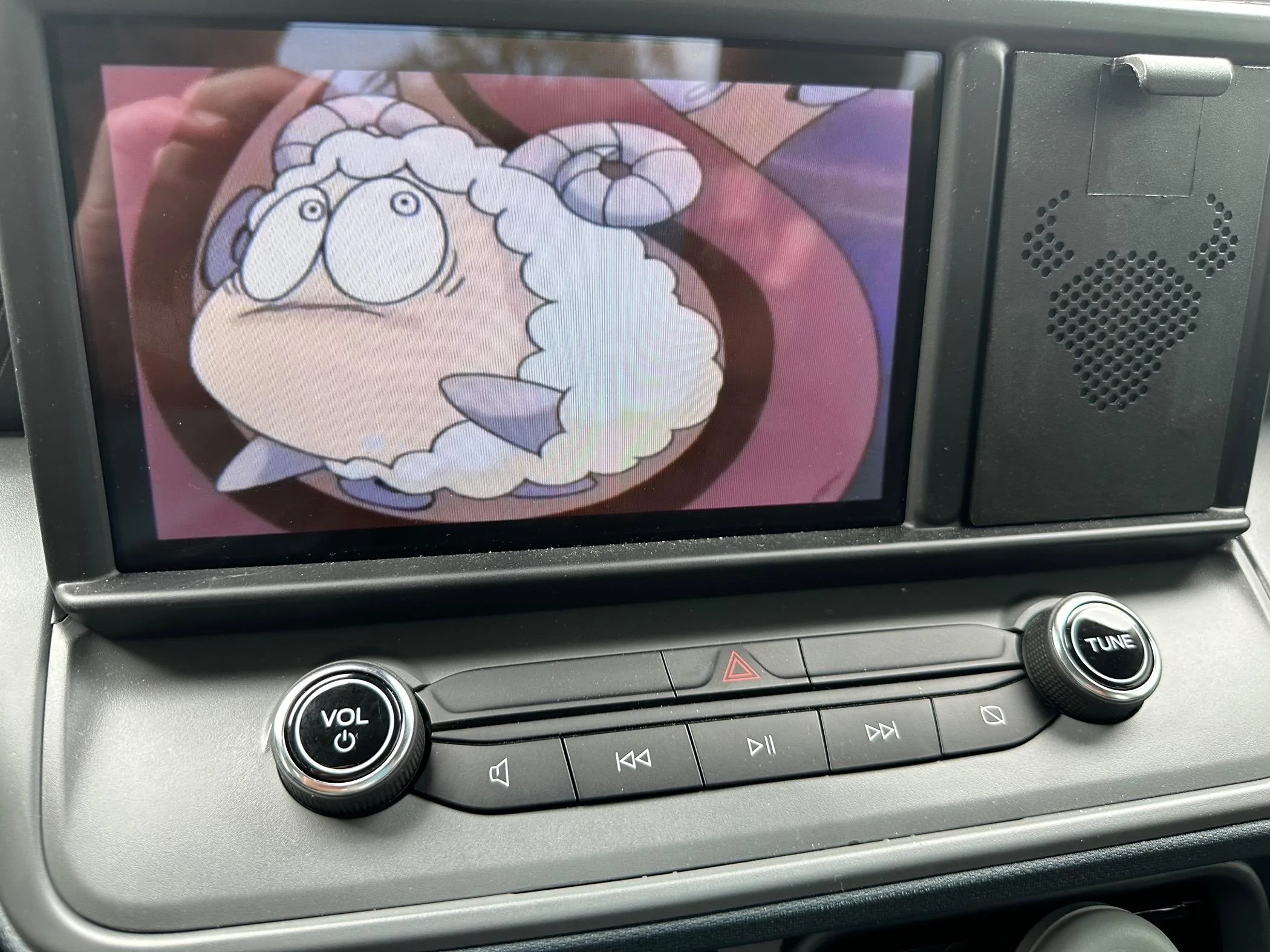
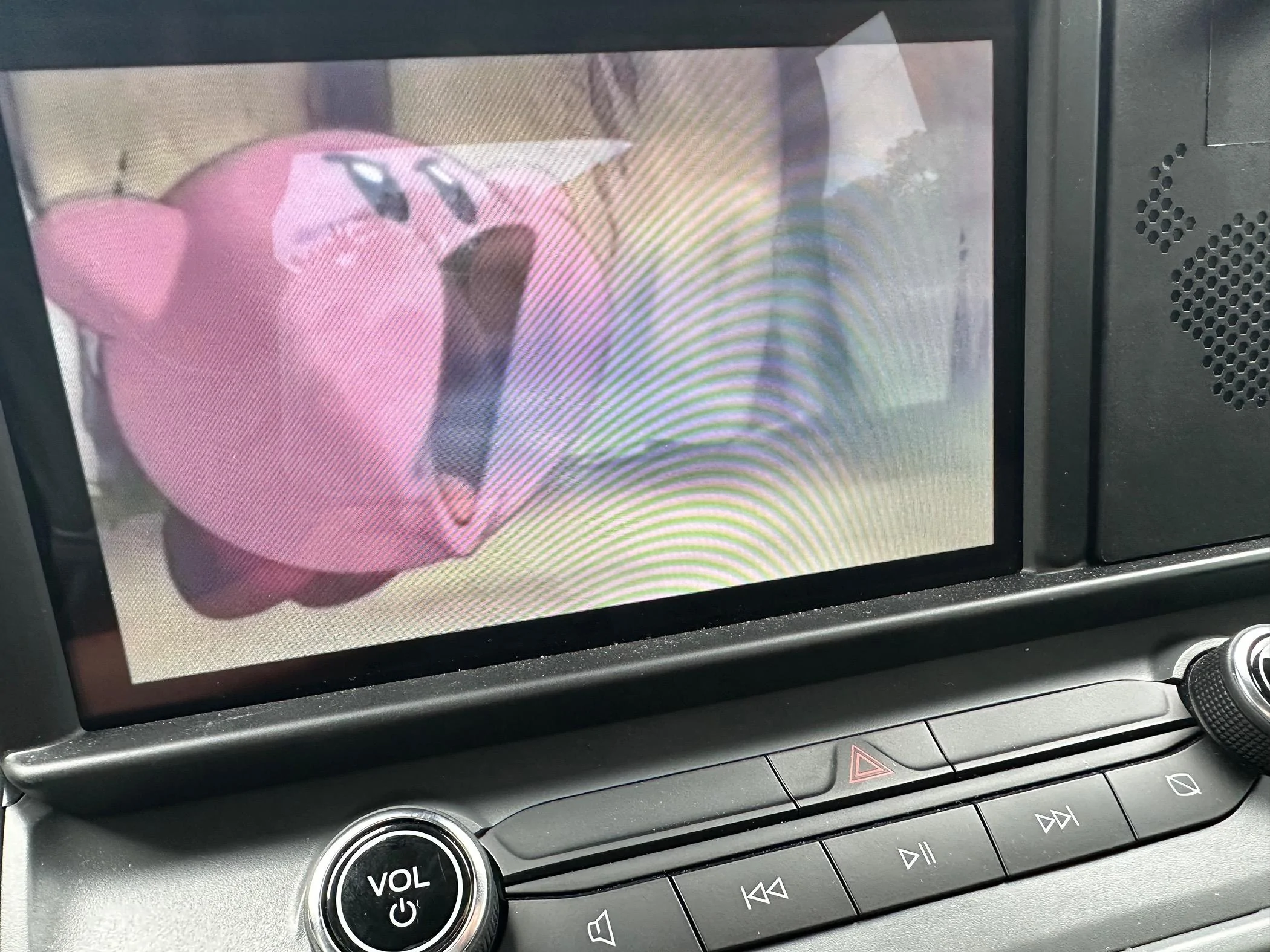
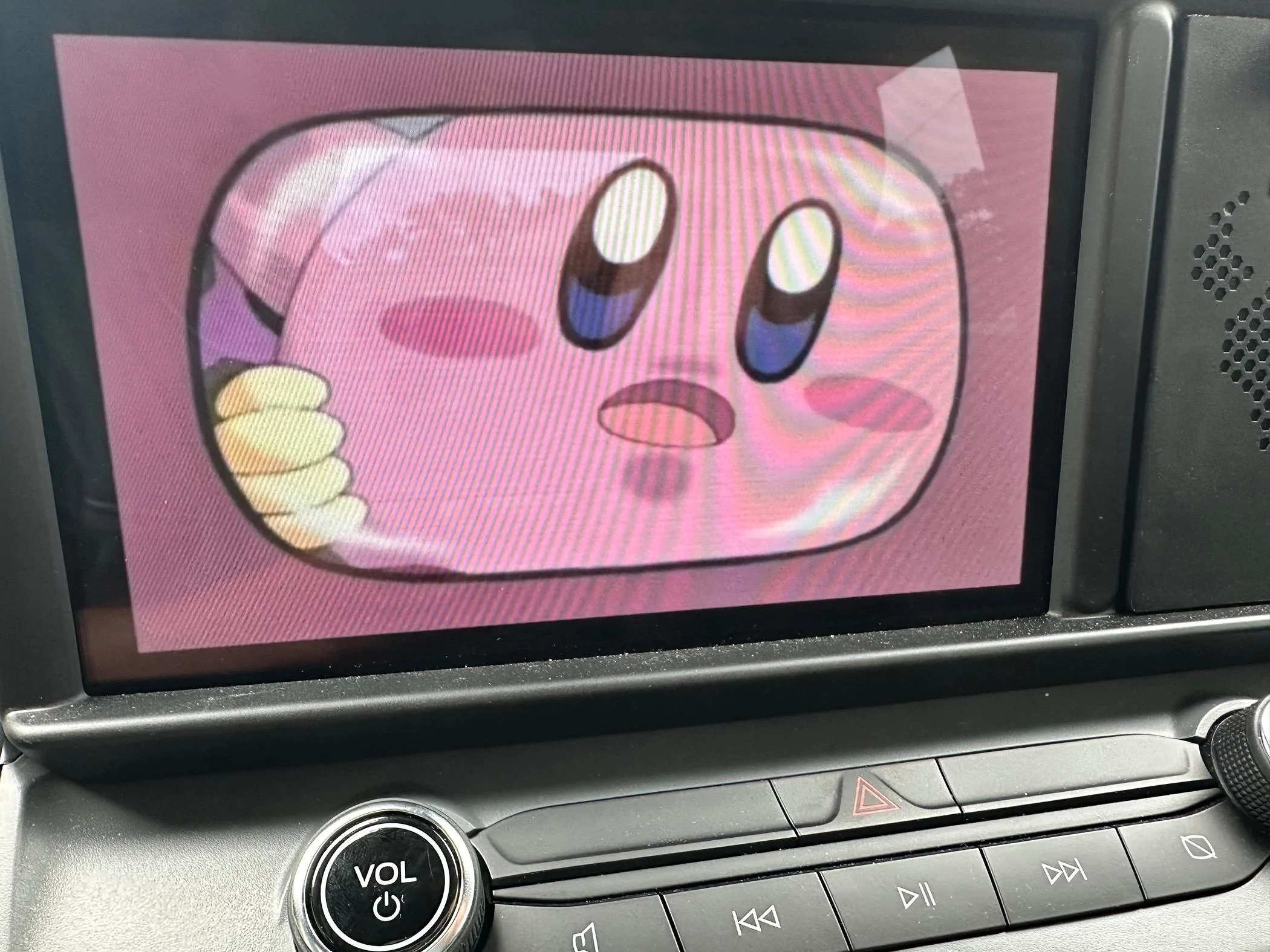
You can now plug in your USB drive to your Maverick and start watching Videos or Movies! Here are some pictures below! EDIT: If you get an ERROR that NO MEDIA is found. Do a factory reset of the radio by going to general - reset - factory reset and this will fix the issue!. If you want to change to different video file choose Browse - then select the file
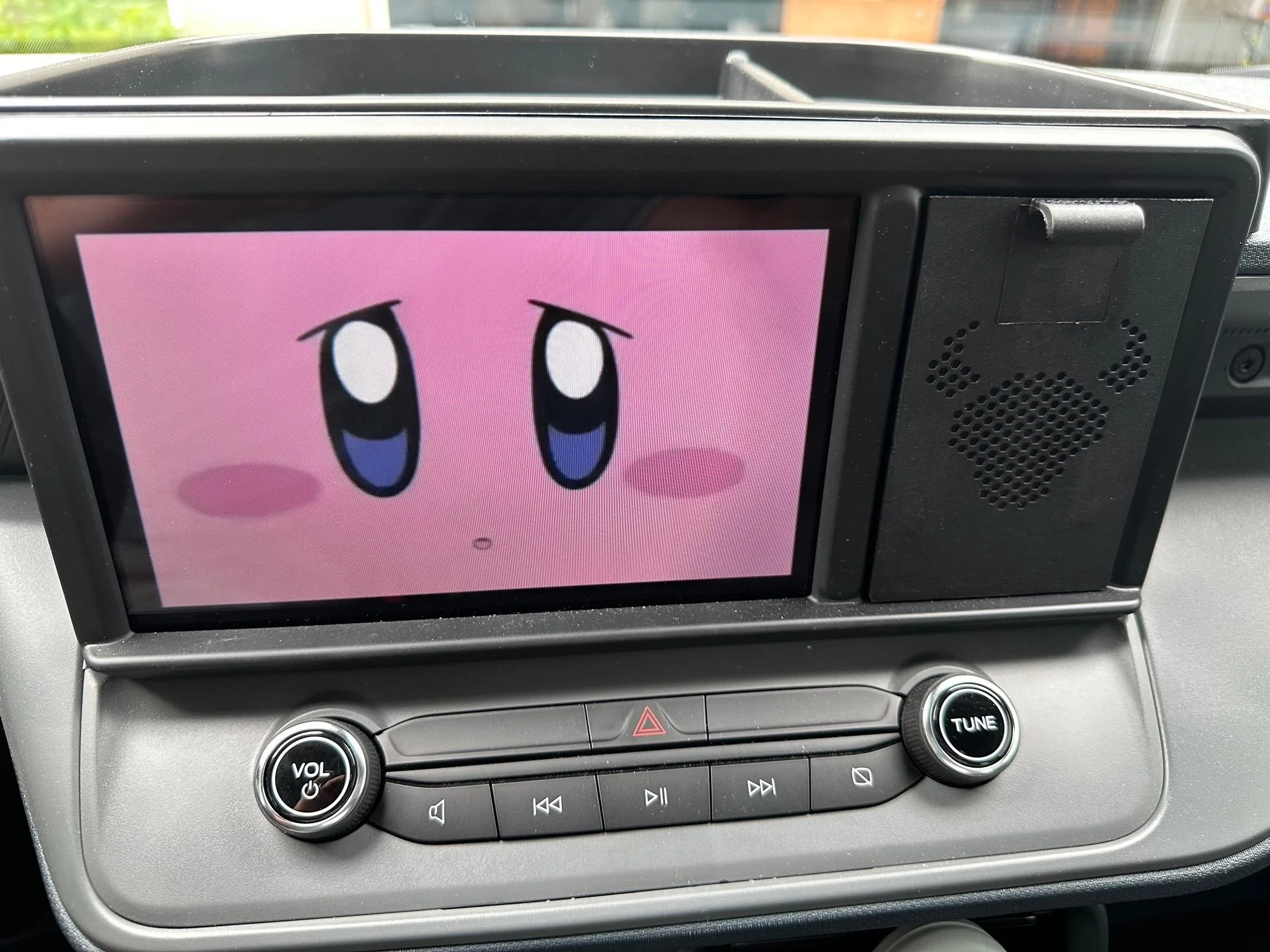
Im waiting for someone to test itWait, so this doesn't work on Lariat trim?
I'll test it once I figure out FORScan. I'm new to all this.Im waiting for someone to test it
So basically the reason this mod and many RADIO forscan mods will not work for Lariats is because the XL and XLT do not have SYNC 3 and the Lariat DOES have SYNC 3. This means the XL and XLT have all of their radio codings in the ACM. The Lariat has most radio codings stored in the APIM and some in the ACM (and they are completely different than the ACM codings in the XL and XLT).I'll test it once I figure out FORScan. I'm new to all this.
This is great. I like to observe telescopic images of asteroids passing in front of stars, called an occultation, and it would be great if I could use this technic to display an external USB camera connected to a telescope. Or, may be watch the output of a DVCR as I record the occultation?The FIRST thing you will need is a usb drive. I am using a Samsung 256GB USB C flash drive formatted to EXFAT using Mac Disk Utility Master Boot Record.
The drive must be formatted to EXFAT or FAT32. This can be done on any computer.
Next, using your computer, load your movies onto the drive. I have found that videos formatted to .MP4 work best. I found .MOV files will NOT work.
Before you plug in the USB drive to your Maverick, you must make a FORSCAN change so your videos can be played while PARKED and DRIVING. I tested the USB drive in the Maverick without making the FORSCAN change and it would not read/play the videos, so the FORSCAN change is required.
For XL, and XLT Mavericks make this change below.
ACM (EZ MODE)
Change "Video Playback" to "Enabled without restrictions"
The factory setting for "Video Playback" is "disabled"
If you have a Lariat Maverick, This has not been figured out yet..
You can now plug in your USB drive to your Maverick and start watching Videos or Movies! Here are some pictures below! EDIT: If you get an ERROR that NO MEDIA is found. Do a factory reset of the radio by going to general - reset - factory reset and this will fix the issue!. If you want to change to different video file choose Browse - then select the file
I tried this and it did not work, but maybe mine is glitched somehow after my first try at this. It reads USB but plays mp4 as audio only, so no change from first attempt.Hey I think I just solved it but I need you to test it for me since I don't have a lariat.
APIM AS BUILT
7D0-01-01
xxxx-8xxx-xxxx
Write the changes!
Change the digit above to an 8. Factory digit is a 0
This should enable videos to be read by the Auxiliary input on the LARIAT.
Somebody test this is and see if it works!
Tried to get as-built per your link but it's not working. What am I doing wrong?I would make sure to get your As-Built file from Ford as a backup
https://www.motorcraftservice.com/AsBuilt
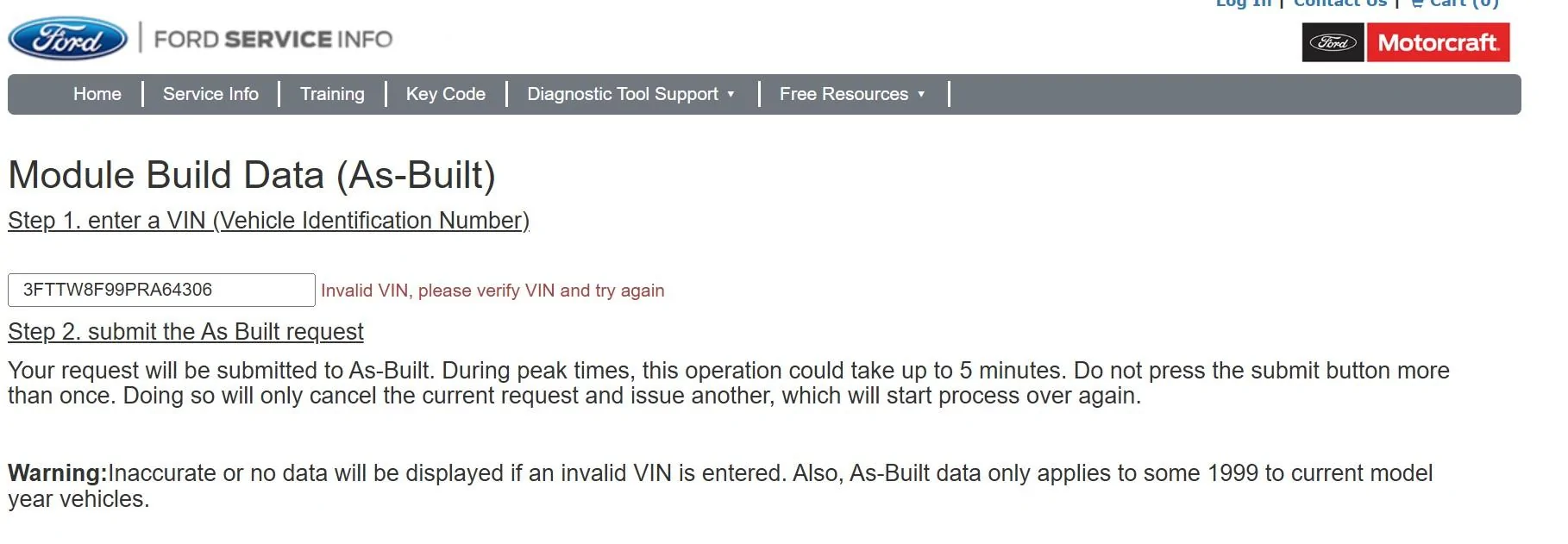
Are you in a different country?. Sometimes it asks me for the country before I put in the vin. I will try your vin and see if I can just send you the as built codesTried to get as-built per your link but it's not working. What am I doing wrong?
I just tried the vin in the picture and it gave me a ford IDS file but not a raw coding read out.Tried to get as-built per your link but it's not working. What am I doing wrong?
I just got it to work with your vin. Ill send you a spreadsheet of all your factory codingsTried to get as-built per your link but it's not working. What am I doing wrong?





