
- First Name
- David
- Joined
- Dec 8, 2024
- Threads
- 36
- Messages
- 138
- Reaction score
- 589
- Location
- So. Calif.
- Vehicle(s)
- 2025 Maverick Hybrid
- Engine
- 2.5L Hybrid
- Thread starter
- #1
TL/DR: Used OBD2 port hardware + Android software + inexpensive Android device to create an auxiliary dashboard instrument gauge.
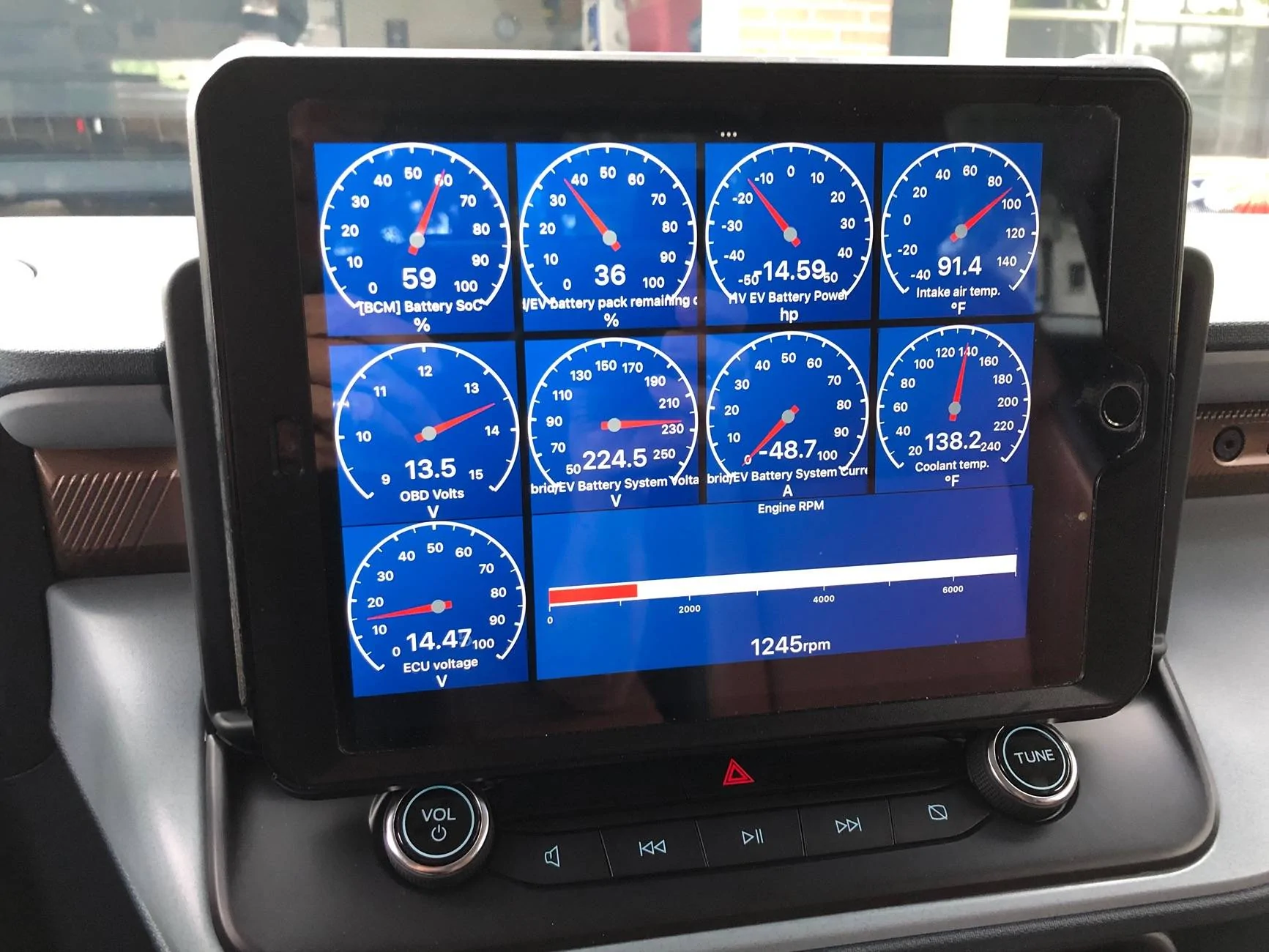
I’m a new 2025 Maverick XLT hybrid owner. I was looking for a way to monitor a few vehicle data points not generally or quickly available. Some were items I wanted to monitor real-time and observe change, others to observe what constitutes a normal number.
I particularly wanted to keep an eye on the 12 volt battery level and state of charge, and ditto for the high voltage battery. Also wanted to watch the engine/coolant temperature, and although there’s no practical reason to, I wanted to view RPMs and get a precise fuel gallons remaining readout. Also wanted a quick-to-get-to tire pressure readout.
After pounding the digital pavement, I went with Car Scanner OBD2 software on my Android phone, and Car2LS ScanX to plug into the truck’s OBD2 port. I enjoyed setting up the software, as it’s graphical and highly configurable, looks good and is easy to read. Android Auto (on the truck) recognizes Car Scanner OBD2 software, and I thought it would be excellent to have the software’s graphical display on the big 13” screen.
I was pretty disappointed to find that, while Android Auto did indeed run the Scanner software, the actual readout on the big screen was absurdly dumbed-down. Instead of the outstanding graphical readout, it was a simple, single column of numbers smashed to the left side of the truck’s screen. That was it.
I was gobsmacked. A little research revealed this to be a feature, not a bug. Apparently, for safety and driver distraction reasons, Android Auto imposes strict UI and functionality limitations on third-party apps, which are not allowed to display complex graphics. The interface must be simple, text-based, and "easy to read at a glance." This is painfully ironic for at least a couple of reasons: first, the readout type was so vanilla and so small that I had to strain to see the data I wanted to understand. That translates into too much eyes-off-the-road time. Second, it’s obvious to anyone who has spent more than 5 seconds staring at Google Maps in their truck that it’s graphically complex in the most significant and profound way. Everyone must follow the rules except Google.
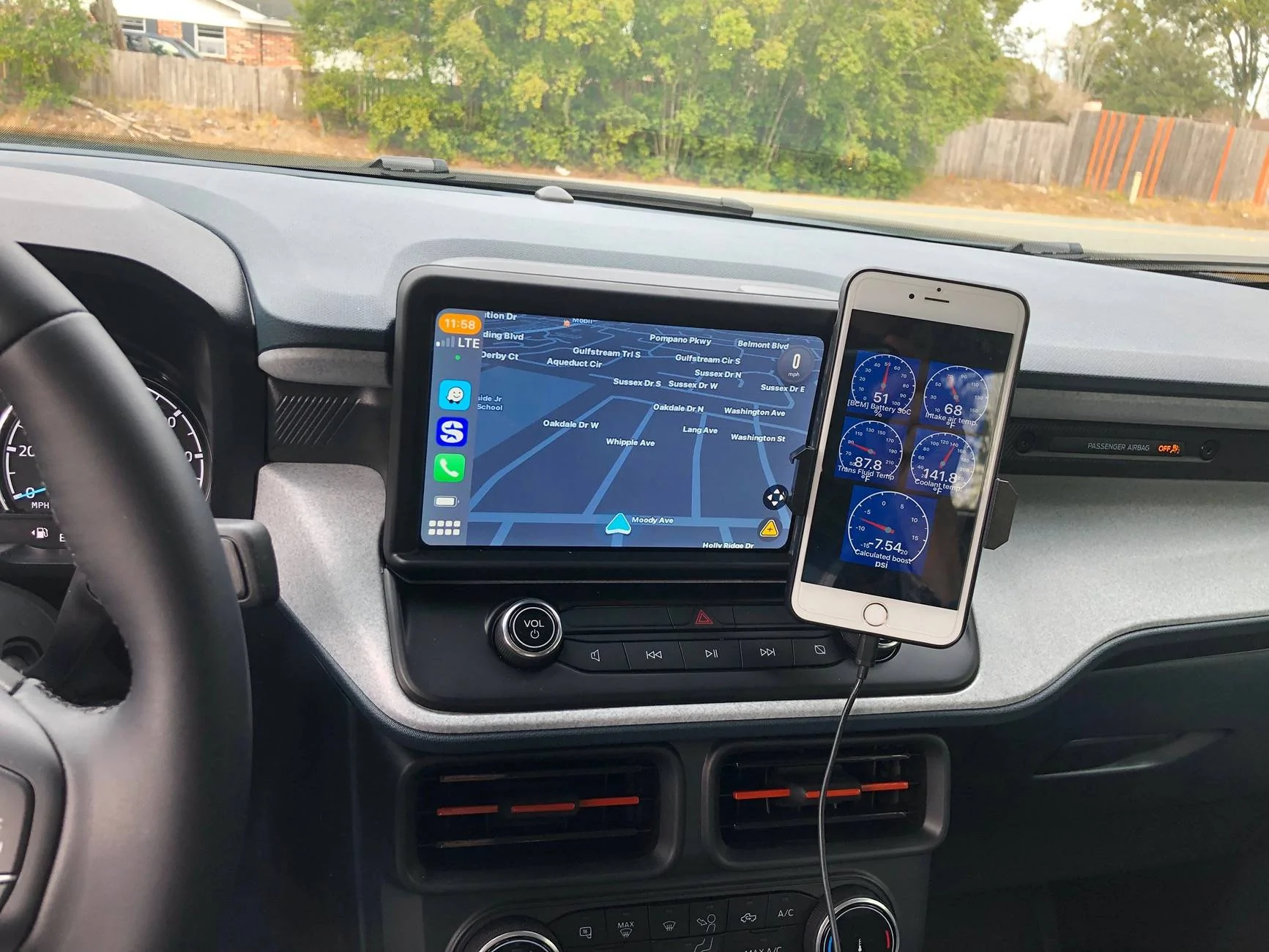
I wanted the clean readout. My solution was to get a carrier-locked phone at Walmart and use it as an Android-only device that sits on my dash. I got a Tracfone Blu View 5 Pro. Only $30, but not a piece of junk. The device has a 6.75-inch HD+ IPS LCD display with a resolution of 720 x 1600 pixels and a 20:9 aspect ratio. It looks great, and in combination with an Aonkey phone holder (which doesn’t damage the dash), it made a very effective second gauge display. Battery lasts a long time; I charge it up about once a week.
Gotta be sure to disconnect the software from the truck at end of trip to avoid a parasitic drain on the 12v.

It works for me; as always YMMV.
I’m a new 2025 Maverick XLT hybrid owner. I was looking for a way to monitor a few vehicle data points not generally or quickly available. Some were items I wanted to monitor real-time and observe change, others to observe what constitutes a normal number.
I particularly wanted to keep an eye on the 12 volt battery level and state of charge, and ditto for the high voltage battery. Also wanted to watch the engine/coolant temperature, and although there’s no practical reason to, I wanted to view RPMs and get a precise fuel gallons remaining readout. Also wanted a quick-to-get-to tire pressure readout.
After pounding the digital pavement, I went with Car Scanner OBD2 software on my Android phone, and Car2LS ScanX to plug into the truck’s OBD2 port. I enjoyed setting up the software, as it’s graphical and highly configurable, looks good and is easy to read. Android Auto (on the truck) recognizes Car Scanner OBD2 software, and I thought it would be excellent to have the software’s graphical display on the big 13” screen.
I was pretty disappointed to find that, while Android Auto did indeed run the Scanner software, the actual readout on the big screen was absurdly dumbed-down. Instead of the outstanding graphical readout, it was a simple, single column of numbers smashed to the left side of the truck’s screen. That was it.
I was gobsmacked. A little research revealed this to be a feature, not a bug. Apparently, for safety and driver distraction reasons, Android Auto imposes strict UI and functionality limitations on third-party apps, which are not allowed to display complex graphics. The interface must be simple, text-based, and "easy to read at a glance." This is painfully ironic for at least a couple of reasons: first, the readout type was so vanilla and so small that I had to strain to see the data I wanted to understand. That translates into too much eyes-off-the-road time. Second, it’s obvious to anyone who has spent more than 5 seconds staring at Google Maps in their truck that it’s graphically complex in the most significant and profound way. Everyone must follow the rules except Google.
I wanted the clean readout. My solution was to get a carrier-locked phone at Walmart and use it as an Android-only device that sits on my dash. I got a Tracfone Blu View 5 Pro. Only $30, but not a piece of junk. The device has a 6.75-inch HD+ IPS LCD display with a resolution of 720 x 1600 pixels and a 20:9 aspect ratio. It looks great, and in combination with an Aonkey phone holder (which doesn’t damage the dash), it made a very effective second gauge display. Battery lasts a long time; I charge it up about once a week.
Gotta be sure to disconnect the software from the truck at end of trip to avoid a parasitic drain on the 12v.
It works for me; as always YMMV.
Sponsored
Last edited: