
Great review, how is the battery drain? Does the wireless charging still perform well?
Thanks
Thanks
Sponsored
It turns off. No worries. When you turn off the truck and exit, the green LED indicator stays on. But when the dome lights turn off after closing the doors, so does the MA1 unit.I tried many times to preorder it or get on a waiting list and none of it worked, finally was able to place an order today for end of march delivery. Does anyone know for sure if it shuts off after the truck turns off or will it try and connect to my phone if left plugged in in the truck?
My phone doesn't to drain any faster than just anything else I do using Bluetooth and WiFi. But I just throw it on the charging mat. If your Maverick trim level doesn't have wireless charging, it would be very useful to install an aftermarket charging mat. I've seen a few people mention they've bought one off Amazon.Great review, how is the battery drain? Does the wireless charging still perform well?
Thanks
It turns off. No worries. When you turn off the truck and exit, the green LED indicator stays on. But when the dome lights turn off after closing the doors, so does the MA1 unit.
In reverse, when you go back to your truck, once you open the door the MA1 indicator light starts flashing green. And it will do that trying to connect to the stereo. Once you start the truck or go into accessory mode, then it will connect and go to solid green.
Works great and shouldn't drain your battery unless you're in accessory mode.
Same experiences for me as well - it is definitely not staying on/powered after I'm out of the truck.My phone doesn't to drain any faster than just anything else I do using Bluetooth and WiFi. But I just throw it on the charging mat. If your Maverick trim level doesn't have wireless charging, it would be very useful to install an aftermarket charging mat. I've seen a few people mention they've bought one off Amazon.
Thanks, I just read that it would be available at Target on the 30th as well. Seems like it works well judging from the few reviews I've read. Since you can make phone calls and play music using voice commands WITHOUT your phone connected to USB, I'm not too concerned. The only time I would connect it is when I want navigation, which is not that frequent.Yesterday was the first day it was available, but preorder has been up for a couple of weeks. This has been a highly anticipated item, so availability will probably be scarce for a while.
Only available at Amazon and the manufacturer website, though I read target may be selling it staying tomorrow as well so check there early.
It's a Chinese product who paid Motorola for the branding.I read an article a few weeks ago that Amazon was their distributor they selected for North America. I don't know if that will change later, but that's how it's starting at least. They may appear on Ebay. I imagine it's going to end up in the hands of folks who don't have compatible phones who may sell them.
It's a Chinese product that paid for Motorola branding. You can get the same thing crowd sourced on indiegogo called AAWireless.I read an article a few weeks ago that Amazon was their distributor they selected for North America. I don't know if that will change later, but that's how it's starting at least. They may appear on Ebay. I imagine it's going to end up in the hands of folks who don't have compatible phones who may sell them.
Yes, I'm aware it's a Chinese company. Also, Motorola is a Chinese company too. Was purchased by Lenovo. The Motorola MA1 is a completely different product than AA Wireless, they just happen to do the same thing. Create a wireless Android Auto bridge. However, I was able to just order my MA1 and actually get it quickly. And AA Wireless is also made in China.It's a Chinese product who paid Motorola for the branding.
It's a Chinese product that paid for Motorola branding. You can get the same thing crowd sourced on indiegogo called AAWireless.
Finally got around to checking on that tonight for you.@Naranjita if you'd be so kind, could you try a couple things?
1. If you unplug the MA1 does your phone still connect to your Maverick's Bluetooth?
2. If you forget the MA1 in your phone's Bluetooth settings and then plug it back in to the Maverick does wireless Android Auto still work?
Basically just curious if the truck is just maybe beating the MA1 in connecting since it starts up first (assuming the USB ports turn off with the truck).
Also I'm wanting to make sure that Sync will know about my phone still to try to call emergency services if I get in a wreck since that's a feature of Sync. If it's some kind of Bluetooth handover by the MA1 then Sync may not know there's a phone available if the USB port becomes unpowered in the wreck (depending on the damage, the MA1 becomes unplugged, etc etc)
Thanks for trying it out!Finally got around to checking on that tonight for you.
- Q: If you unplug the MA1 does your phone still connect to your Maverick's Bluetooth?
A: Yes. My phone stays connected to the Ford Maverick Bluetooth connection. Doesn't drop for one second. Continuous as the MA1 is unplugged. But my phone WiFi changed from the MA1 to my home WiFi connection. Made a phone call using voice commands. No issues.- Q: If you forget the MA1 in your phone's Bluetooth settings and then plug it back in to the Maverick does wireless Android Auto still work?
A: There is no "Forget" setting in my Bluetooth menu on my phone, but there is Unpair. So I unpaired it. Then plugged the MA1 back in. Android Auto did not come back on automatically. The MA1 just flashed blue (which is what it does when it wants to pair to a phone). I plugged my phone in manually back via the USB-C port and Android Auto came back up on the screen. MA1 just sat there flashing wanting to pair. I then unplugged my phone and re-paired the MA1 to my phone and voila. My phone WiFI changed from my Home network back to the MA1. My bluetooth was Ford Maverick. And all is right with the world!
Just got an updated delivery date of 2/5Just got a delivery date of 2/26 for the MA1 I pre ordered on Thursday from Amazon
any suggest for apple car play?Received my Motorola MA1 USB Dongle to create a Wireless Android Auto experience. Instructions just say to plug in your Android 11 or newer phone in the USB-A port (not USB-C port), establish a wired Android Auto connection. After you are fully connected, unplug your phone from the USB-A port and immediately plug in the MA1 wireless dongle. Wait for the lights on the MA1 to flash blue. Then connect the same phone you just unplugged to MA1 using Bluetooth.
I did that. In about 30 seconds my Spotify started playing, then pressed the Waze button at the bottom. SUCCESS! It was just that easy. No problems. They even give you a double stick pad to mount it up under the dash. I turned off the truck, walked away 5 minutes. Came back, started up and everything just reconnected in about 5-6 seconds.
Everything works just as if it was plugged in. Except for charging. But if I want to charge it, I can set it on the wireless mat, or plug it into any open port.
EXACTLY WHAT I WANTED.
So, this was on SYNC 3 in a Lariat. But it is confirmed by @pxpaulx to also work on an XLT radio. It should work just fine on the identical XL radio too.
UPDATE (1/27/2022): After a few hours of use, the self stick pad kept popping off. It didn't want to adhere well on the plastic directly under the Lariat USB ports. I also was able to plug in a second phone into the USB-C port and it did not interrupt the Wireless Android Auto experience. Additionally, I noticed that on Spotify when I advanced a track on the steering wheel, the song would advance immediately on the screen but there would be a 1-2 second delay before the song audibly actually changed.
UPDATE 2 (1/27/2022): I also notice that sometimes when I initially start the Maverick that even though Android Auto starts near immediately and Waze or Spotify pops up on the screen right away, it doesn't always auto start the current song playing in Spotify. I sometimes have to press the play button. I actually kinda like that. It's just not consistent. It seems like 80% of the time Spotify auto plays and 20% I am having to press play.
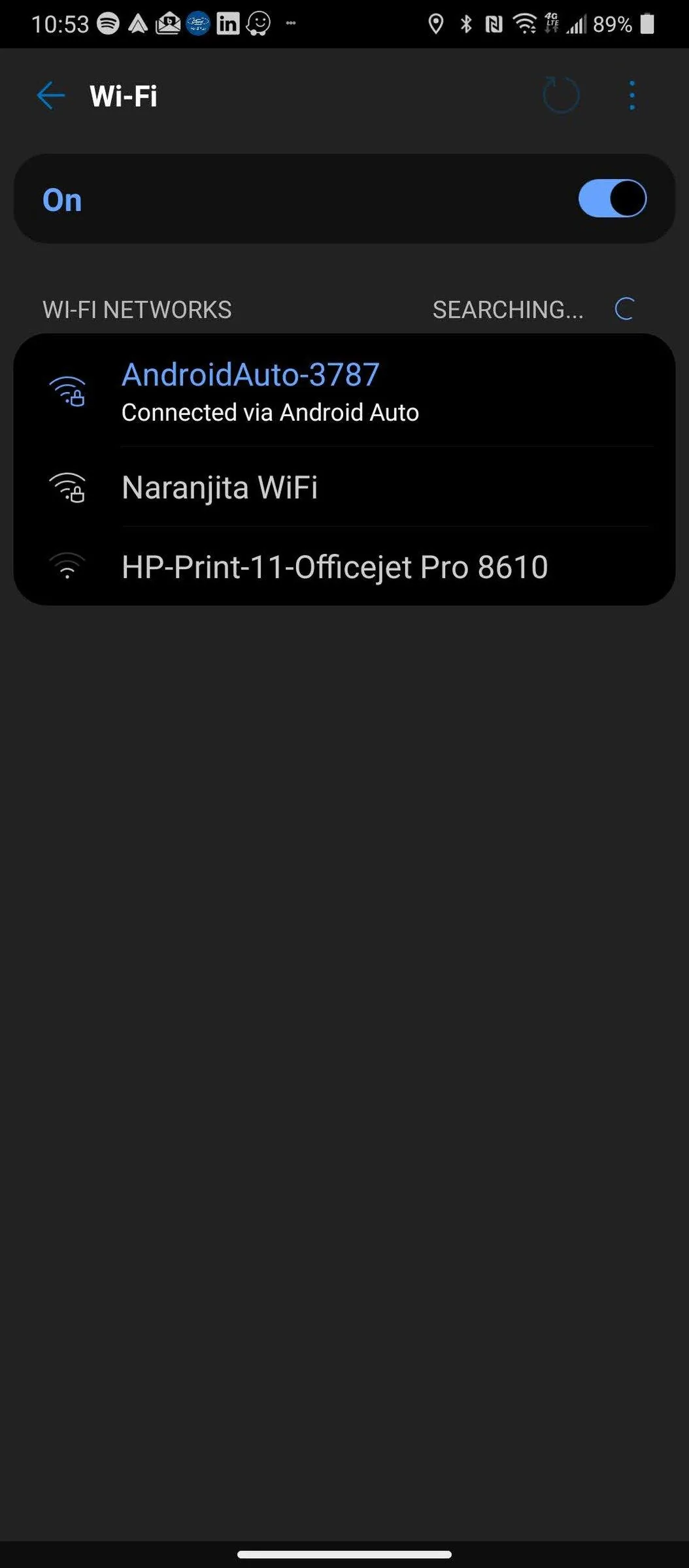
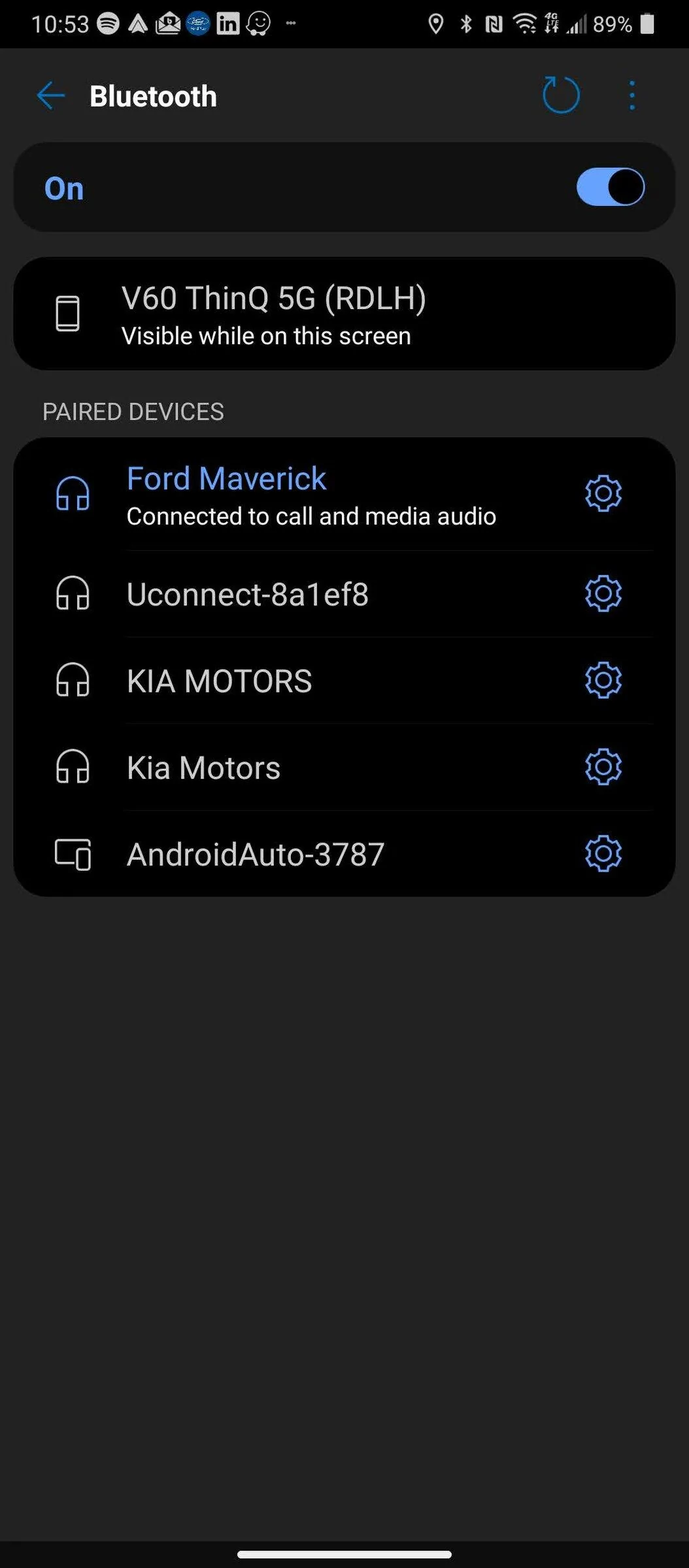
UPDATE 3 (1/28/2022): I noticed on my drive to work today (1/28) that after it finishes installation and setup, your phone is not actually connected to the MA1 dongle by Bluetooth. Your phone connects to the Maverick stereo via Bluetooth and your phone connects to the MA1 dongle by WiFi. So you cannot connect to another WiFi while using. See screenshots below Update 4. Click on them if you need to enlarge.
UPDATE 4 (1/29/2022): A few observations. One, know that it will not drain your battery. When your overhead dome lights fade to off, the USB ports turn off and so does the MA1.
Two, If you want to change to a wired Android Auto connection, it's real easy. Unplug the MA1. Plug in your device directly. When you're ready to go back to wireless Android Auto, just plug the MA1 back in. Reconnects. If you unpair your device for some reason, the MA1 LED will flash blue until you re-pair. Re-pairing is very easy. Just search your phone Bluetooth for Android Auto, select pair. It redoes everything else again automatically and it will start up on its own.
Three, I have also noticed there can be a huge variability to how fast it auto connects. Sometimes it feels nearly instantaneous. Other times around 5 seconds. I had one today that was 10-12 seconds. I cannot find any factors causing the variability. Either way, I can live with those lengths of connection.
Four, the pause between advancing tracks using steering wheel controls seems to start off at zero, and then the longer you use it the longer the pause between tracks gets. In a two hour drive, the pause are longer and longer until it was approximately 3 seconds. A little annoying. Restart the truck, and it goes back to zero. Again it stays the same on the screen. The pause is how long it takes to song to actually play. Weird. But still better than using a cable!
Five: I used a piece of 3M Automotive double stick tape to mount it up under the dash. I just stuck it directly to the sticky pad adhesive and then to the dash plastic. Didn't bother to pull the old adhesive pad off from the MA1. That did it. It's now holding!
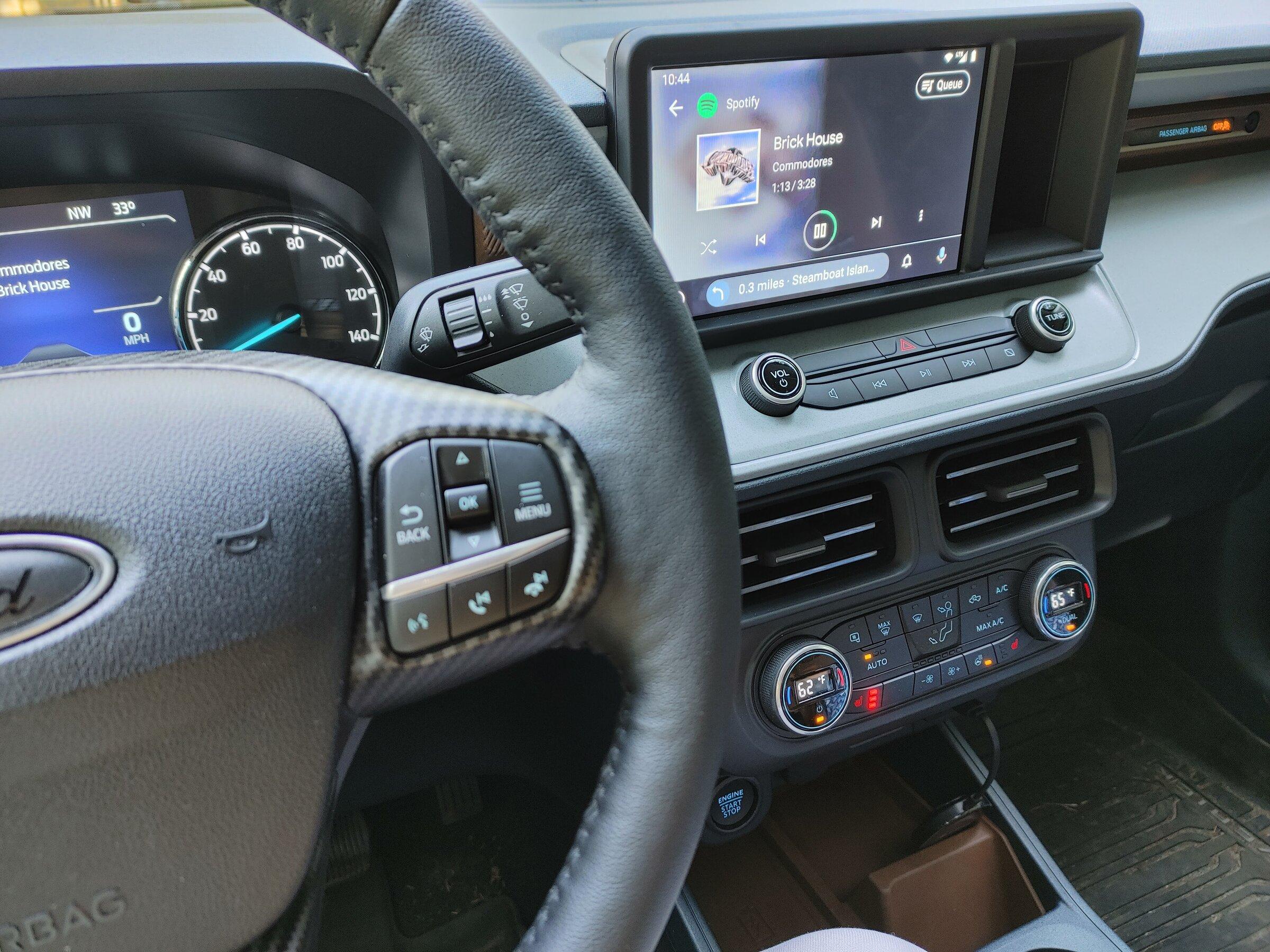
Brick House just came to life on Spotify! See the dongle just hanging there.
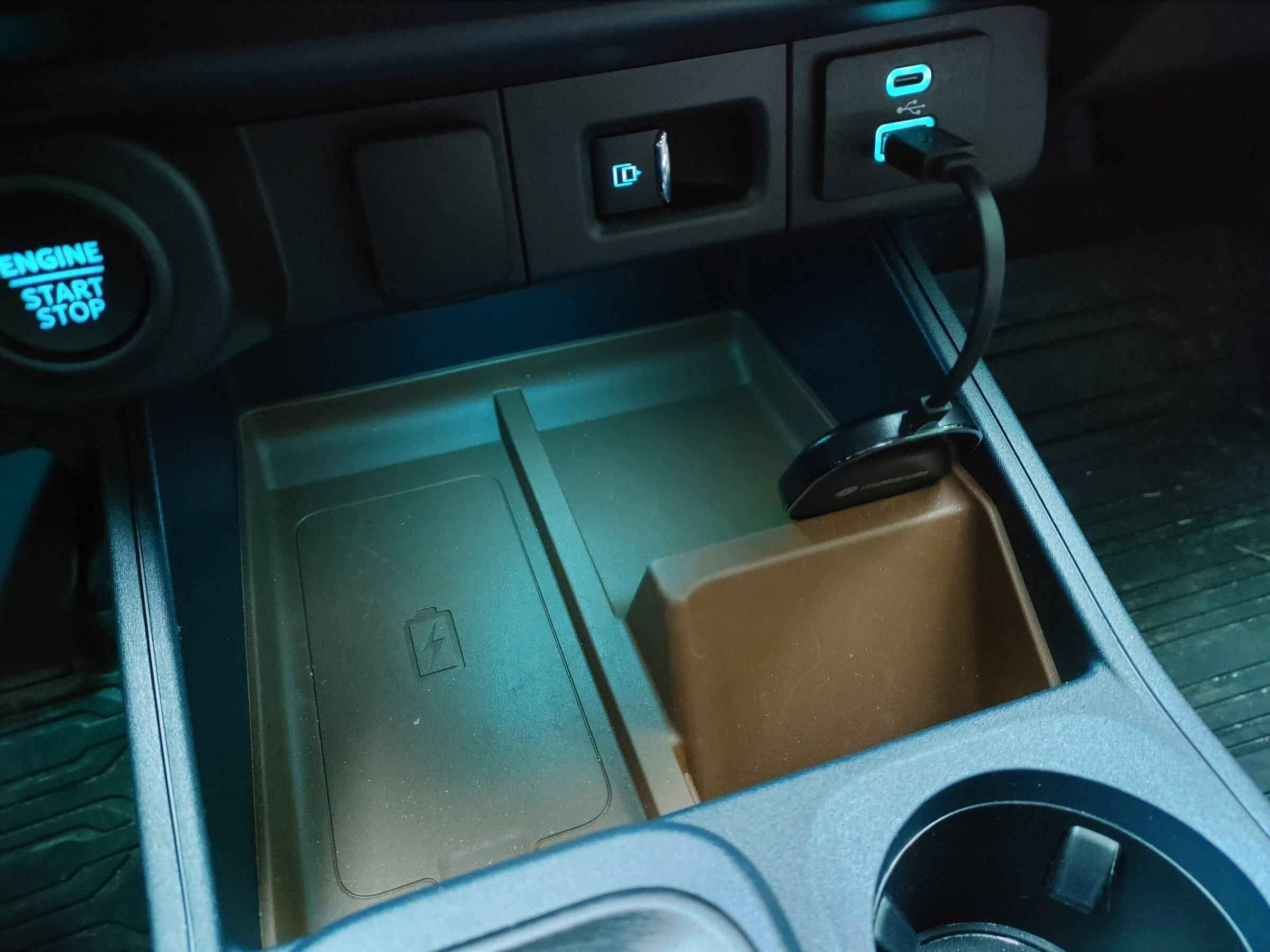
Close up of the plugged in Motorola MA1 dongle, prior to mounting with tape.
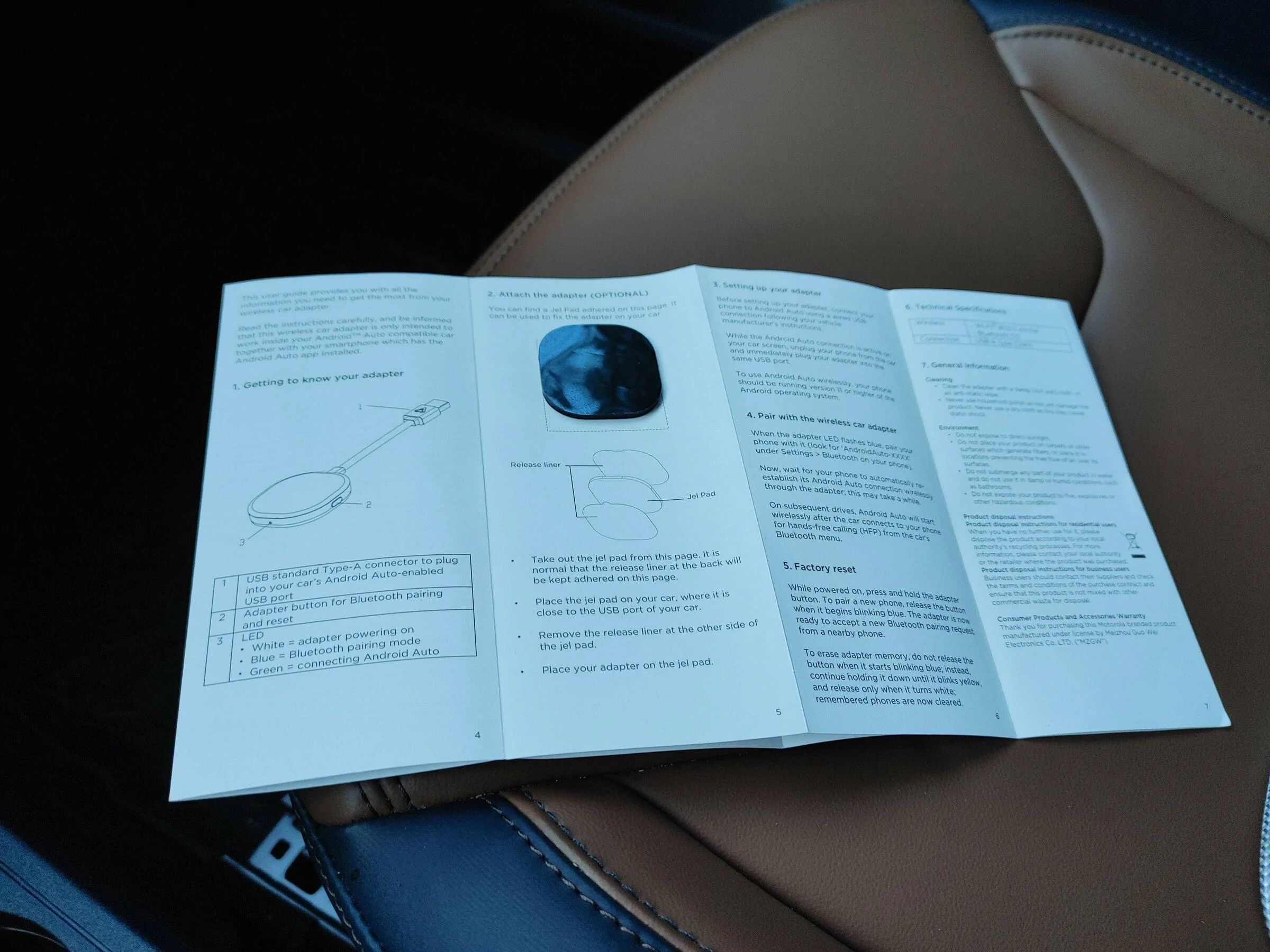
They include an adhesive pad to mount it attached to the instructions.
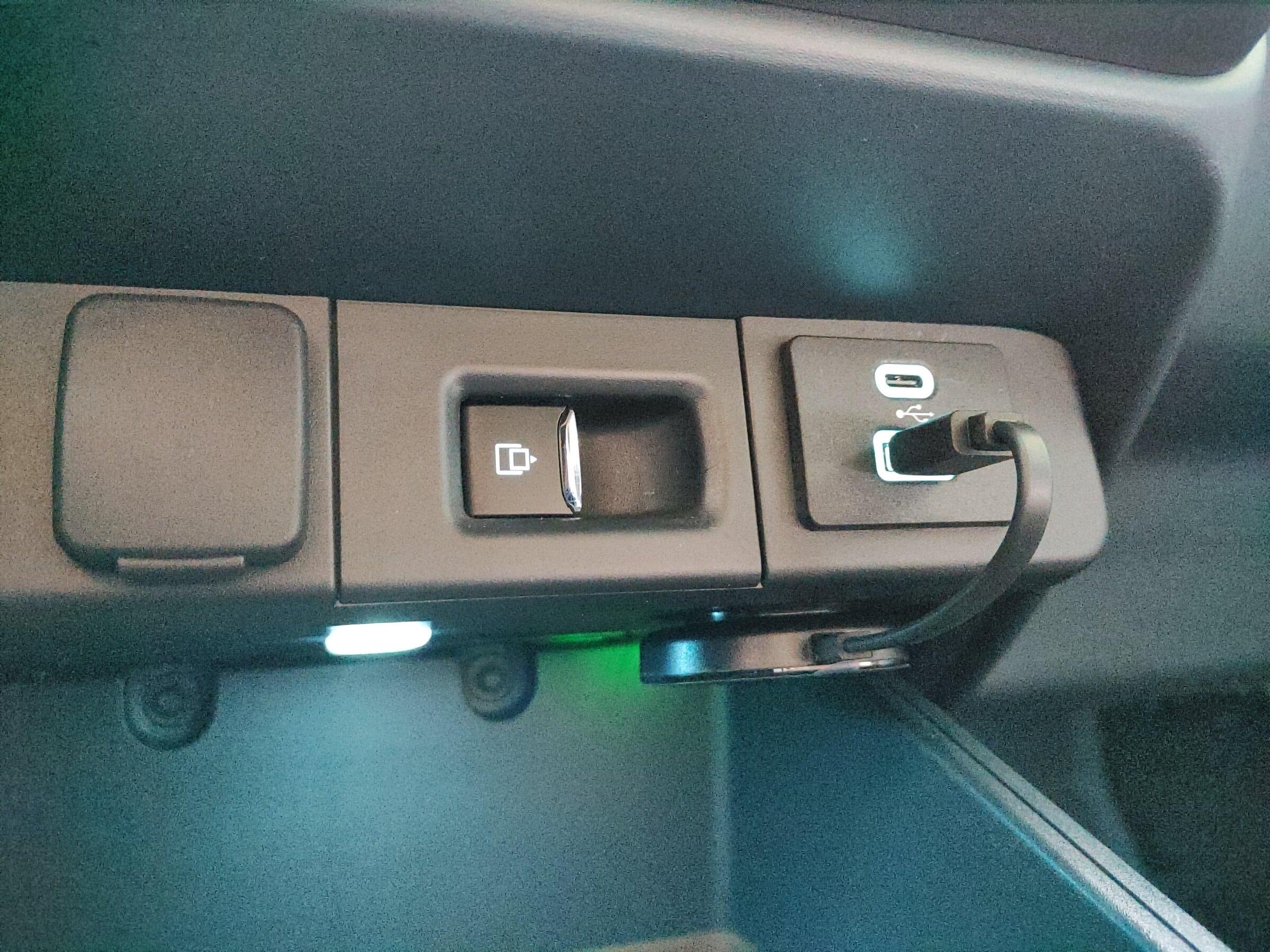
Close up after mounting.
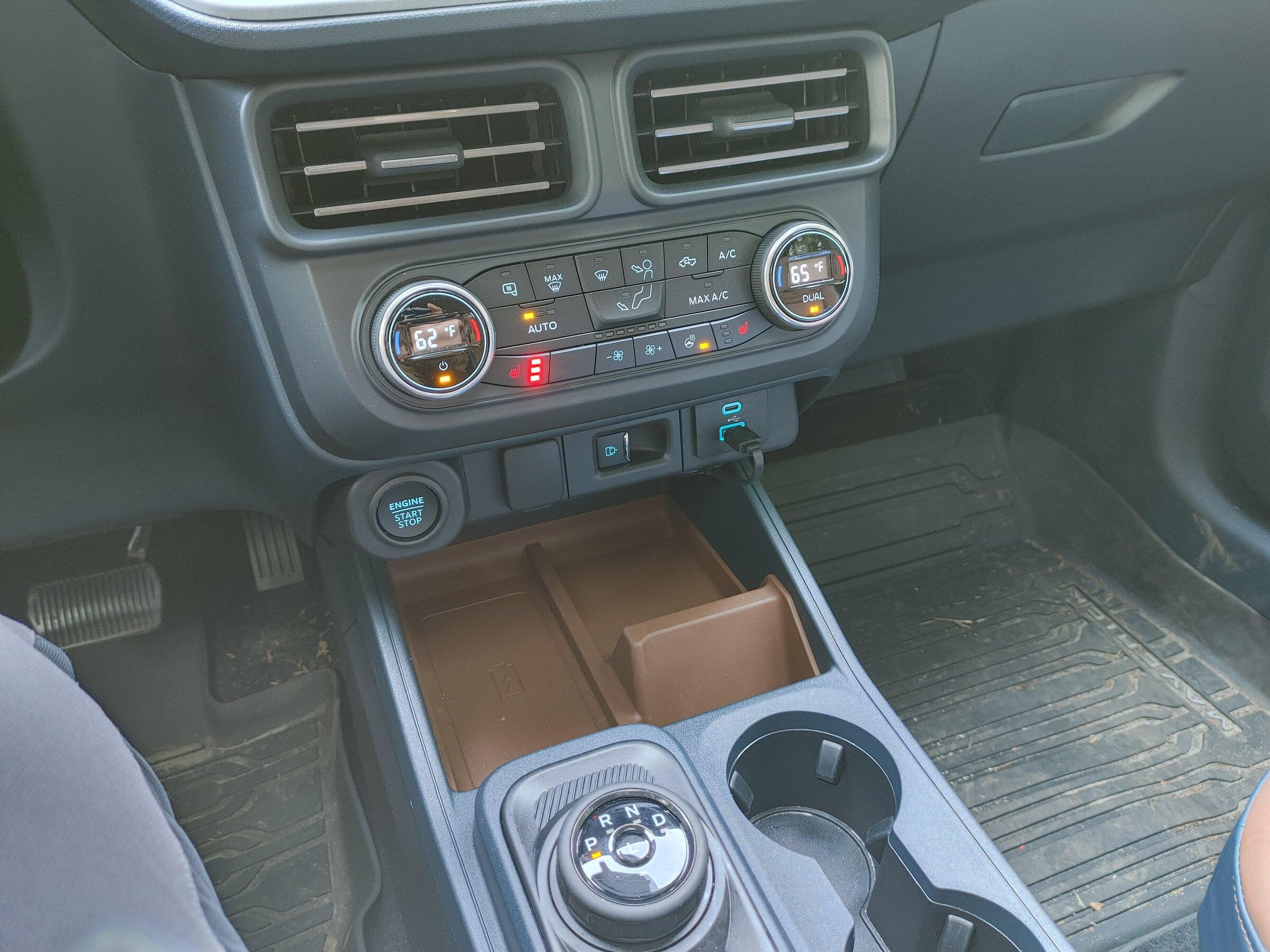
Tidy and tucked up out of the way.
I really don't know much about Apple Car Play. I haven't used an iPhone since the iPhone 3G. I bought it almost 14 years ago!! July 2008. Wow, seems like yesterday.any suggest for apple car play?
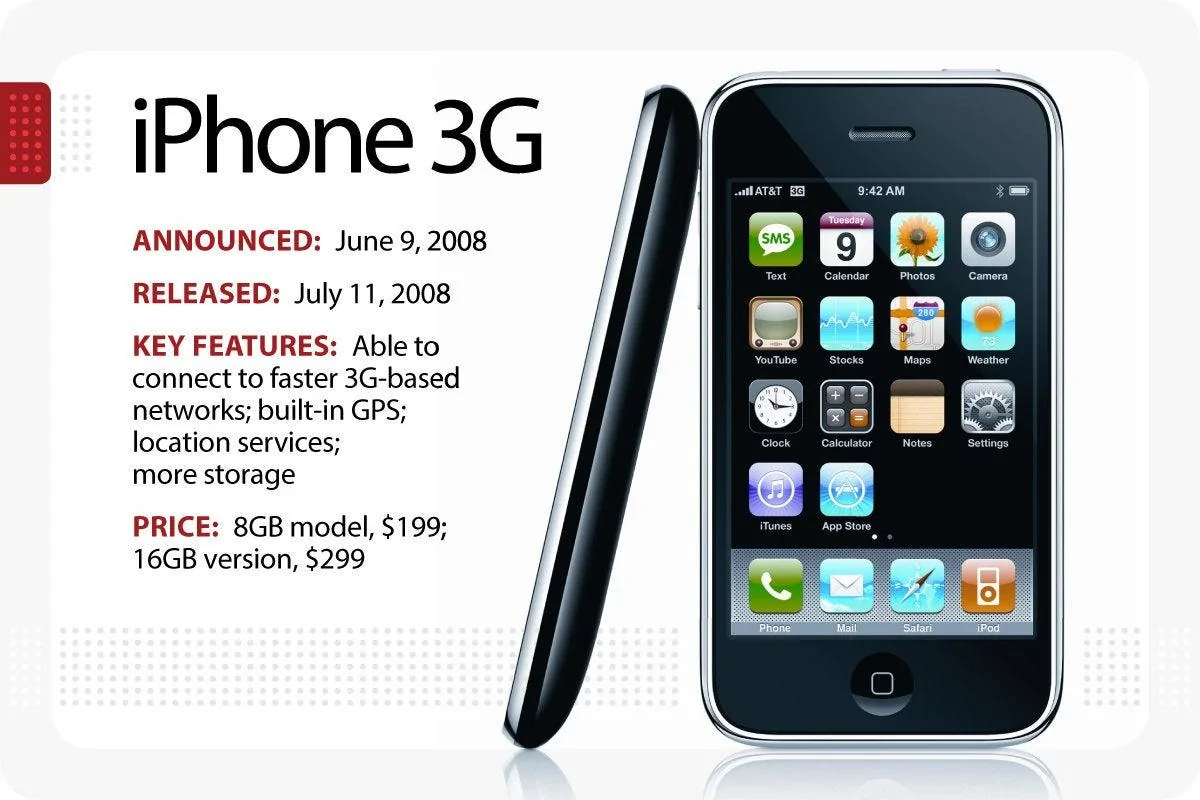
Nice!Just got an updated delivery date of 2/5





