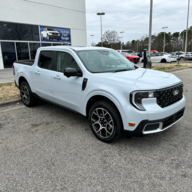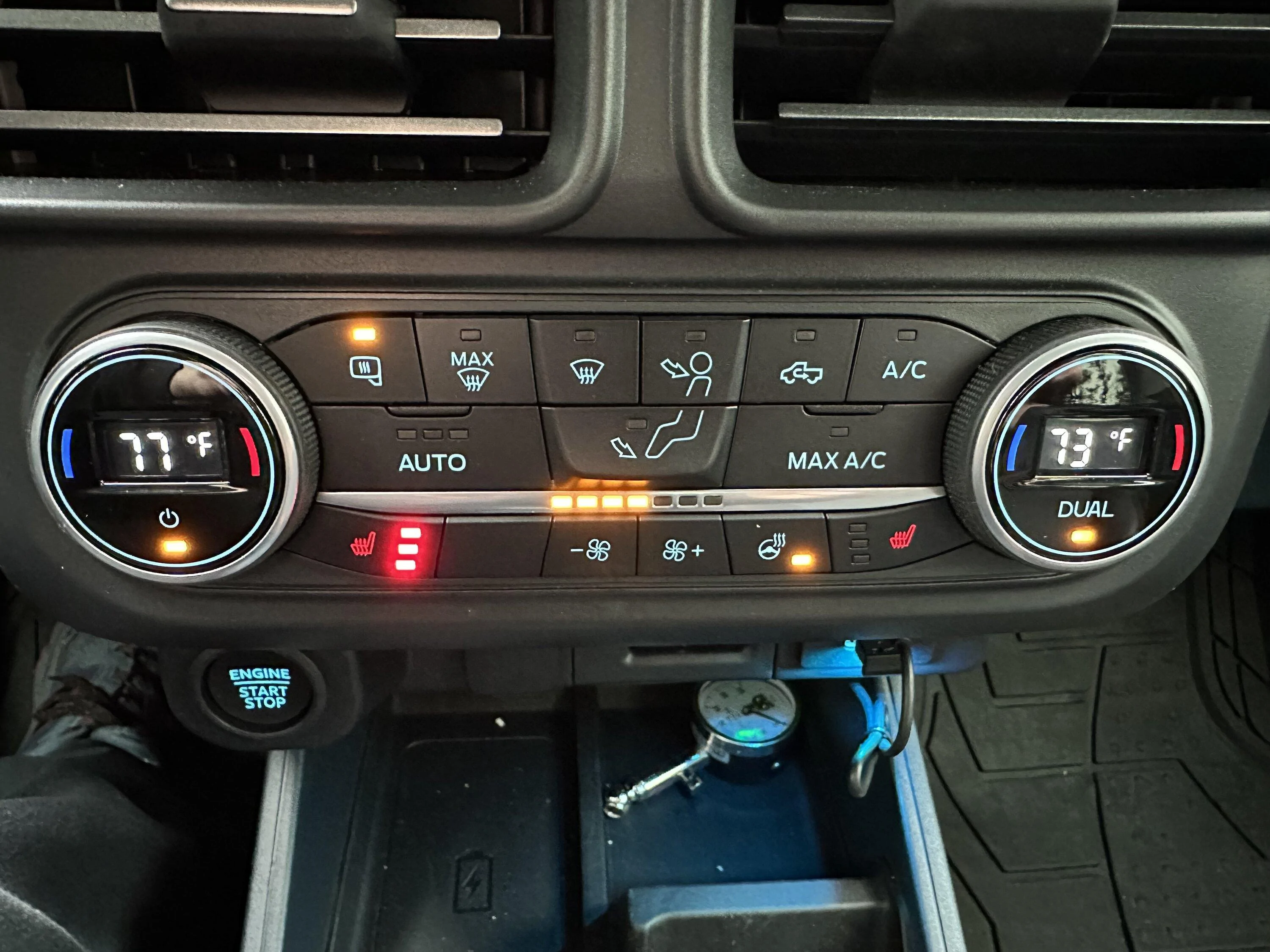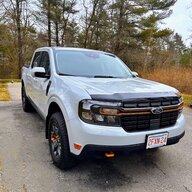

I had a 22 lariat , ordered a 23 tremor ice had since march and this bugs me every day
, not having the temp in the knobs , finally ordered a escape duel zone , 🫡
Sponsored
From what I'm seeing no, they just have the temperature icons.Hi everyone, I'm in the same boat and am interested to know if this escape part NJ6Z-19980-G has the digital knobs?
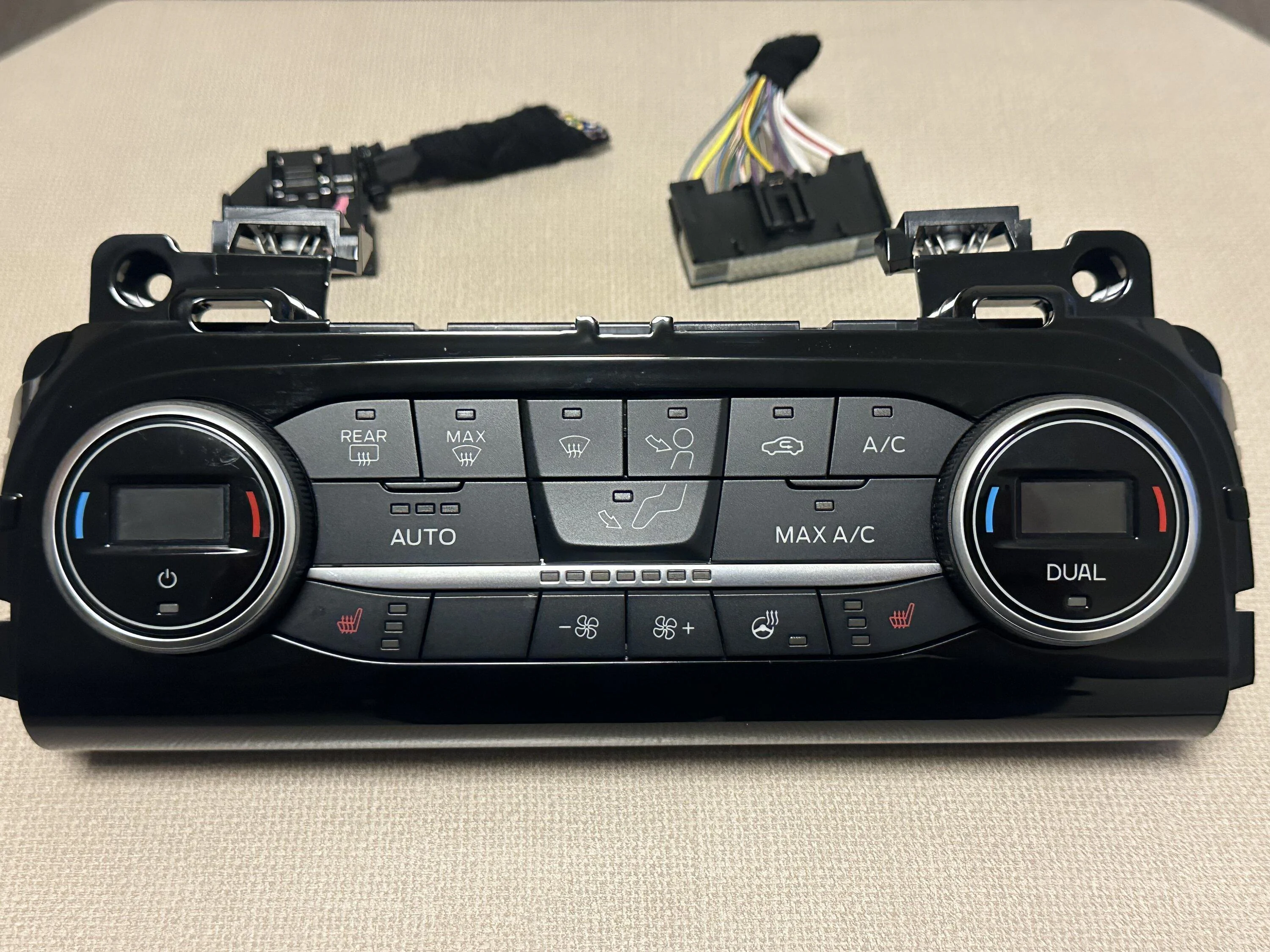
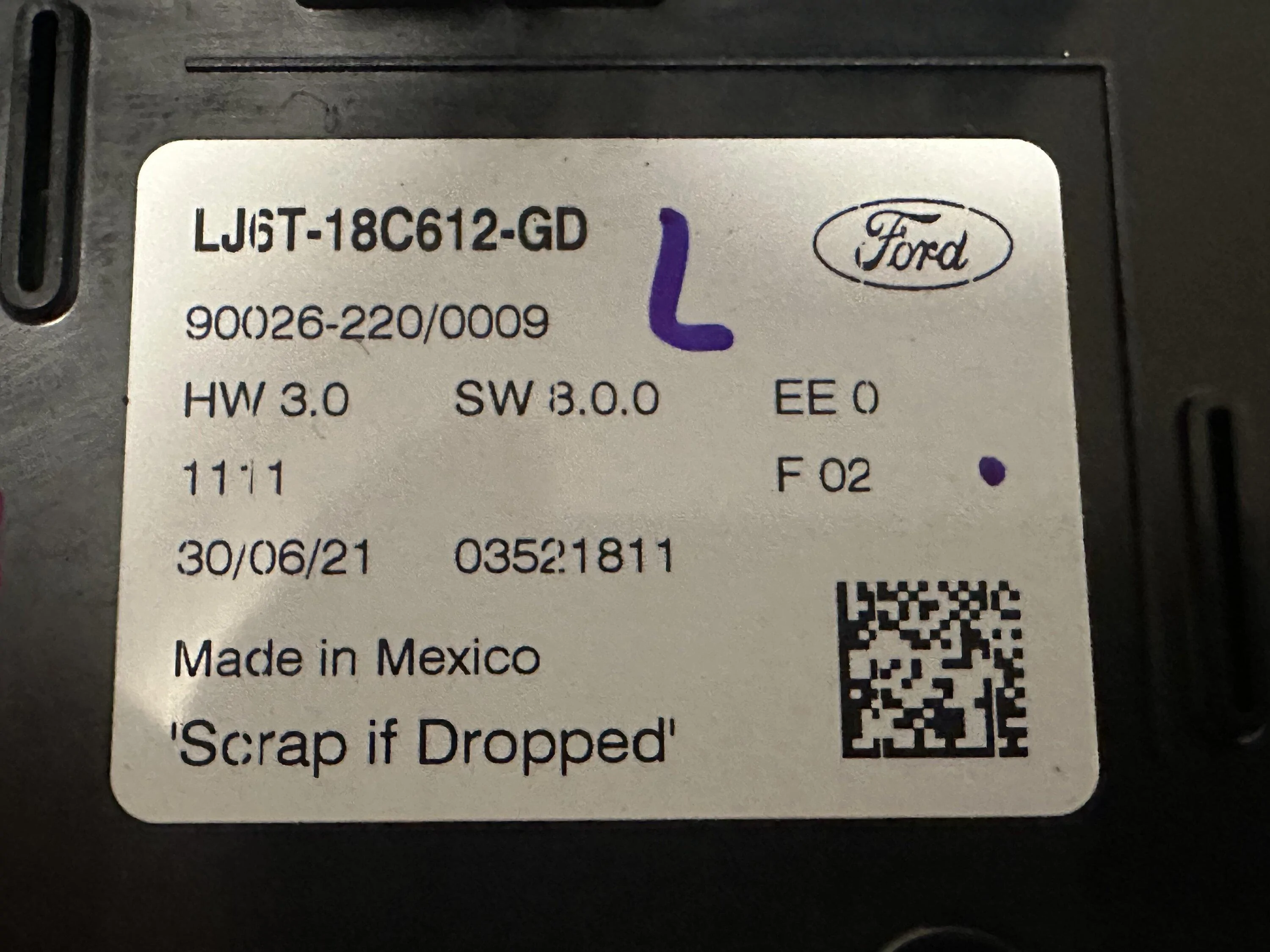
Here is the Dual Zone Control I just installed today. From a 21 escape. Part #LJ6T-18C612-GDThanks Shark. mind if I ask how you are confirming which modules are which? using VINs from older mavericks and searching that way?
I don't mind doing the research, just need to know the best method
Here is the Dual Zone Control I just installed today. From a 21 escape. Part #LJ6T-18C612-GD
![]()
![]()
![]()
Nice job, Fortunately I bought an early Maverick 12/15/2021 and it already has the digital readout on the knobs.Here is the Dual Zone Control I just installed today. From a 21 escape. Part #LJ6T-18C612-GD
![]()
![]()
![]()
LJ6T-18C612-GDHere is the Dual Zone Control I just installed today. From a 21 escape. Part #LJ6T-18C612-GD
![]()
![]()
![]()
I see, yeah forgot about that difference. Awesome workBy staying hybrid to hybrid, I didn’t need to use FORscan for it to work as expected. I do however, think there may some minor differences within the Control Module programming that could be adjusted.
That number is for hybrid with heat seat and wheel correct? I think I’m gonna do this in mine.LJ6T-18C612-LB
I believe that is a EB with heated seats and no heated steering wheel.That number is for hybrid with heat seat and wheel correct? I think I’m gonna do this in mine.
Basically once you connect FORScan you will go into the module and then click on "Save" for the AS-BUILT data. Then after you have swapped out the original HVAC module for the replacement, you will go back into FORScan and "Load" the original module date onto the replacement module.Very nice, I've been going down the rabbit hole of this topic, and I got a dual zone part # LJ6T-18C612-GB
But the vin number they provided doesn't seem to match the GB module. They seem to be advertising LJ6T-18C612-GD. My part says it was fab'd in mexico, so im not sure why this LJ6T-18C612-GB part number is so hard to find, and where I do find it is in the foreign market (russian). Anyways, I believe I can use the part with the FORScan magics.
But I am also struggling with some terminology about how to complete the update with FORScan.
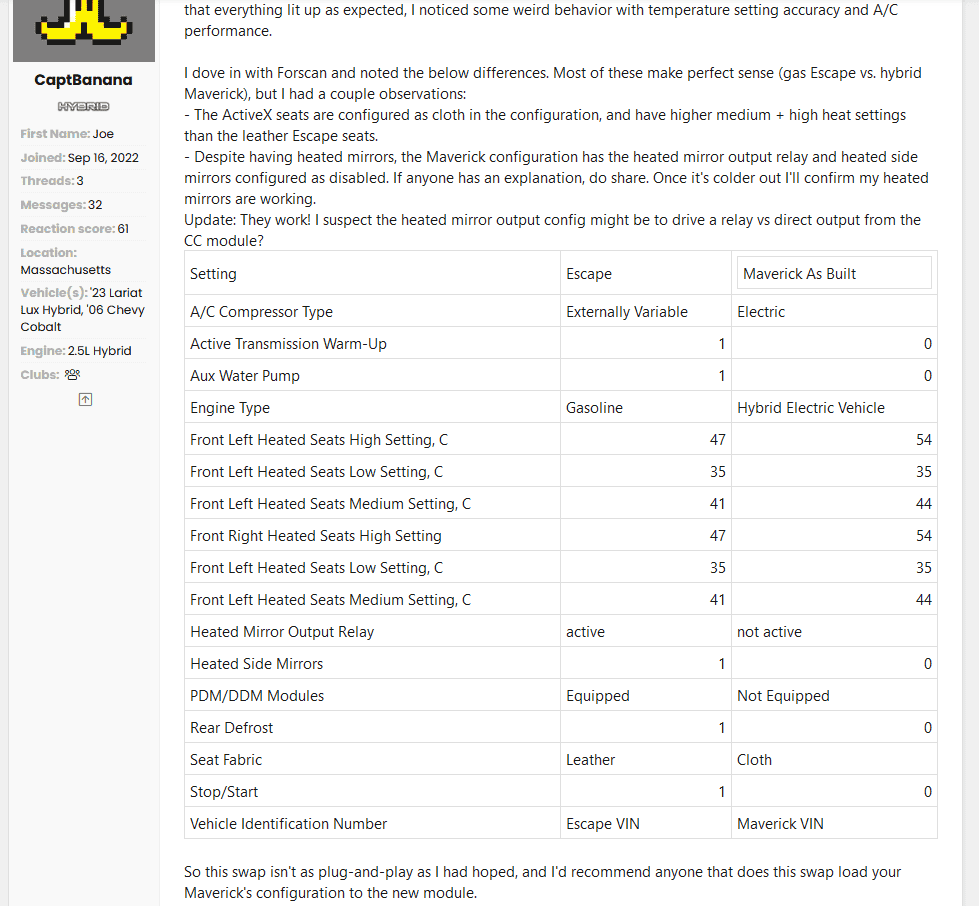
His solution was to update the module with the modules original configuration.
![]()
@CaptBanana
I see you've done a lot of research, and if you can I like to ask for your help with something.
![]()
The last sentence on the bottom of the picture says you recommend to load *your* config, So I am assuming you mean when I connect FORScan, (after the psychical module change has taken place?) or before I remove the no digital display module? Do the modules themselves hold the instructions? which would mean all modules have firmware, like a bios of a PC?