
- Joined
- Apr 4, 2022
- Threads
- 7
- Messages
- 130
- Reaction score
- 428
- Location
- Carlsbad, California
- Vehicle(s)
- Ford Maverick Hybrid, Toyota Highlander Hybrid
- Engine
- 2.5L Hybrid
- Thread starter
- #1
I just picked up an OBD2 adapter and installed ForScan to get rid of a few annoyances in my Maverick Hybrid Lariat, including the infamous double honk (which is VERY annoying) and the too easily triggered panic button on the remote. Those fixes using ForScan are all pretty well documented online, so no issues expected here.
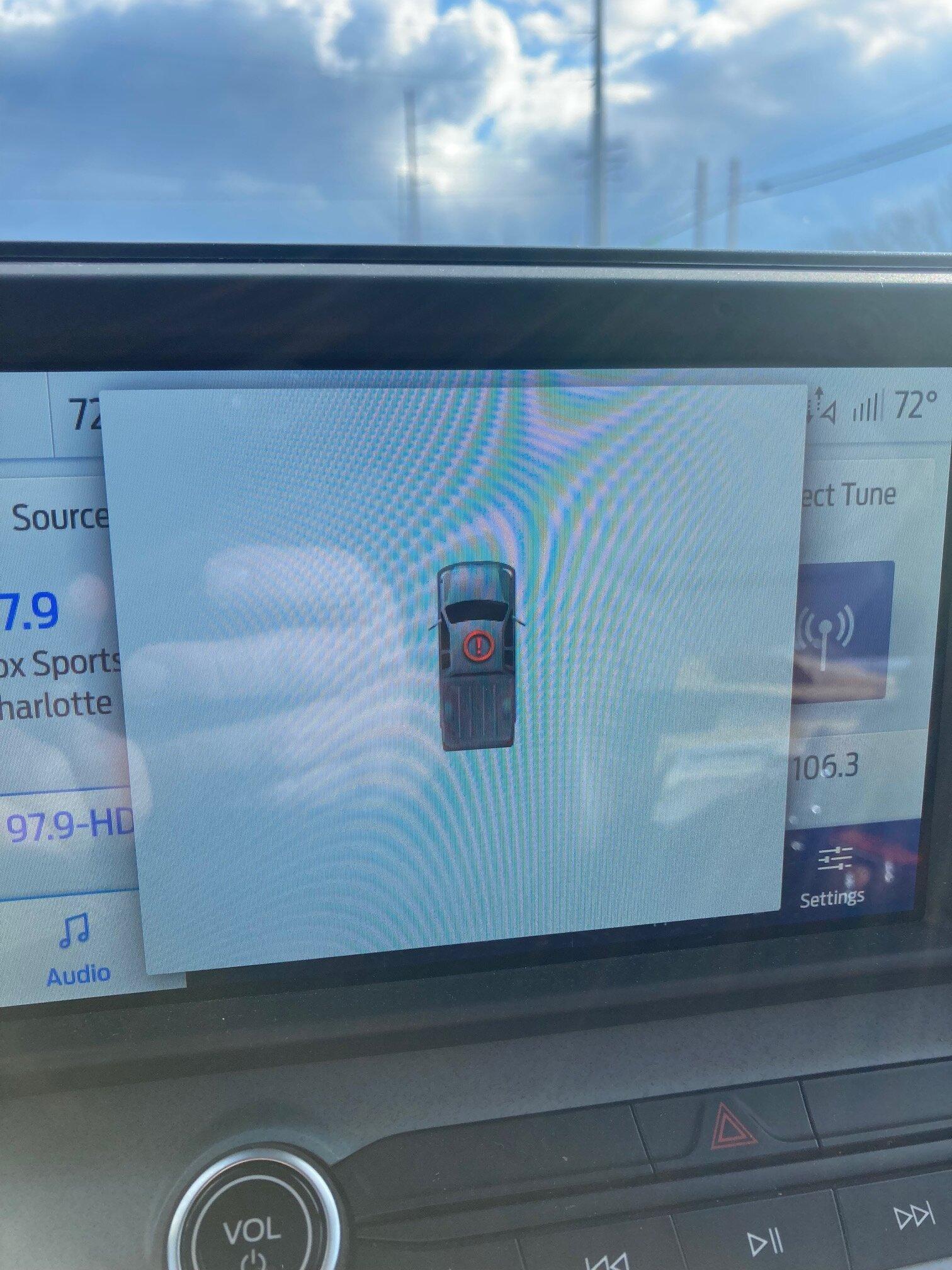
I have one more annoyance I'd love to get rid of: the excessive numbers of warning/alert popups on the instrument panel: "Vehicle is ON", "Ready to drive", "Driver door Ajar", "Trailer Attached", "Put in Park", etc. there are a lot of these!
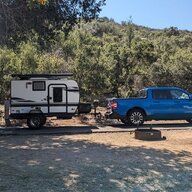
What makes this worse is that alerts can STACK on top of one another, while blocking info I'd like to see instead. And on specific alerts the system requires you to actively click "OK" to clear. With my camp trailer attached, I have to click away the "Trailer Attached" alert and wait for the "Ready to Drive" alert to disappear before being able to switch drive mode to "Tow/Haul" because the stacked popups block the view of the drive mode selection.
And even though not everyone will agree I find a good number of these popups superfluous: there's already a red warning light for a door ajar, I know when the trailer is attached, I can see when the vehicle is on, there's already a red warning light for the parking brake....
I realize it is really a minor gripe, but these popups just feel kind of ridiculous at times.
Would anyone in this community know if and how some these popups can be turned off using ForScan? There are so many variables that can be set in the vehicle's system, I'd actually be surprised if individual popup alerts could NOT be turned off!
Many thanks to anyone that may be able to help out here.
I have one more annoyance I'd love to get rid of: the excessive numbers of warning/alert popups on the instrument panel: "Vehicle is ON", "Ready to drive", "Driver door Ajar", "Trailer Attached", "Put in Park", etc. there are a lot of these!
What makes this worse is that alerts can STACK on top of one another, while blocking info I'd like to see instead. And on specific alerts the system requires you to actively click "OK" to clear. With my camp trailer attached, I have to click away the "Trailer Attached" alert and wait for the "Ready to Drive" alert to disappear before being able to switch drive mode to "Tow/Haul" because the stacked popups block the view of the drive mode selection.
And even though not everyone will agree I find a good number of these popups superfluous: there's already a red warning light for a door ajar, I know when the trailer is attached, I can see when the vehicle is on, there's already a red warning light for the parking brake....
I realize it is really a minor gripe, but these popups just feel kind of ridiculous at times.
Would anyone in this community know if and how some these popups can be turned off using ForScan? There are so many variables that can be set in the vehicle's system, I'd actually be surprised if individual popup alerts could NOT be turned off!
Many thanks to anyone that may be able to help out here.
Sponsored
Last edited: