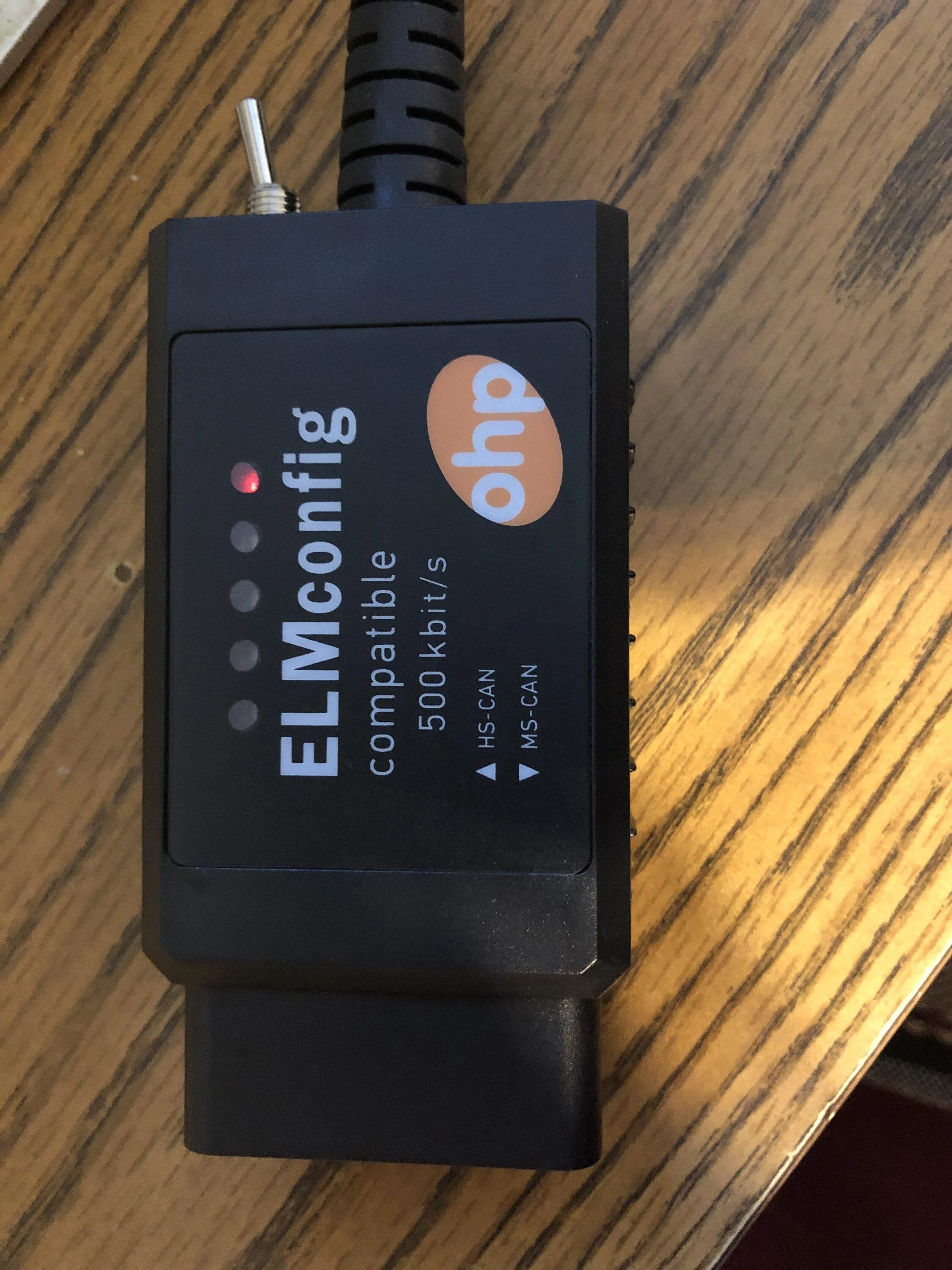
As a quick followup:
I had also installed FORScan into a Windows XP PC, but it didn't work there either. I found it was because of the drivers I had installed. I had follow instructions for generic FTDI devices and I needed to install the specific driver pointed to by the company's Amazon page. Once I removed the other drivers and installed the correct one, the Windows XP version worked just great. I have now made the modifications I wanted.
Okay reviving this. I got it to work on my M2 Mac air. Using Homebrew and Wine. My issue is the fact that it takes 15 minutes just to get some modules to show up. Tried increasing the baud rate only to have it fail. Most I could get it to was like 37 kbps. Any chance there’s anyone with a workaround?