
- Joined
- May 29, 2024
- Threads
- 31
- Messages
- 8,048
- Reaction score
- 14,145
- Location
- Central Nevada & Utah
- Vehicle(s)
- Maverick XLT Hybrid
- Engine
- 2.5L Hybrid
I'm guessing, you didn't know Maverick has a OEM rubber pad inside the cubby that has to be removed before you can put the insert in? It Blends in real well. Some other folks have forgotten to remove it until they were advised.Bought the magnetic phone holder only... Just sent it back after having about a week. 1st... Could never get the insert to fully go into the space... Stuck out over 1/2". YouTube shows just inserting oh so easy. NADA... Never did get it fully inserted. Backing on metal ring that you have to attach to the back of your phone is not strong enough to compensate for the pull of the magnet. At first I thought it was me, but when trying to detach the unit, sometimes half the ring would come loose from the phone case, with it bending often... I would straighten and reattach. Each time this happened it got worse. Today it ended on the floor twice while driving to vote. Each time the ring came loose from my phone case... Enough is a enough. Guess I will stay with my cup holder phone holder...
I am confident in saying, you forgot to remove the rubber pad that's in the bottom of the Maverick's cubby before trying to insert the Mabett insert. As my photos illustrate
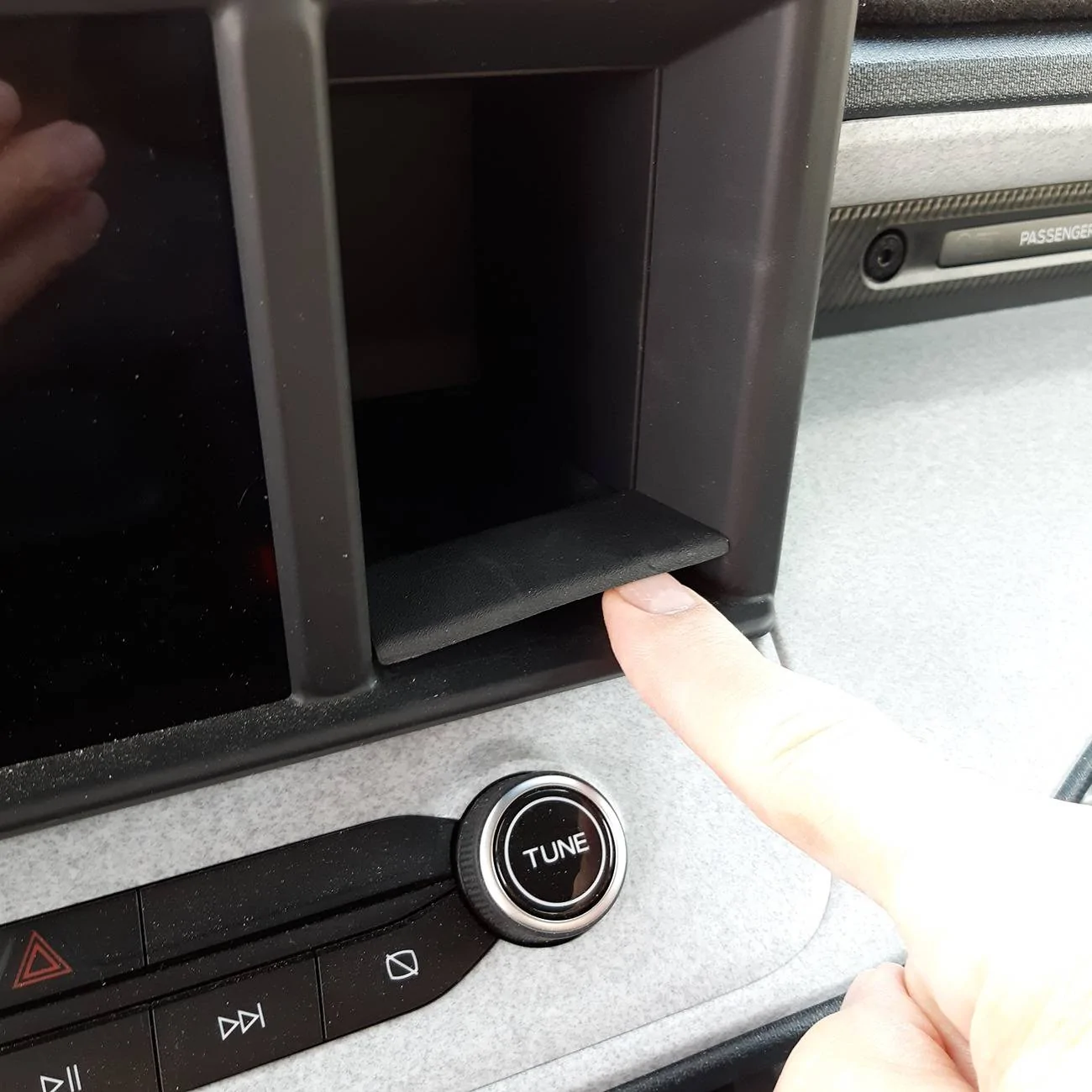
This is the
 oem rubber pad that needs to be removed before you put the Mabett insert in....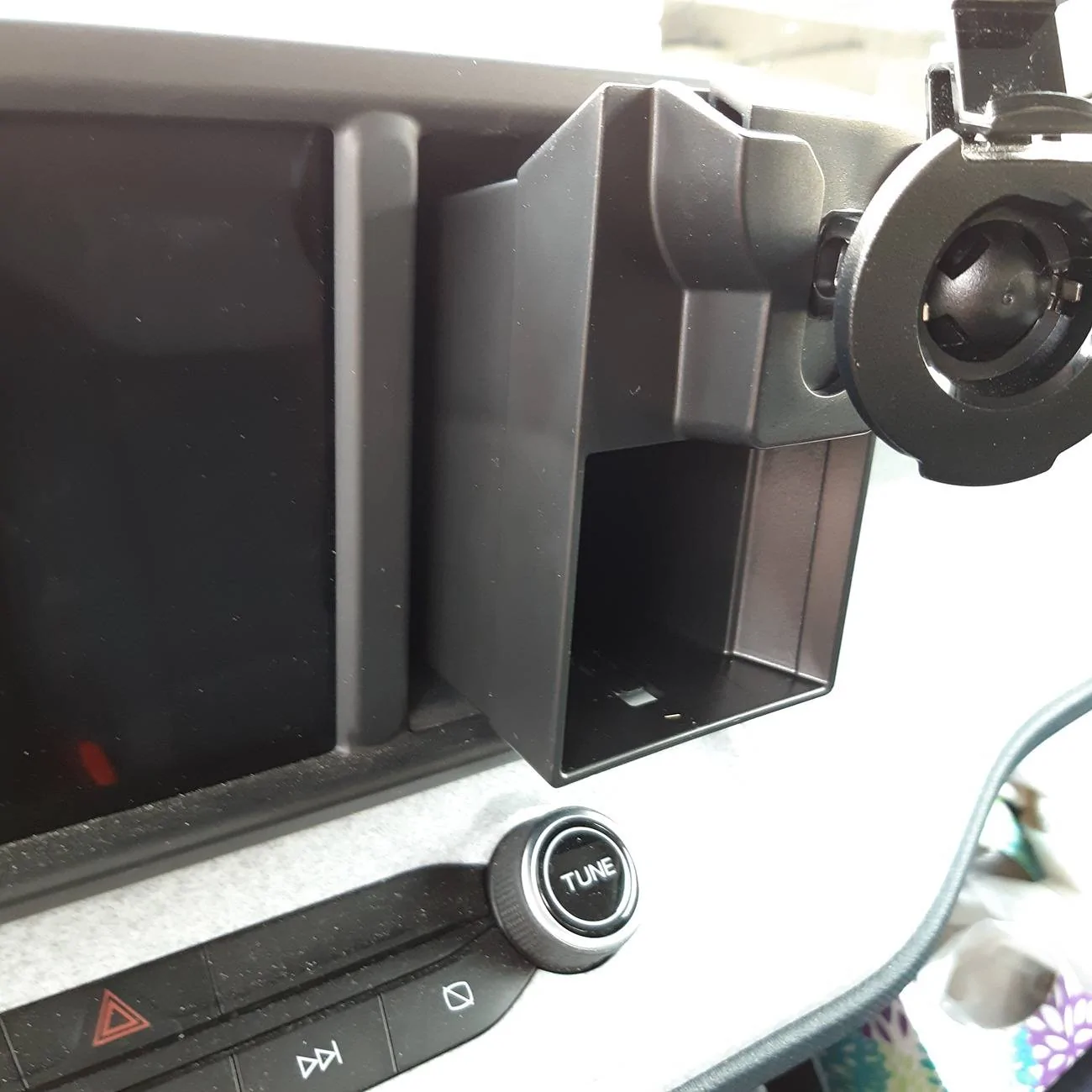
This is what you end up with
if you try to put the insert into the cubby without removing the rubber pad kind of what you described over 1/2" left sticking out..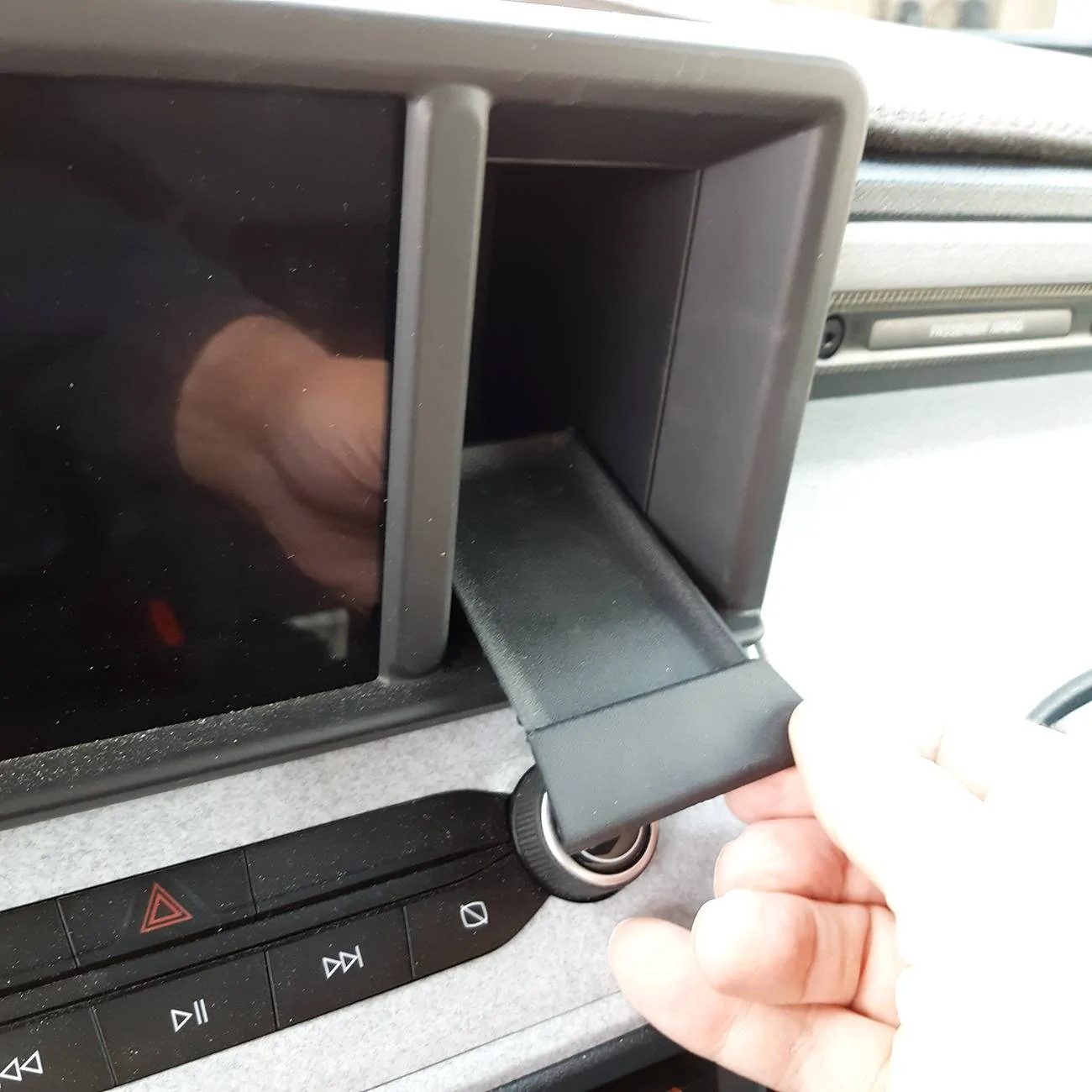
This is the rubber pad you must remove before you try putting the insert into the cubby....
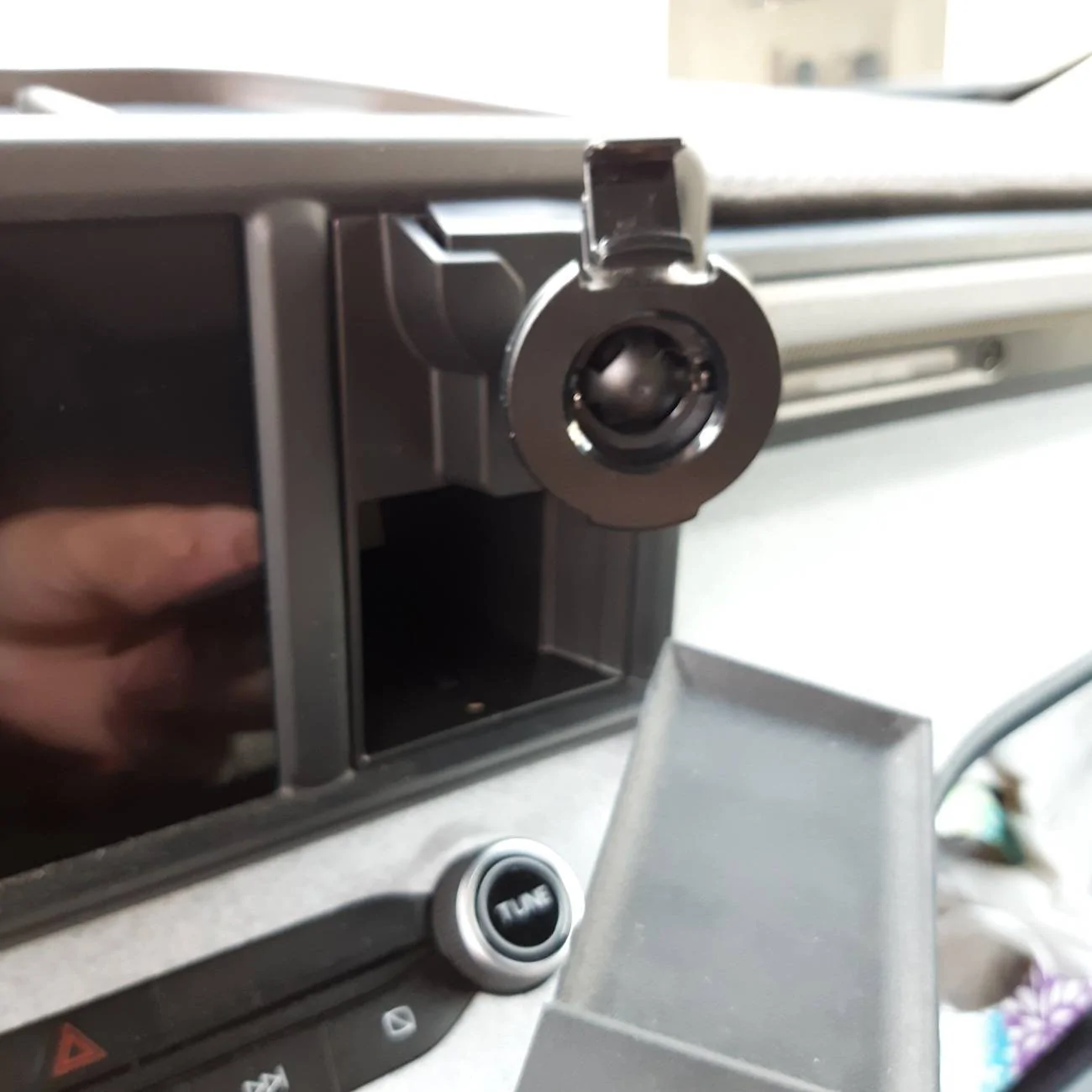
Once the rubber insert is removed the cubby slides in and SNAPS securely into place perfectly.
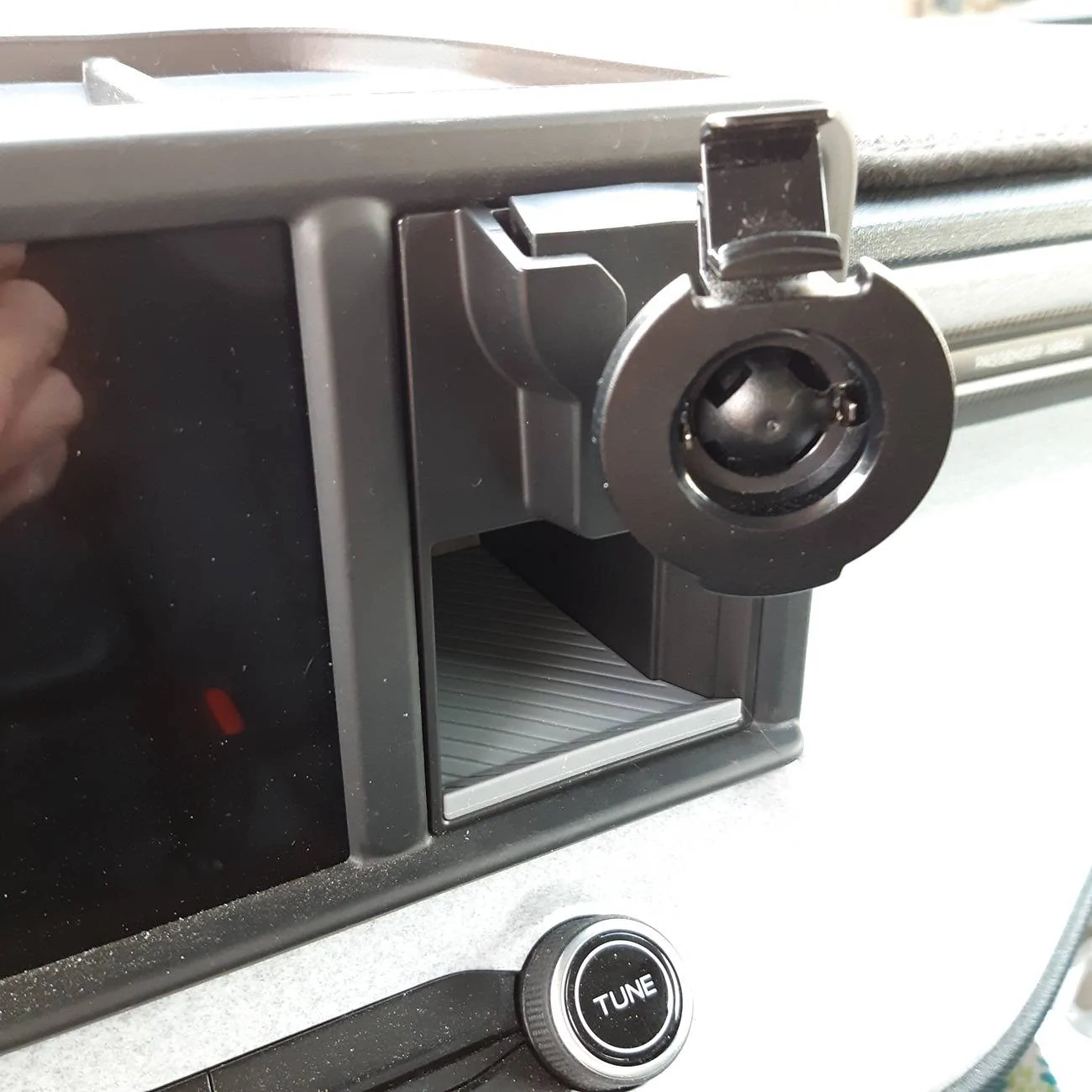
Then all you have to do is replace the rubber pad that came with the Mabett insert in the bottom as shown.
Sponsored
Last edited: