
- First Name
- Eric
- Joined
- Mar 21, 2025
- Threads
- 20
- Messages
- 160
- Reaction score
- 91
- Location
- Hampton, VA
- Vehicle(s)
- 2024 Maverick
- Engine
- 2.5L Hybrid
- Thread starter
- #1
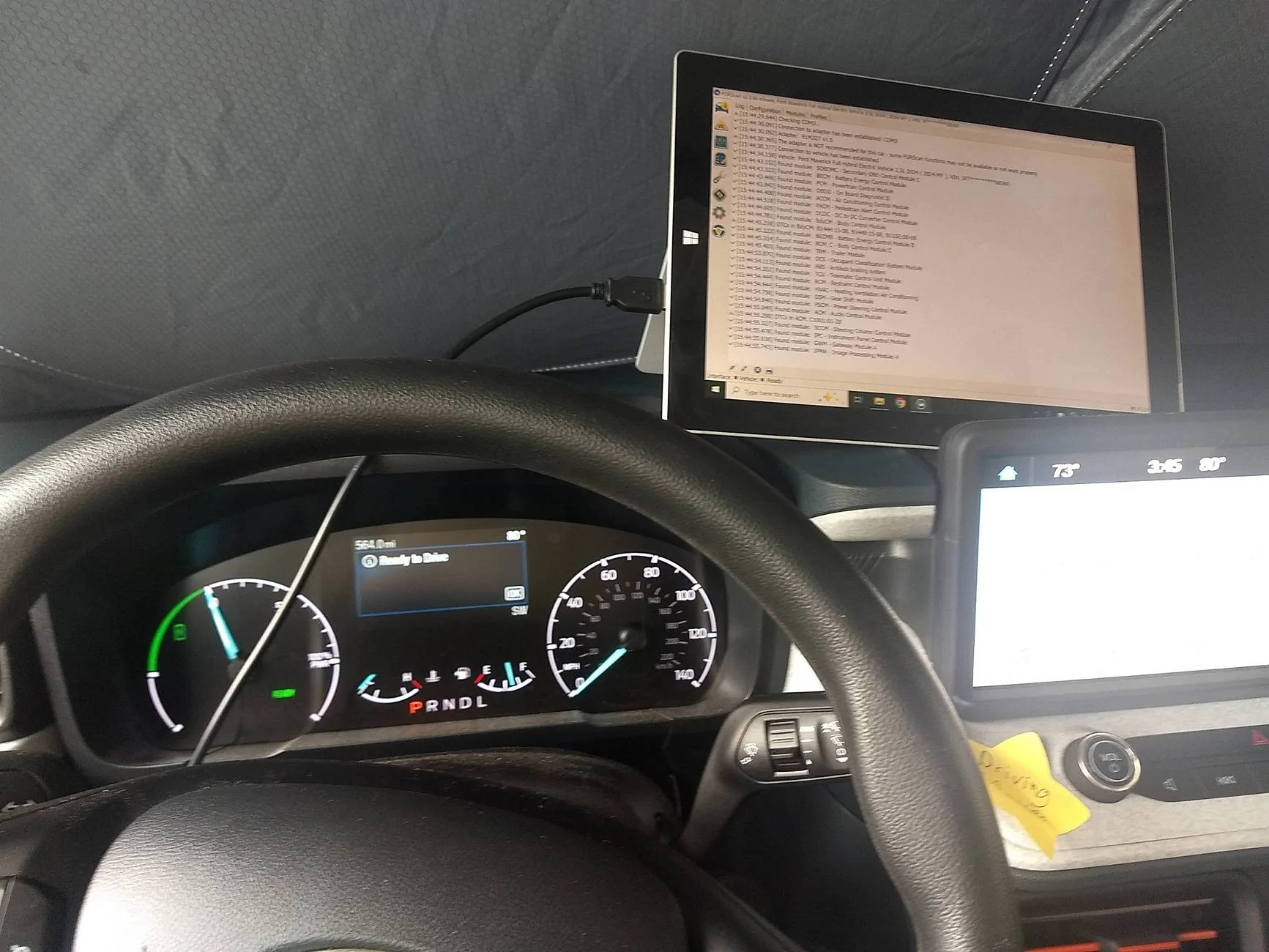
I looked for this or something similar and could NOT find it about all the options that ForScan exposes at least on the friendly screens. I dont know why it was so hard to make the UI of ForScan better.
Doc was created with Win 10 Wordpad.
Link to the smaller file size Open Office format (both are the same). I don't know why Google Docs thinks this is 150pages, its 50 and mostly screen shots (the extra pages seem to be large font versions of the pasted screenshot that are blank):
https://docs.google.com/document/d/...ouid=118413403188849313761&rtpof=true&sd=true
Win 10 WordPad can open either one but does not support "Open With" at least as far as I can tell.
Please advise here if the links don't work. It should be open to anyone with a link and I wont be responding to request for access. I already made that mistake.
Open Office XML is attached. RTF version is too large for this platform. If any errors are found, I will probably only fix on the Google Drives version. Never Mind. If I upload a fixed version, it will probably get a new GUID. I would have done it all in Google Docs but there is no clipboard support there. I checked.
EDIT: 17 May - Fixed Link and some formatting.
EDIT: 19 May - Added lots that i missed about the Body Control Modules details to the Google Doc version. Attached Open Office does not have these. Removed the RTF version.
Doc was created with Win 10 Wordpad.
Link to the smaller file size Open Office format (both are the same). I don't know why Google Docs thinks this is 150pages, its 50 and mostly screen shots (the extra pages seem to be large font versions of the pasted screenshot that are blank):
https://docs.google.com/document/d/...ouid=118413403188849313761&rtpof=true&sd=true
Win 10 WordPad can open either one but does not support "Open With" at least as far as I can tell.
Please advise here if the links don't work. It should be open to anyone with a link and I wont be responding to request for access. I already made that mistake.
Open Office XML is attached. RTF version is too large for this platform. If any errors are found, I will probably only fix on the Google Drives version. Never Mind. If I upload a fixed version, it will probably get a new GUID. I would have done it all in Google Docs but there is no clipboard support there. I checked.
EDIT: 17 May - Fixed Link and some formatting.
EDIT: 19 May - Added lots that i missed about the Body Control Modules details to the Google Doc version. Attached Open Office does not have these. Removed the RTF version.
Sponsored
Attachments
-
7.5 MB Views: 174
Last edited: