Sponsored

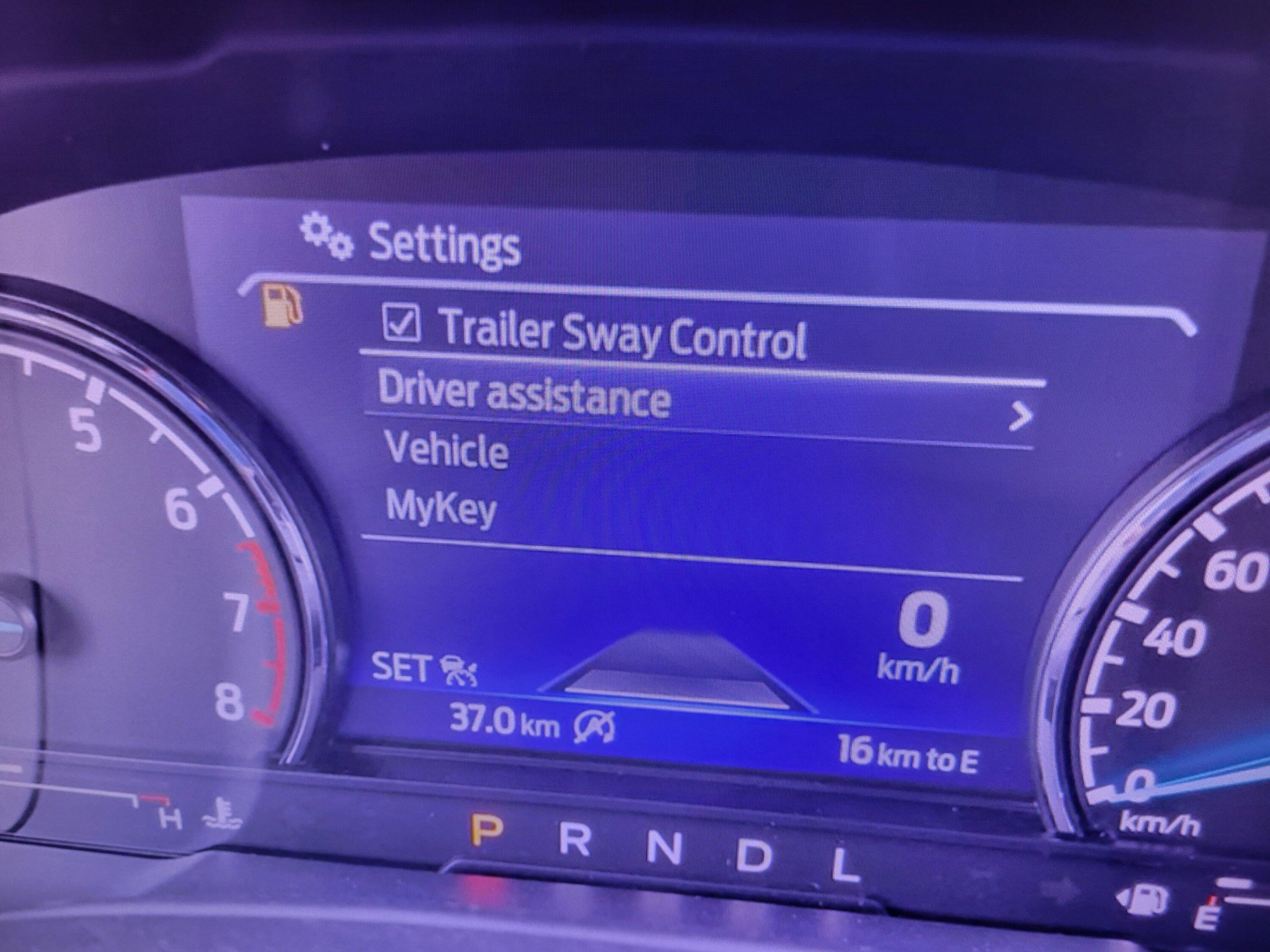
Almost All Settings Are Missing

OP
OP

YazYaz

2.5L Hybrid
Well-known member
Joined
Oct 24, 2021
Threads
53
Messages
538
Reaction score
754
Location
Northeast
Vehicle(s)
2019 Ford Escape
Engine
2.5L Hybrid
On the road at the moment so forgive me if you have already received your answer.

On your instrument panel screen:

You have to press the "OK" button on your steering wheel with "Driver Assistance " or "Vehicle" menu highlighted to access the sub menus you want.

If you are missing some of those menus, confirm on your window sticker that the truck was built with the co-pilot 360 assist package.
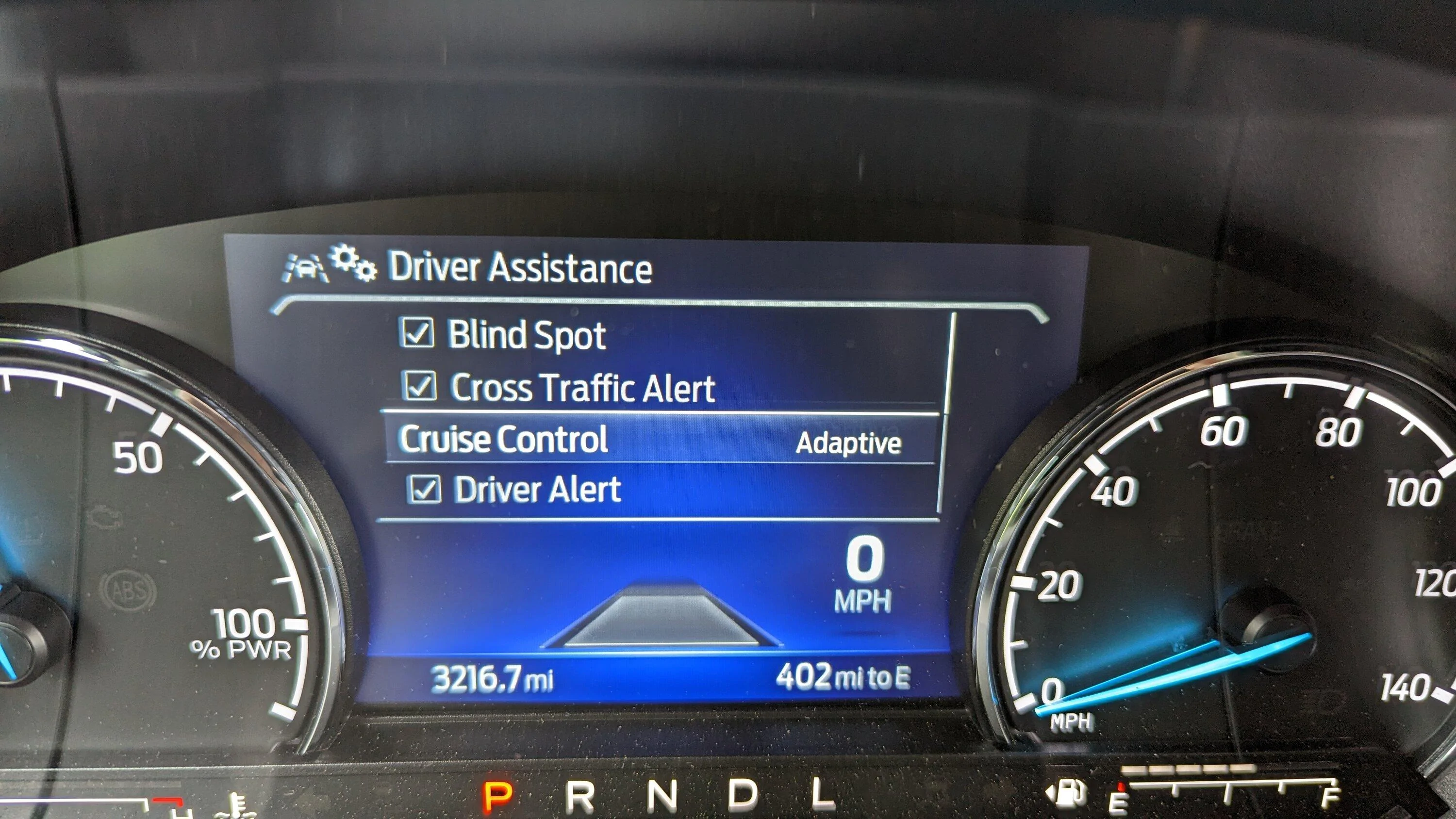
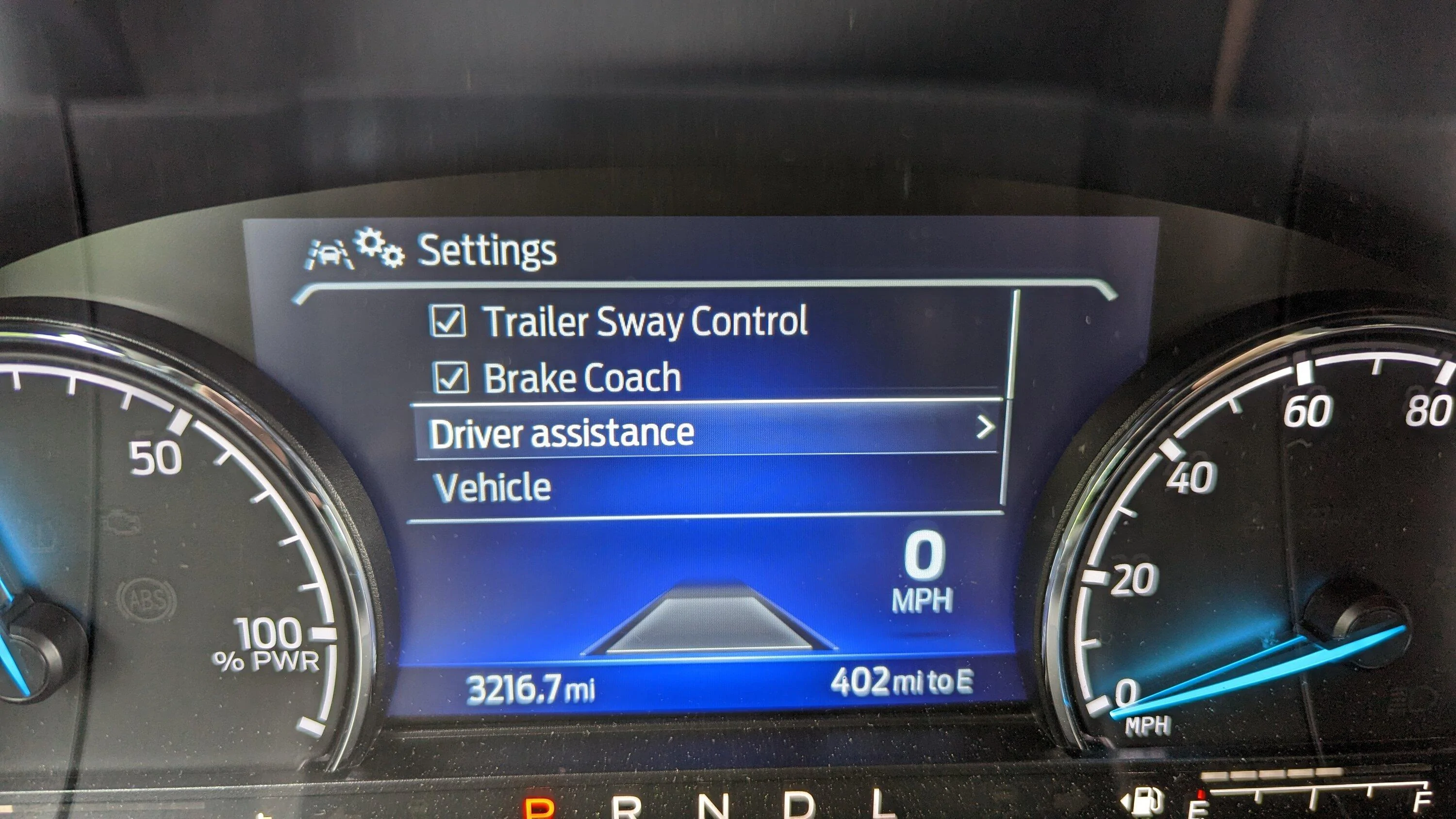
PXL_20230604_152402623.jpg
PXL_20230604_152347616.jpg
Unable to highlight or select them because they don't exist. Thanks,
Sponsored

 
OP
OP

YazYaz

2.5L Hybrid
Well-known member
Joined
Oct 24, 2021
Threads
53
Messages
538
Reaction score
754
Location
Northeast
Vehicle(s)
2019 Ford Escape
Engine
2.5L Hybrid
Is one of your keys set up with the MyKey? MyKey is essentially "valet" or "teenager" mode and severely limts the options you get in the truck.

Try your other keys and see if that changes it.
Tried. No effect.
 

eayze

2.5L Hybrid
Member
First Name
eric
Joined
May 18, 2023
Threads
0
Messages
12
Reaction score
18
Location
SE MISSOURI
Vehicle(s)
2023 ford mav xl
Engine
2.5L Hybrid
you must scroll down in the settings put your finger on the far right and slide down
 

RocketJockey83

2.5L Hybrid
Well-known member
First Name
Darren
Joined
Aug 18, 2021
Threads
0
Messages
68
Reaction score
109
Location
Colorado
Vehicle(s)
2012 Prius c
Engine
2.5L Hybrid
I've lost most of the settings as well. Only mykey is available. Drivers side touch unlock speed working so was going to reactivate it in settings but everything is gone. Were there previously.
 

RocketJockey83

2.5L Hybrid
Well-known member
First Name
Darren
Joined
Aug 18, 2021
Threads
0
Messages
68
Reaction score
109
Location
Colorado
Vehicle(s)
2012 Prius c
Engine
2.5L Hybrid
Solved! As earlier posted, I was originally having trouble with the drivers side touch lock/unlock function. i found a fix for that which meant going to the lock menu in the vehicle settings menu. But like the original post, all settings in that menu except mykey was missing. I just happened to be thinking about it as I was driving home and decided to check settings again and voila! It was all back! Having the vehicle in drive or in motion apparently brought it back although I still couldn't access much until I was stopped. Give that a try and good luck!
 

Sponsored

AutobahnSHO

2.5L Hybrid
Well-known member
First Name
Will
Joined
Oct 11, 2021
Threads
18
Messages
2,113
Reaction score
2,277
Location
S.Carolina
Vehicle(s)
Maverick, Miata
Engine
2.5L Hybrid
Truck has to be in Park for some settings?

(read the manual :D )
 

Maverick2022XL

2.0L EcoBoost
Well-known member
First Name
name
Joined
Jan 13, 2022
Threads
19
Messages
1,285
Reaction score
1,268
Location
hinterlands
Vehicle(s)
2022 Ford Maverick XL, AWD, 4K tow, 2.0L EcoBoost
Engine
2.0L EcoBoost
I didn't activate My key and I have all the options. I see no benefits with My key.
I meant for the mykey settings not the other items. Those get greyed out when the truck is moving. Though at least on the 4 inch cluster screen you can get to them even when the truck is moving if you go into the settings for lane keep settings window.
Sponsored


Top