
- Thread starter
- #1
Only 100 miles into it with my XL. Sort of like an extended test drive but with time to peek and poke around the vehicle.
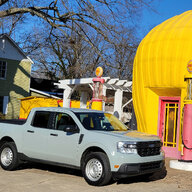
My mav is an XL, Ecoboost AWD, 4K towing, CoPilot 360, 400w in cab outlet, full size spare, spray in bed liner.
I've previously owned a 1990 Nissan Hardbody and currently a 1st Gen Tundra Access Cab. And some other assorted sports car, mini vans and sedans.
Size: The Mav is about 16" shorter than the Tundra, narrower and inches lower in height. From the outside, the width and height is most noticeable. The smaller bed is also something that draws comments. A lift would definitely give the truck more presence.
Interior space is decent. I'm 6'2", and find the drivers seat providing good head room. I have the seat up two strokes of the height adjustment lever from the bottom, and have 2-1/2" of head room. The passenger seat height is fixed and if I sit there, I have about 1" of head room. Legroom is good front and back - behind the drivers seat, with it adjusted for my driving position, I can fit - my legs are splayed out just a bit to accommodate the drivers seatback.
Front shoulder and hip room are okay - two large guys sitting in the front will feel cozy, but not tight. It doesn't match the shoulder room of my Tundra, and it feels just a bit narrower than a current gen Subaru Outback.
Driving position is good - the seat height above the floor is comfortable, though I wish for a bit more rake on the instrument panel, it feels too vertical. The roofline seems a bit too far forward- for tall drivers with the seat pushed back for the proper distance, the view out the windshield, top to bottom, is a bit narrow for my like, seeing the traffic lights may involve craning the neck a bit. The rearview mirror and forward facing camera cluster is a bit big and can obstruct sight lines to the right (the occasional blocking of pedestrians at street corners). Side mirrors seem to be placed well with good range of adjstability to get the blind spot coverage.
Getting in and out of the truck is good. The door opening width and seat height is just right for me, no climbing up nor dropping down to get in. Opening the door and closing the doors seem to take about the right effort and the door stop checks have decent intermediate stop points for ingress and egress and seem to hold the door open when parked sideways on a hill.
Fit and finish is what one can expect out of the price point. I'm not liking the mold lines that I can feel on the plastic parts, and may have to take some fine grit sand paper to smooth the edges on places like the door handles and arm rest areas. Assembly seems tight as there are no initial rattles or creaks.
User interface: Yay for knobs to control the fan speed and temperature. Boo on the use of a rotary knob for gear selection (bring back the column shifter!).
Truck bed. This is where the Maverick is going to have to prove itself to me. It's dang small. And the "Flex Bed" features are things that exist on other trucks for years - nothing truly novel here, just features that are expected and should be delivered on all trucks. I'm a bit disappointed in the factory provided spray in bed liner. The coverage is thick and seems decent but the factory masked around the side cubby covers so the application of the liner is not to the edge of the cubby opening. Not a life altering issue.
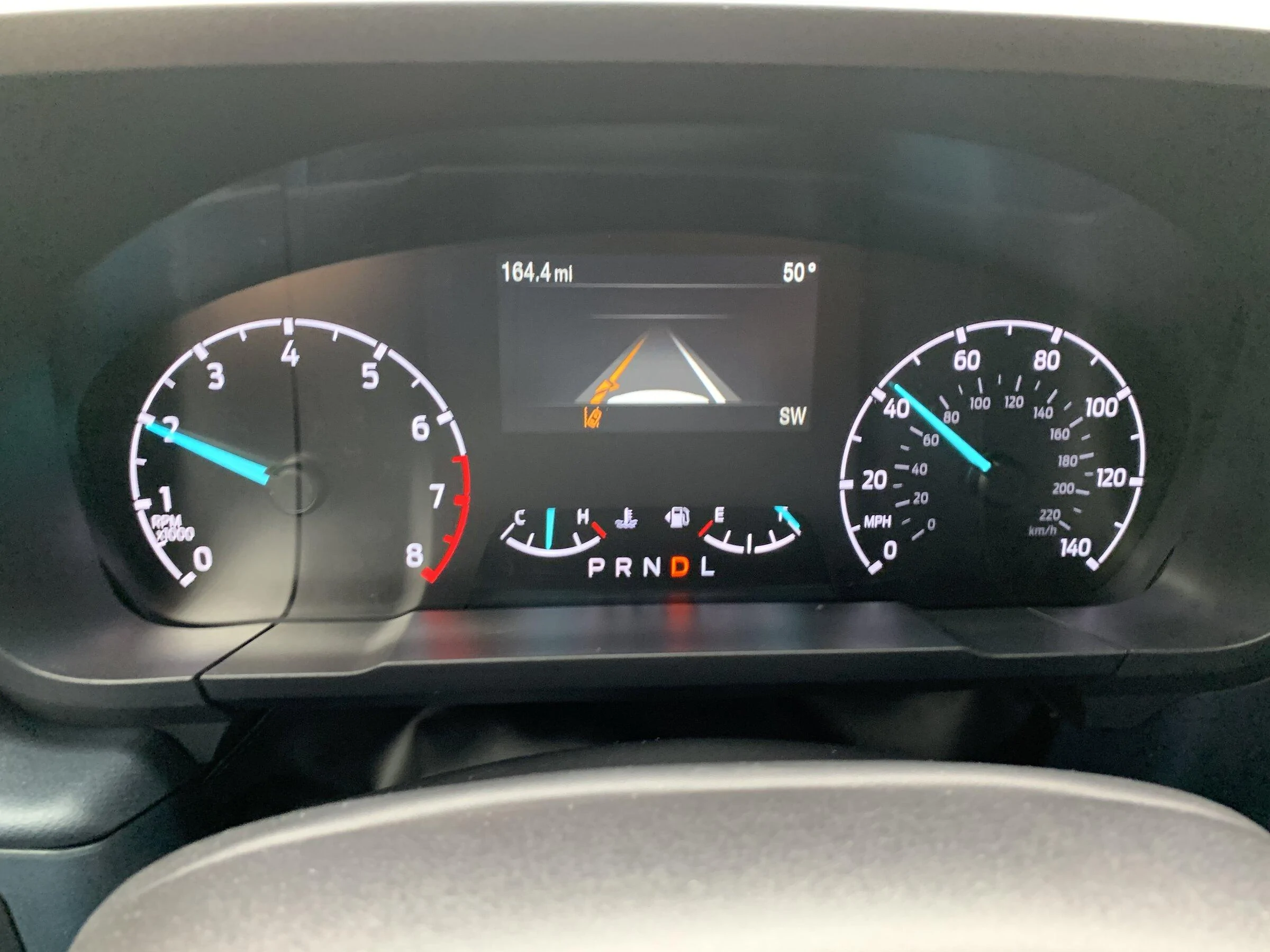
CoPilot 360 - I got it for the cross traffic sensors. Backing up a loaded truck can be tough so I wanted to ensure I didn't get clipped by some idiot in a parking lot. The lane keeping nannies are just okay - the steering wheel vibration when straying from the lane is adjustable, at the normal setting it's a bit less than one would feel driving over some rumble strips. I need to evaluate the lane keeping aid further as it didn't seem as aggressive as the Subaru Eyesight system which I found too aggressive (in certain situations I've found the Subaru system gets me to a point of unintended oscillations). When activating the Lane Keeping Aids, there was no noticeable affects on the steering, in contrast, the Subaru Eyesight system seems to make the steering a bit heavier.
I can't gush about this truck just yet. It seems good, it offers a lot and provides good economy. But I'm coming from a damn good pickup truck (except fuel economy) so the bar is high.
HiYoAu
My mav is an XL, Ecoboost AWD, 4K towing, CoPilot 360, 400w in cab outlet, full size spare, spray in bed liner.
I've previously owned a 1990 Nissan Hardbody and currently a 1st Gen Tundra Access Cab. And some other assorted sports car, mini vans and sedans.
Size: The Mav is about 16" shorter than the Tundra, narrower and inches lower in height. From the outside, the width and height is most noticeable. The smaller bed is also something that draws comments. A lift would definitely give the truck more presence.
Interior space is decent. I'm 6'2", and find the drivers seat providing good head room. I have the seat up two strokes of the height adjustment lever from the bottom, and have 2-1/2" of head room. The passenger seat height is fixed and if I sit there, I have about 1" of head room. Legroom is good front and back - behind the drivers seat, with it adjusted for my driving position, I can fit - my legs are splayed out just a bit to accommodate the drivers seatback.
Front shoulder and hip room are okay - two large guys sitting in the front will feel cozy, but not tight. It doesn't match the shoulder room of my Tundra, and it feels just a bit narrower than a current gen Subaru Outback.
Driving position is good - the seat height above the floor is comfortable, though I wish for a bit more rake on the instrument panel, it feels too vertical. The roofline seems a bit too far forward- for tall drivers with the seat pushed back for the proper distance, the view out the windshield, top to bottom, is a bit narrow for my like, seeing the traffic lights may involve craning the neck a bit. The rearview mirror and forward facing camera cluster is a bit big and can obstruct sight lines to the right (the occasional blocking of pedestrians at street corners). Side mirrors seem to be placed well with good range of adjstability to get the blind spot coverage.
Getting in and out of the truck is good. The door opening width and seat height is just right for me, no climbing up nor dropping down to get in. Opening the door and closing the doors seem to take about the right effort and the door stop checks have decent intermediate stop points for ingress and egress and seem to hold the door open when parked sideways on a hill.
Fit and finish is what one can expect out of the price point. I'm not liking the mold lines that I can feel on the plastic parts, and may have to take some fine grit sand paper to smooth the edges on places like the door handles and arm rest areas. Assembly seems tight as there are no initial rattles or creaks.
User interface: Yay for knobs to control the fan speed and temperature. Boo on the use of a rotary knob for gear selection (bring back the column shifter!).
Truck bed. This is where the Maverick is going to have to prove itself to me. It's dang small. And the "Flex Bed" features are things that exist on other trucks for years - nothing truly novel here, just features that are expected and should be delivered on all trucks. I'm a bit disappointed in the factory provided spray in bed liner. The coverage is thick and seems decent but the factory masked around the side cubby covers so the application of the liner is not to the edge of the cubby opening. Not a life altering issue.
CoPilot 360 - I got it for the cross traffic sensors. Backing up a loaded truck can be tough so I wanted to ensure I didn't get clipped by some idiot in a parking lot. The lane keeping nannies are just okay - the steering wheel vibration when straying from the lane is adjustable, at the normal setting it's a bit less than one would feel driving over some rumble strips. I need to evaluate the lane keeping aid further as it didn't seem as aggressive as the Subaru Eyesight system which I found too aggressive (in certain situations I've found the Subaru system gets me to a point of unintended oscillations). When activating the Lane Keeping Aids, there was no noticeable affects on the steering, in contrast, the Subaru Eyesight system seems to make the steering a bit heavier.
I can't gush about this truck just yet. It seems good, it offers a lot and provides good economy. But I'm coming from a damn good pickup truck (except fuel economy) so the bar is high.
HiYoAu
Sponsored
Last edited: